Invoicing software with a client portal
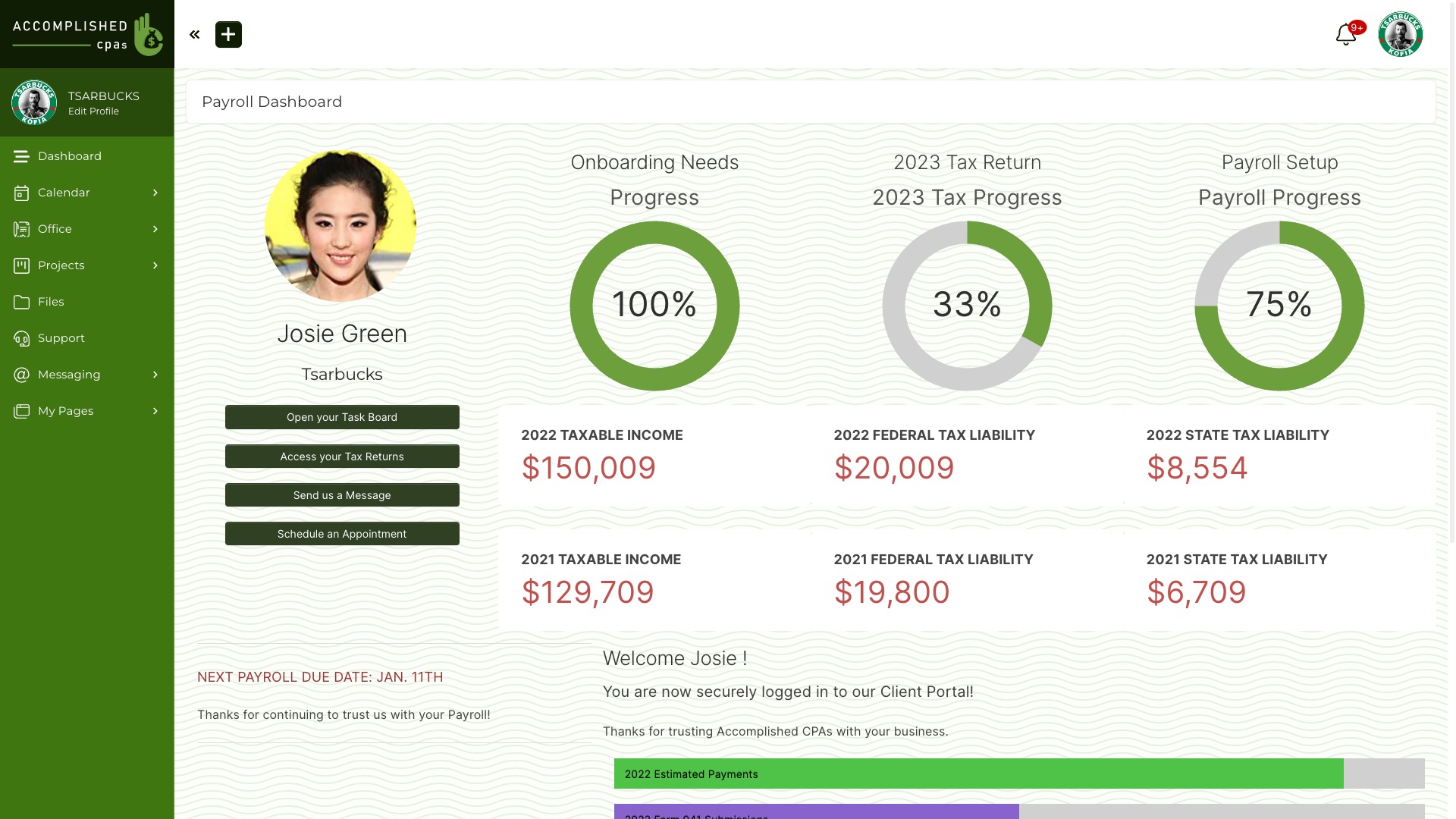
Invoicing software with a client portal lets clients open the bill, see the project context and pay without a separate inbox thread. SuiteDash puts invoices on the same branded portal as files and projects, on a single shared data layer with 25+ toolkits and unlimited users at one price, not per user.
Who is invoicing software with a client portal for?
A client portal can suit service businesses that want clients to find invoices alongside the work and files you choose to share. A business that only needs a checkout or accounting ledger may prefer a focused tool.
Compare invoicing and client access
SuiteDash: Connect invoicing, projects and a branded client portal in one workspace. Check plan features, permissions, payment gateway availability and optional service charges.
FreshBooks: Compare its invoicing, payment and client-facing workflow. Check current plan/features.
Stripe Invoicing: Compare invoice delivery and payment collection with your portal needs. Check current plan/features.
QuickBooks Online: Compare invoicing with your accounting and client-access needs. Check current plan/features.
Rated 4.8 out of 5 from 600+ reviews on G2 (as of November 2026). Read reviews on G2.
Example: plan a coaching client journey
The Workflow Designer Business Coaching Starting Point describes a Proposal and Document for Digital Signature, then Pay Invoice and onboarding that includes a Client Folder and Portal Access. Selecting the Starting Point fills a description box; you still build and configure your workflow.
Test your own sequence: send the invoice, have the client pay, and provide portal access and the information they need. The example does not say that time entries automatically create an invoice.
You also get everything else, pre-integrated
You get 25+ toolkits on a single shared data layer, including CRM, projects, time, files, the client portal and invoicing. Plan availability, optional services and configuration matter; check the features and settings for your workflow.
Questions to ask before choosing
Can clients pay in a branded portal? Check the portal branding controls, supported payment gateways and the exact client invoice view on the plan you choose.
Can I handle recurring invoices? Compare recurring billing features and any plan or payment-processing conditions.
Does every invoice appear to the client? Check invoice status and visibility before sharing access; draft invoices are not client-facing open invoices.
Related resources
Explore invoicing software, client portal software, flat-rate CRM with unlimited users, and the invoicing software comparison. Check current pricing.