Recurring Billing & Subscription Plans
For the services you sell to your Clients
A repeat charge. One connected Client journey.
Make the first sale once, then let SuiteDash charge the authorized payment method on the schedule you set. Subscription Plans live beside your CRM, Invoices, Portal and Automations.

Turn ongoing work into a connected Client relationship
You sell a monthly service. The Client agrees to the first Invoice, then the next payment needs to happen on time, the right people need to know whether it succeeded, and access to the work needs to stay in step with the relationship. SuiteDash gives you a native Subscription Plan engine inside the same Platform you use for CRM, Invoices, the Client Portal and Automations.
Create the plan once, connect it to an Item or Package, and include it in an Invoice or Estimate. After the Client makes the first payment with a supported gateway, SuiteDash charges the authorized payment method on the schedule you set. You can combine an initial one-time charge with an ongoing subscription on the same Invoice: a setup fee today and a monthly retainer afterward, for example. Learn how Subscription Plans work.
One Client. One billing relationship. The rest of the journey connected.
Built for the services and memberships you actually sell
An agency can bill a one-time website build alongside ongoing maintenance. A consultant can put a monthly advisory retainer on a schedule. A membership business can connect a paid plan to the branded Portal experience. A training business can use plan-based access to organize the content its members see. These are different relationships, but they share one need: payment, access and follow-up should refer to the same Client record.
SuiteDash is strongest when billing is part of continuing service. Your team can see the Client in CRM, deliver the work in Projects, send an Invoice, and give the Client an appropriate Portal experience without keeping separate customer lists in several tools. Subscription events can trigger Automations you configure, so a paid start, failed payment or cancellation can move the relationship to its next step.
Start with an Invoice, Estimate or Checkout Form
A Subscription Plan can be attached to an Item, Package or Add-on. Put that charge on an Invoice or Estimate, or let a Client purchase the associated Item through a Checkout Form. The first payment establishes the Subscription and authorizes subsequent charges. You can also put one-time and recurring Items together, so the Client sees the complete first commitment in one place. See the Subscription Plan setup and self-service setup.
You choose the amount and billing interval. A plan can bill every set number of days, weeks, months or years. Add a trial period when it fits the offer, choose a specific monthly renewal date and time, or set a finite number of future billing cycles. Subscription Plans work with Stripe, Stripe ACH, Authorize.net and Braintree. Stripe ACH plans require a monthly or longer billing interval. Your selected gateway must be configured before you can use automatic subscription charges.
Give recurring revenue a reliable schedule
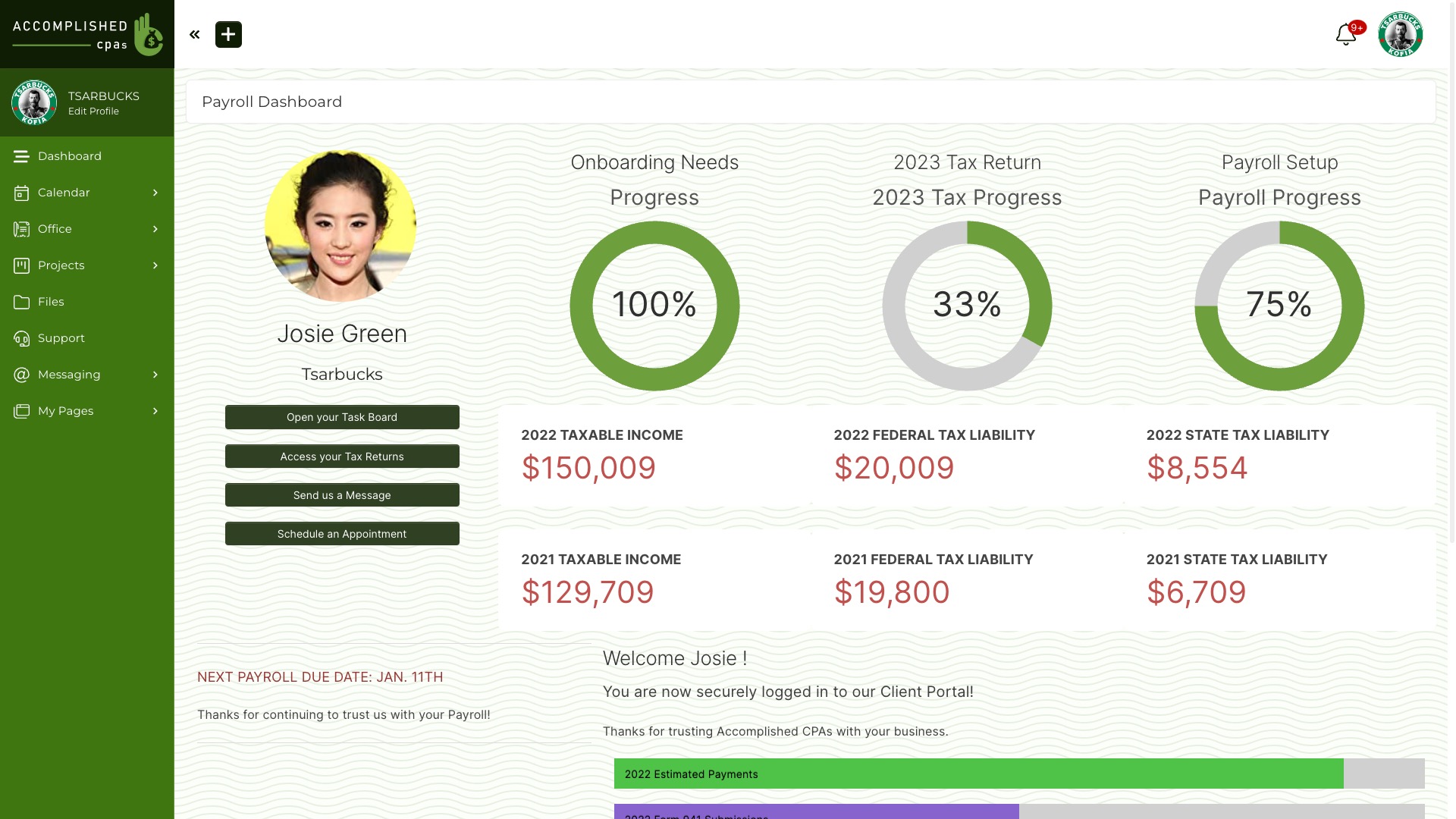
Once the Client’s initial payment is complete, SuiteDash handles the scheduled charges. Your team can inspect the Subscription and its transaction history in Office, and the Client can see their payments through the Portal. The Client can update their payment method while the Subscription is active. Staff can modify a Subscription or cancel it when the service agreement changes.
If a scheduled payment fails, you can set the retry delay to one, three or five days and choose whether to email the Client, Staff or both. You can also configure reminders before a trial ends and notices about an expiring card. These are practical controls for the ordinary billing problems that otherwise turn into manual follow-up. Review Subscription Settings.
Let subscription events move work forward
A paid start, expiry, cancellation and unpaid charge can each trigger the Automations you assign to a Subscription Plan. That means your business can decide what happens next: notify an account manager, begin onboarding, update a Client’s Circle, or send the right follow-up. The event is native to SuiteDash, so you do not need a separate billing-to-CRM sync just to know that a Subscription changed.
For example, a paid membership can place the Client in a Circle that reveals the appropriate Portal Pages, Menu Items, Files or LMS content. When the plan changes, another configured Automation can change both the Subscription and Circle membership. The result is a Client journey in which billing and access can move together. The setup is yours to design; the plan does not silently create a Project or grant Portal access by itself. See the step-by-step self-management setup.
Choose the right recurring billing method
Not every repeated bill has the same shape. SuiteDash provides several ways to handle it, so you can match the tool to the agreement instead of forcing every Client into a fixed-price plan.
Subscription Plans: a defined recurring charge
Use a Subscription Plan when the Client agrees to a fixed recurring charge, such as a monthly service retainer or annual membership. The initial payment starts the plan, and the authorized payment method is charged again at the configured interval. A plan may include a trial or end after a defined number of future cycles. It can be paired with an initial one-time charge on the same Invoice.
Recurring Generators: scheduled Invoices
Use a Recurring Generator when your process calls for a new Invoice to be created repeatedly on a schedule. This suits arrangements in which you want the Client to receive and pay an Invoice each period. For an Open generated Invoice, AutoPay is available when you have an authorized payment method and enable that option. You can set the interval and an end condition, and assign a Dynamic Generator through an Automation. It is a different mechanism from a Subscription Plan’s automatic payment schedule; choose it based on how you want to present and collect each bill. Explore Recurring Generators.
Accumulating Generators: a running tab for variable work
Use an Accumulating Generator when the amount changes with the work delivered. Add billable Items during the period; at the scheduled time, SuiteDash creates an Invoice from what has accumulated and resets the tab for the next period. An Open generated Invoice can use AutoPay when an authorized payment method is available and the setting is enabled. This is useful for maintenance, support and other services where no two months contain exactly the same work. See the Accumulating Generator guide.
You can combine the methods when the agreement calls for both a standing retainer and separate variable work. The point is to make the billing match the service you sold, while keeping it in the Client’s connected SuiteDash workspace.
Give Clients useful control in your branded Portal
Clients can view their Subscription transactions and update a saved payment method. You decide whether Clients can cancel their own Subscriptions in Office settings. This makes everyday account maintenance available without a support request, while leaving control of your cancellation policy with your business.
If you want Clients to change tiers themselves, you can build that journey. Create one Subscription Plan per tier, use Circles to control the matching Portal experience, and set up Manage Subscriptions Automations for each allowed change. Button Blocks on a Dashboard can show the appropriate upgrade or downgrade action to each Client. When they choose one, your configured Automation can cancel the old plan, activate the new one and update their Circle. You define which changes are available and how access follows each plan. Follow the self-service guide.
If the business model requires payment before a new Client enters the Portal, a Kickoff Form can require a one-time payment, a Subscription payment, or both. The Client completes registration and the initial Invoice before access is granted, subject to your gateway and access settings. For ACH, you can choose whether access waits for payment clearance. Learn about Paid Portal Access.
A real service example
Suppose a small agency sells a website launch plus ongoing care. The first Invoice contains a one-time launch Item and a monthly Subscription Plan for care. The Client pays through the branded Portal. SuiteDash then charges for care on the chosen schedule, while the agency’s team continues the work in the same Client workspace.
The agency configures a paid-start Automation to assign the Client to a care Circle and start its onboarding steps. If a charge fails, the chosen retry delay and notifications prompt the right follow-up. The Client can update their payment method in the Portal. If the Client later moves to a different level of service, the agency can offer a configured Dashboard button that changes both plan and access. No one has to reconcile a separate subscription customer with a separate CRM contact to understand the relationship.
That is the value of a native subscription engine: billing is not an isolated checkout. It becomes one part of the experience you deliver under your own brand.
Frequently asked questions
Can I charge a setup fee and a recurring fee together?
Yes. One Invoice can contain one-time Items and Subscription Plan Items. The Client makes the first payment on the Invoice, and the Subscription charge continues on its configured schedule. This is useful for implementation plus support, onboarding plus membership, or any agreement that begins with a distinct first charge.
Which payment gateways work with Subscription Plans?
Stripe, Stripe ACH, Authorize.net and Braintree are documented for Subscription Plans. You need to configure a supported gateway first. Stripe ACH requires a monthly-or-longer Subscription billing cycle.
Can I offer a trial or a fixed-length plan?
Yes. A Subscription Plan can include a trial period, and you can choose to have it expire after a set number of future billing cycles. Check the initial Invoice and cycle count when you set this up: the first Invoice payment does not count as one of those future cycles.
What happens if a payment fails?
SuiteDash can retry after the configured one-, three- or five-day delay. You can enable failed-payment emails for the Client and/or Staff, and configure trial and expiring-card reminders. The exact follow-up depends on the settings and Automations you choose.
Can Clients manage their own plans?
Clients can review transactions and update payment details, and you can allow Client cancellation. An upgrade or downgrade experience can be created with Subscription Plans, Manage Subscriptions Automations, Circles and Dashboard buttons. It requires setup for your plan tiers and access rules.
Can I sell several levels of service?
Yes. Create a Subscription Plan and associated Item or Package for each tier. If you want self-service plan changes, connect those plans to Circles, Automations and the Client-facing Dashboard buttons you choose. That lets billing and Portal visibility change together when a Client selects another level of service.
What if the amount changes every month?
An Accumulating Generator can collect the Items added during the period and generate an Invoice on a schedule. If your Client has authorized a payment method, you can configure AutoPay for an Open generated Invoice. A fixed Subscription Plan is better for an agreed repeating amount.
How does a Subscription connect to Portal access?
You can require a first payment before allowing Portal access through a Kickoff Form, and you can use Circles to give paying members the right Pages, Files, Menu Items or LMS content. Paid Portal Access and Circle updates are configurable, so you decide exactly which offer grants which experience.
Sell an ongoing relationship, not a disconnected monthly charge
When subscription billing, CRM, the Portal and Automations share a Client record, your team can build a clear path from first payment to long-term service. Start with the right billing method for your offer, configure the Client experience you want, and let SuiteDash handle the repeatable steps. Explore Invoicing & Billing or see plans and pricing.