Client Portal Software for Your Business
Updated October 2026
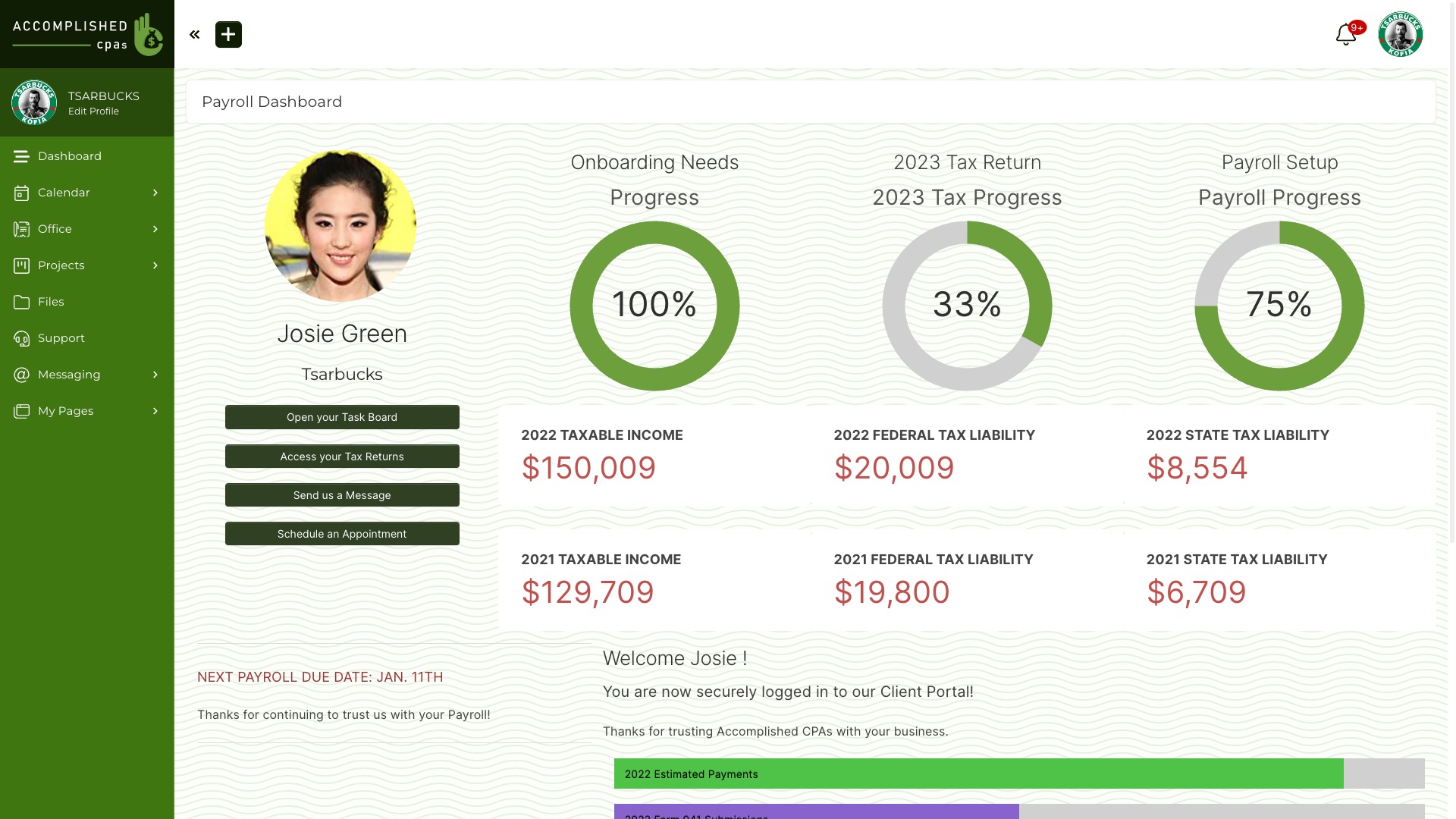
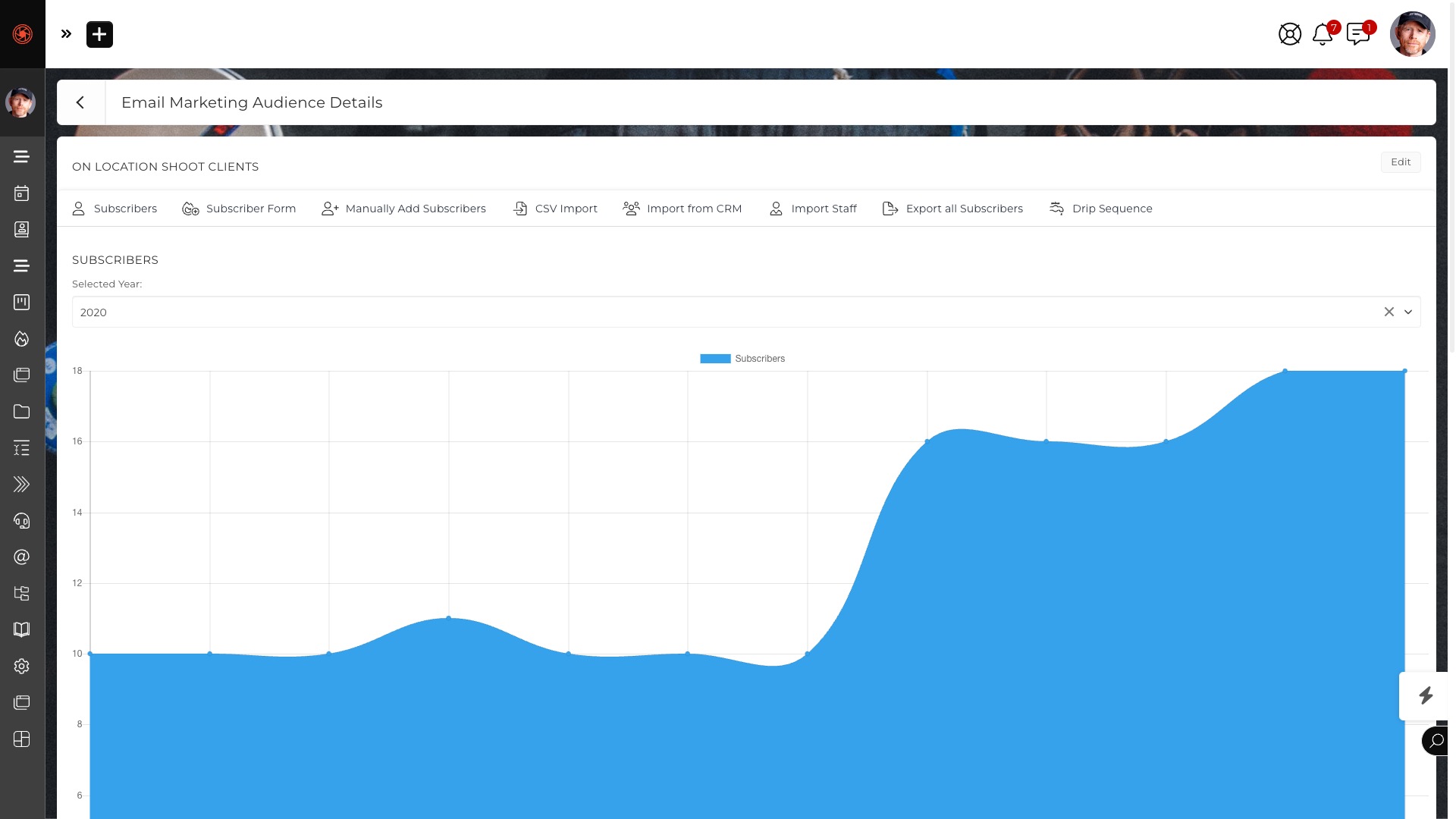
SuiteDash Client Portal gives every Client one secure, branded place to see work, files, messages, invoices and next steps. You decide what each Client sees with Circles and permissions. The portal draws live information from SuiteDash’s 25+ native toolkits on a single shared data layer, so a Project, Invoice or File update can appear without copying data between apps.
Give Clients a useful destination after sign-in, then choose the Pages, Documents, Files and actions each person can access. See the Client Portal feature tour for a visual overview.
What the Client Portal does
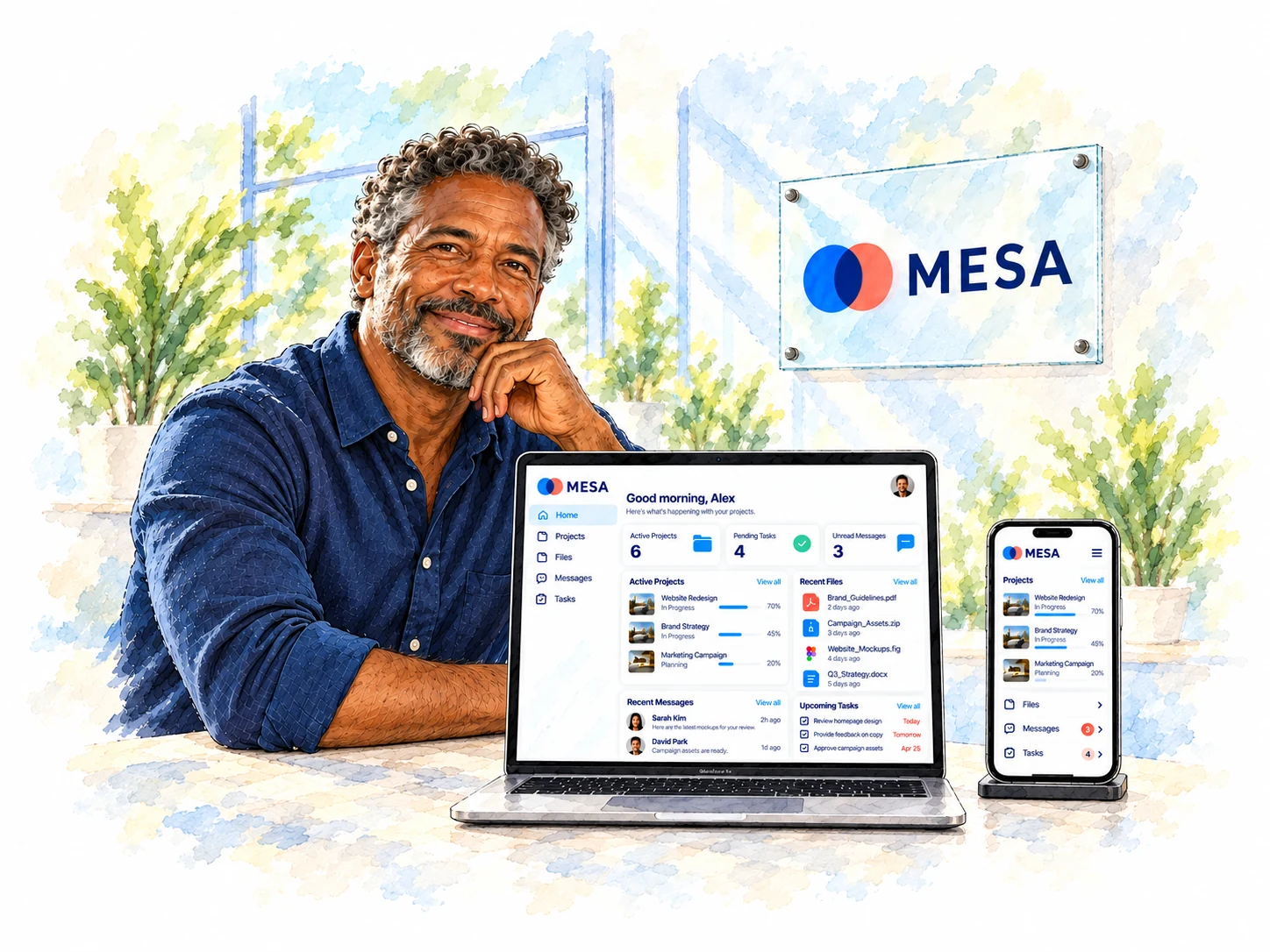
A Client signs into a portal under your brand. You choose what that person can see and do, so the experience reflects the work you are doing together.
- One place for work: show Dashboards and Portal Pages with relevant Project status, Tasks, Files, Forms, messages and invoices.
- Permission-controlled access: designate the Pages, Documents and Files a Client can view, download or upload.
- Personalized pages: use Circles, roles and Dynamic Data Placeholders to display the right information for the person who signs in.
- A branded experience: use your logo and colors across the portal, login and client-facing pages. When configured, Clients do not see SuiteDash branding.
- Work on any screen: responsive pages work on phones and tablets as well as desktop browsers.
- Optional paid access: require a one-time or recurring payment before a user enters selected portal content. Check gateway support when setting up recurring access.
For the page-building controls, see Dashboards and Portal Pages. For the wider branding options, see the White Label Platform guide.
How it connects to the rest of SuiteDash
The portal displays the Client’s relevant information from Invoicing, Projects, File Exchange, Documents and eSigning, Forms and Support Tickets. A configured automation can send a Portal Access Invitation Email when it is time to invite that Client. Once inside, a Client can pay, sign, upload, book, submit a Form or open a ticket, according to the access you grant.
Those actions stay attached to the same Client relationship on a single shared data layer. You choose the permissions and configure each workflow; the portal does not expose every internal note or file by default.
Pricing
SuiteDash is flat rate with unlimited users on every plan: Start $19/month, Thrive $49/month, Pinnacle $99/month (yearly $180, $480, $960), or a one-time Century payment of $2,240, $3,940 or $6,840. Every plan starts with a 14-day free trial of Pinnacle, no credit card required.
Extreme White Labeling and a Custom Branded Mobile App are listed on every plan. See the current pricing and plan details.
Client Portal software FAQ
What is client portal software?
Client portal software gives a Client a secure sign-in for the work and information you choose to share, such as files, messages, Projects and invoices.
Why do service businesses use a client portal?
A portal gives Clients a known place to find current work, files, messages and next steps instead of asking Staff to collect updates from separate tools.
What should I look for in portal software?
Check how permissions work, what Clients can do after sign-in, whether the portal carries your brand, and how Projects, Files, Forms and Billing stay current.
How does SuiteDash create client portals?
You compose Dashboards and Portal Pages, assign them by role, Circle, Team or person, and use Content Blocks and Dynamic Data Placeholders to show relevant information.
Can I customize the portal with my branding?
Yes. SuiteDash includes Extreme White Labeling on every plan. Configure your branding so Clients see your logo and colors instead of SuiteDash branding.
What can Clients see and do in a SuiteDash portal?
Depending on the permissions you set, Clients can follow Projects, see assigned Tasks, share Files, send messages, complete Forms, view invoices and pay online.
Can I keep internal files and notes private?
Yes. You designate the Pages, Documents and Files each Client can access, including view, download and upload rights. Keep internal content outside their access.
Can Clients pay invoices in the portal?
Yes. Clients can review and pay invoices through the branded Billing Dashboard using a payment gateway you connect to SuiteDash.
Can I charge for portal access?
Yes. Paid Portal Access can require a one-time or recurring payment before a user enters. Recurring Paid Portal Access is not available through PayPal.
What is the difference between a branded and a white-label portal?
A branded portal displays your identity. White labeling goes further by configuring the client-facing login, pages, notifications and mobile experience under your brand.
Explore the connected Client experience
See the Client Portal feature tour, then explore Portal Builder, Dashboards and Portal Pages, File Exchange, and Invoicing Software. For a wider comparison, read the Client Portal software guide.