Dashboards & Portal Pages

+

Give Clients and Staff a useful home inside your brand, with the right information visible to the right people.

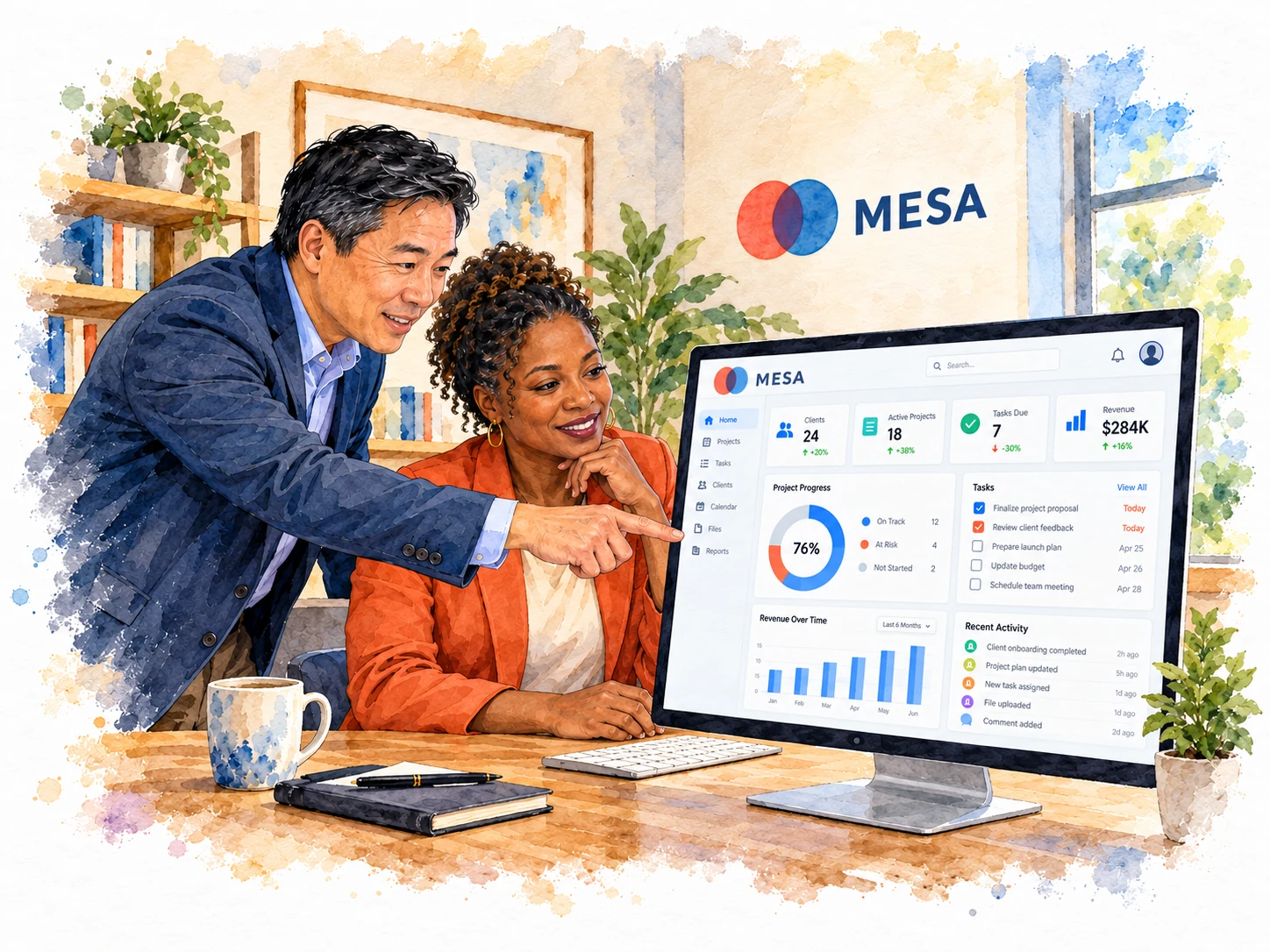
Create Dashboards for key numbers and next actions, then build private Portal Pages for guides, resources, and project context. Assign by role, Circle, Team, or person and choose where users land after sign-in.

Replaces…SoftrClinkedAssembly
Start a 30-day free trial

Colleagues review a branded client dashboard on a computer

Put private content where it belongs

Portal Pages keep guides, updates, and resources inside the branded, signed-in experience. Place a Knowledge Base block on a Portal Page, Dashboard or public page; the page and block settings control who can read that placement. Save reusable groups of blocks as Stacks to use on supported pages and dashboards; updates to a Stack apply where it is used.

Start a 30-day free trial

Choose the first screen they see

Use a Portal Page as a Start Page when the next step deserves more than a generic landing screen.

Start a 30-day free trial

Bring client work into one workspace

Connect client work across CRM, onboarding, portal access, proposals and billing. Choose the workflows you configure and the plan or optional Power-Ups you need. Every plan includes unlimited Clients and Staff.

Automated CRM

Onboarding

Client Portal

EXTREME White Label

Digital Marketing

Appointment Scheduling
blank

Digital Dynamic Proposals

Billing + Packages

Contracts & eSignature
blank

Project & Task Management

Payments + Subscriptions

File Exchange
blank

Learning Management (LMS)
blank

Support Tickets
blank

Interactive Community
blank

Secure Messaging

