Reporting Answers from the work already happening
How much came in? What is still owed? Where did the team’s time go? SuiteDash helps you answer from the records your team already uses. Start with a ready-to-run report, change the view, and follow a number back to the work behind it.

See the whole picture, then follow the detail.
Open Office > Reporting to understand invoicing, receivables, payments, and tracked time in context. Nine ready-to-run reports use records your team already works with.
- Timesheets & Billing separates billable from non-billable hours.
- Revenue Overview brings invoiced, collected, and outstanding amounts together.
- Accounts Receivable Aging shows balances that are already overdue.
- Invoice Status Summary shows where invoices stand.
One report. Several useful questions.
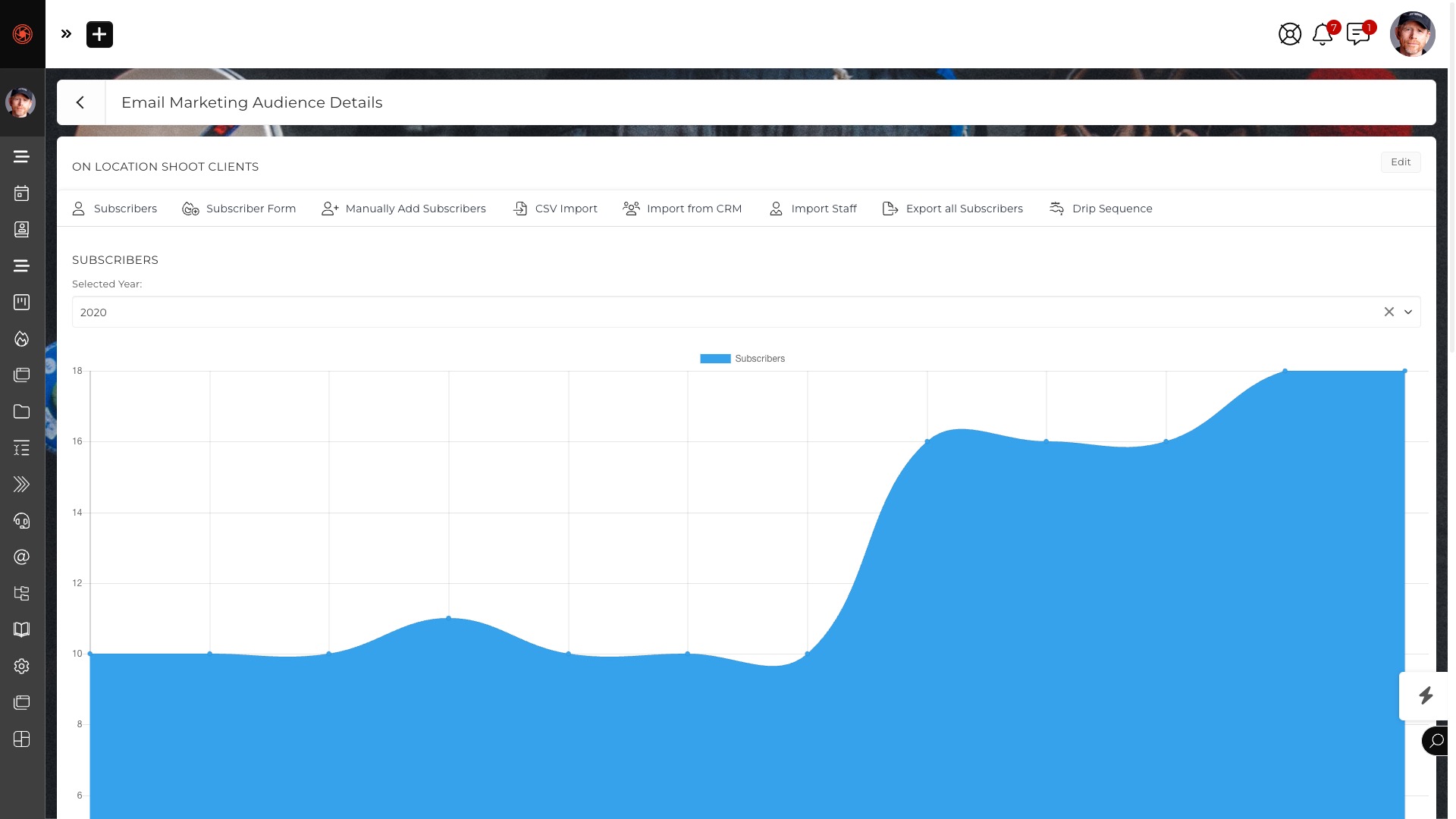
Change the time range, choose the Clients, Staff, or records in scope, and regroup the view. Compare with a previous period, then open the detail behind an aggregate on reports that offer it. Save the view you return to most often.
Keep the answer where work begins.
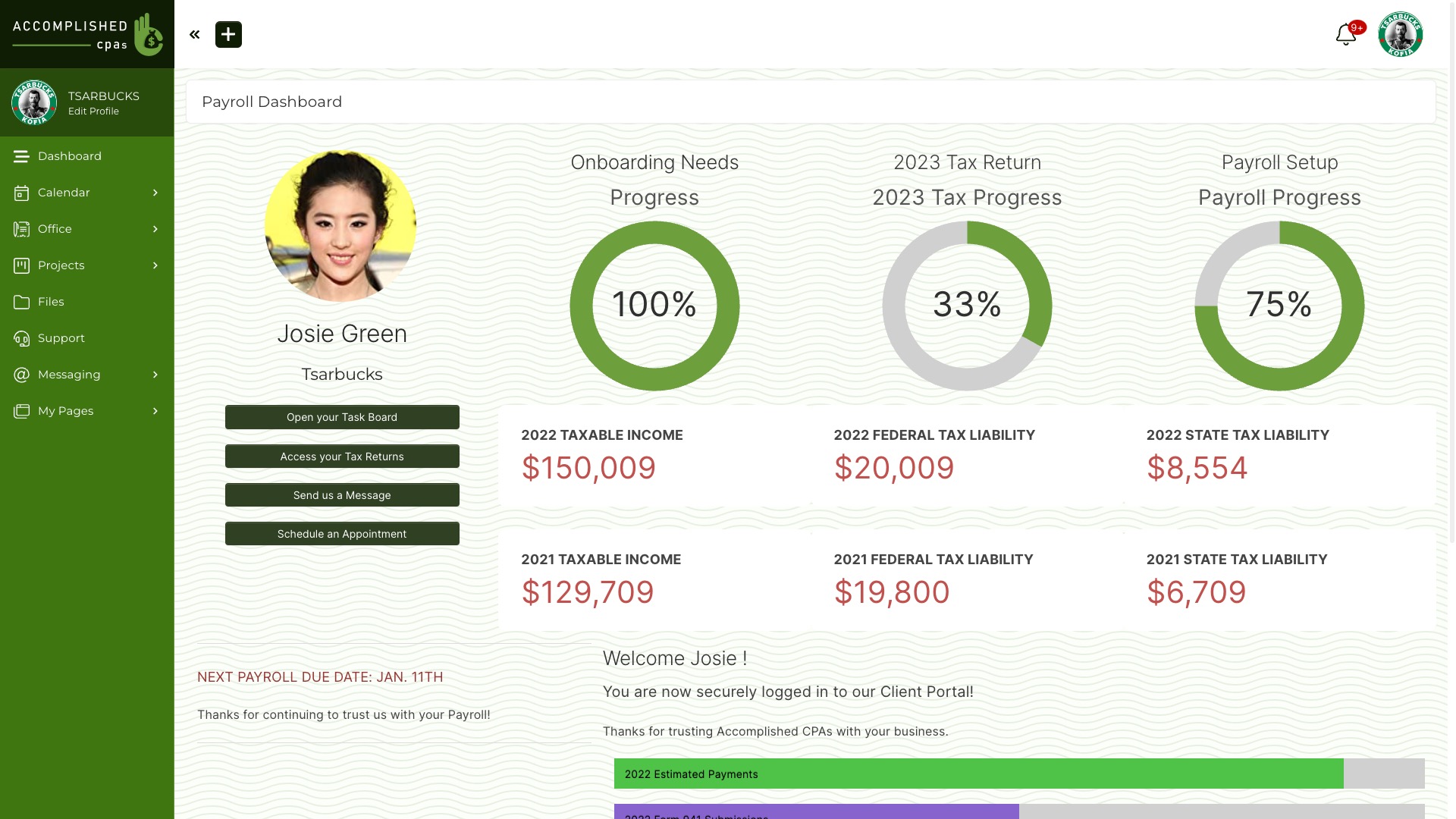
Put selected Reporting Block tiles on a Dashboard or Portal Page, so an important number is visible without opening another tool. Open the report when you need the explanation behind it.
Share it with control.
Schedule reports for the people who need them. Choose protected delivery to give each recipient a private link with an expiry and revocation controls, instead of leaving an unprotected attachment in an inbox.
Know what your business is doing.
Start with the data you already have in SuiteDash.
Questions people ask
Is Reporting the same as a Dashboard?
Reporting is where an authorized team member runs a report, changes its view, compares periods, and opens detail. A Reporting Block can place selected metrics on a Dashboard or Portal Page for a quick view.
Do I need to build a report from scratch?
No. The Reporting Toolkit starts with nine ready-to-run reports. You can change their scope and grouping, then save a named view.
Can I share a report?
Yes. Reports can be scheduled for delivery. Protected delivery uses recipient-specific links with expiration and revocation controls.