You Can Connect Eight Tools With AI. Here’s Why You Probably Shouldn’t.
You have probably seen the pitch by now. Connect your CRM to your project manager, wire your invoicing tool into your calendar, link your client portal to your email platform, and let AI be the glue. It sounds clean. It sounds modern. And honestly, yes – you can do it.
But we want to walk you through what that actually looks like six months in, because we have watched a lot of service businesses go down this road. And the pattern is always the same.
The Person Who Tries Everything
Picture someone running a growing service business. Could be consulting, bookkeeping, a marketing agency, a law practice. They have clients to manage, proposals to send, invoices to collect, projects to track, files to exchange, and a hundred small operational tasks that eat into the hours they should be spending on billable work.
They are smart. They are resourceful. And at some point, they looked at the eight or nine tools they were paying for and thought: there has to be a better way.
The Promise That Almost Works
So they find the AI connector tools. Zapier, Make, n8n, whatever flavor. And the promise is real – these platforms genuinely can move data between your CRM and your project manager and your invoicing software and your email marketing tool. The technology works.
Here is where the tension starts. You set it all up. You get your CRM talking to your project management tool. You wire your invoicing platform to update your CRM when a payment comes in. You connect your scheduling tool to your email sequences. And for a while, it feels like you solved something.
But what you actually built is a harness. A very spread out, loosely connected harness across eight or nine different systems, each with its own login, its own data format, its own update schedule, and its own way of breaking.
What Stands in the Way
The obstacle is not the AI. The AI part works fine. The obstacle is that you still have eight or nine separate systems, and every connection between them is a point of failure.
A CRM vendor pushes an API update. Your zap breaks. Your invoicing tool changes a field name. The data stops flowing. Your scheduling integration silently stops syncing and you do not notice until a client tells you they never got the confirmation email.
And every one of those breaks requires you to stop what you are doing, diagnose which connection failed, figure out whether it is a credentials issue or a schema change or a rate limit, fix it, test it, and hope nothing else broke while you were in there.
This is not a technology problem. It is a friction problem. The connections work until they do not, and when they do not, you are the one who has to fix them.
What It Actually Costs You
Here is what is at stake, and it is not the $47 a month for the connector tool.
Every hour you spend debugging a broken integration is an hour you are not spending on client work. Every morning you start by checking whether your automations ran is a morning you are not starting with revenue-generating activity. And the cognitive overhead of managing eight dashboards, eight billing cycles, eight support channels, and eight sets of documentation is a real cost that shows up as slower response times, missed follow-ups, and decisions made with stale data.
Until you fix it, you are distracted from the thing that actually makes you money.
And here is the part nobody talks about: your data is never quite right. Your CRM says one thing. Your project tool says another. The invoice system has a different version of the client’s contact info. You spend time reconciling, second-guessing, and manually correcting things that should just be accurate. The more tools you connect, the more places your data can get out of sync – and eventually it does.
One System, One Source of Truth
This is the problem we built SuiteDash to solve.
Instead of a loosely connected harness spread across multiple tools, SuiteDash puts the whole operational layer together in one engineered system, on top of a single source of data.
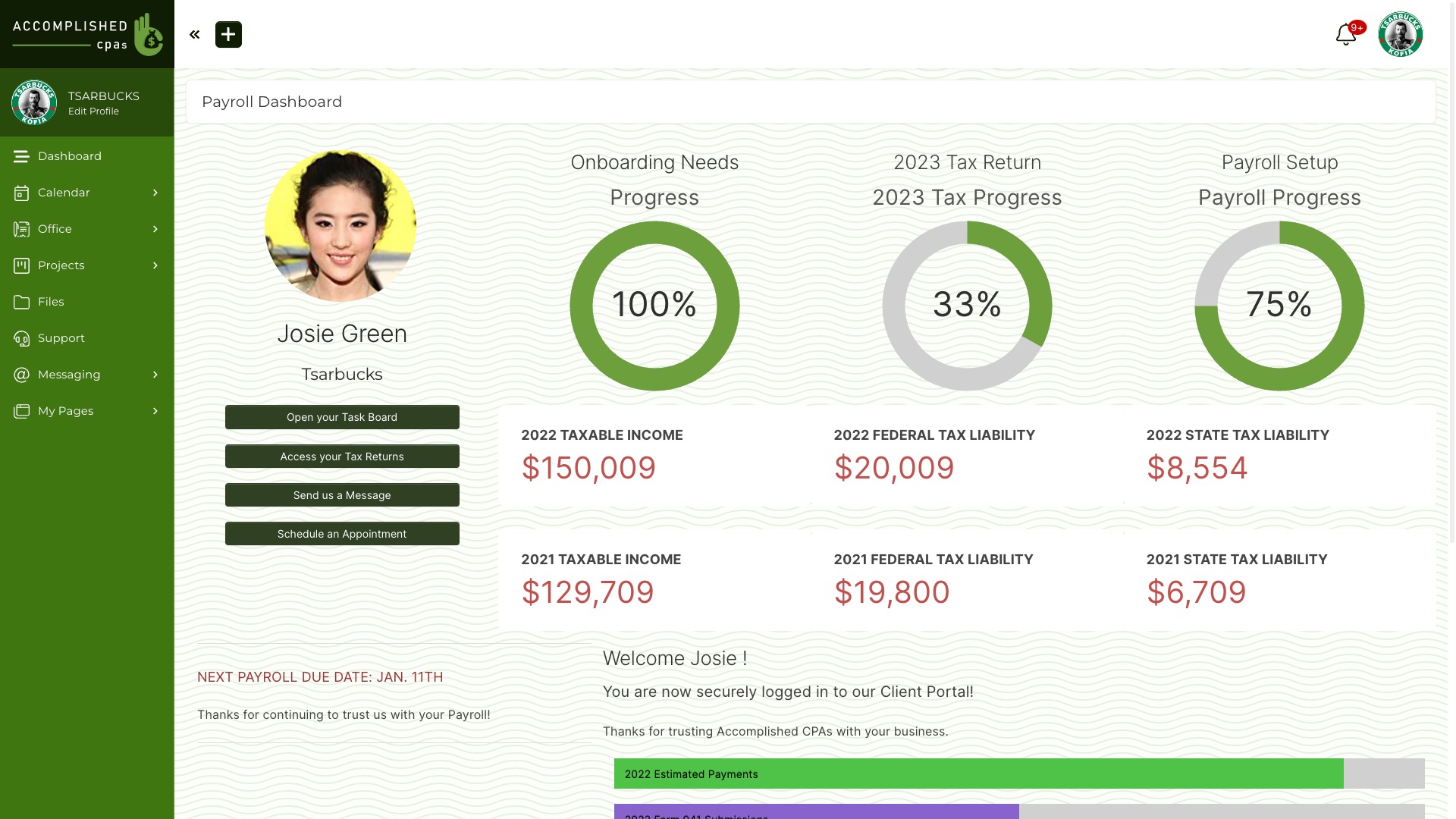
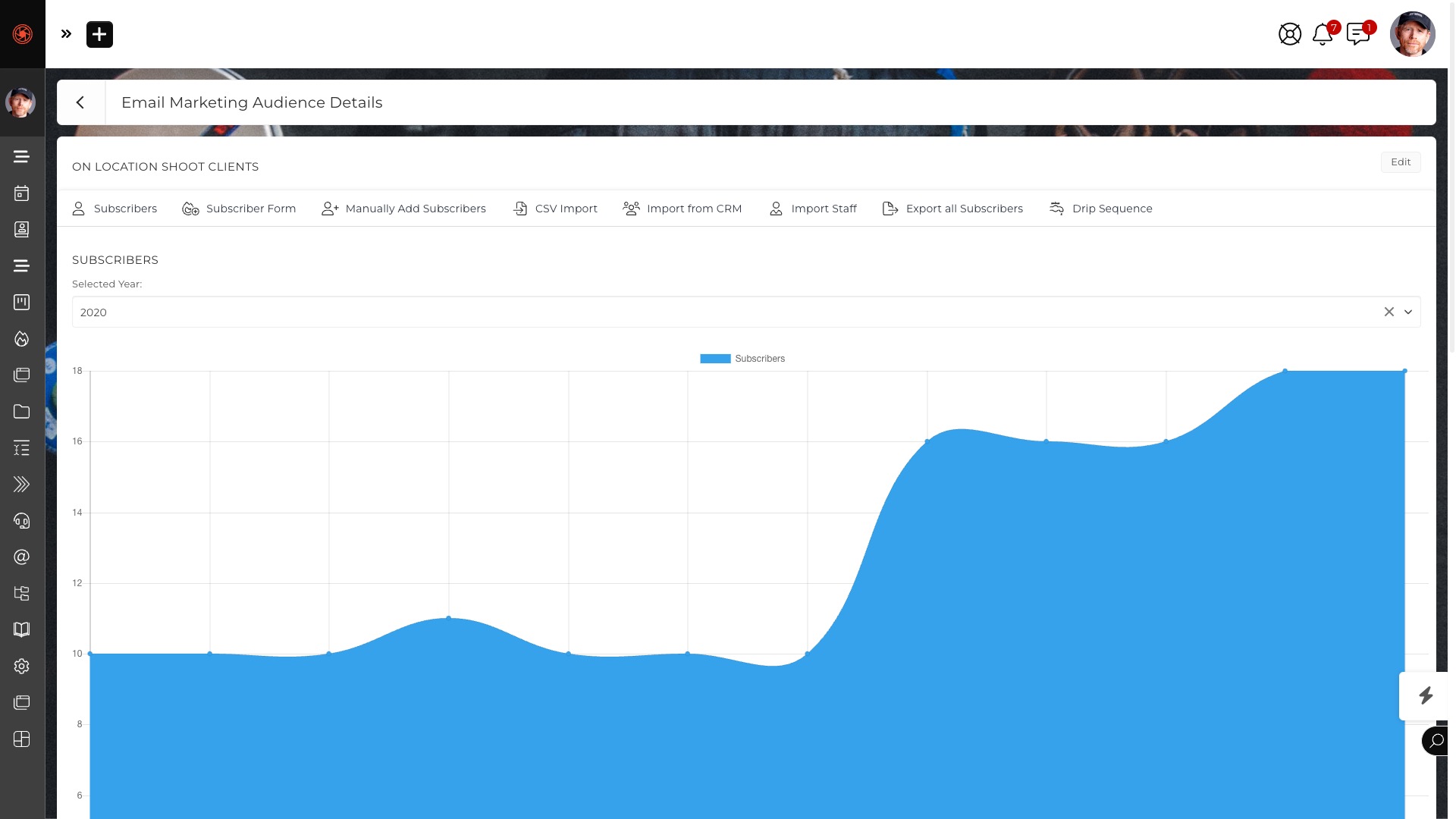
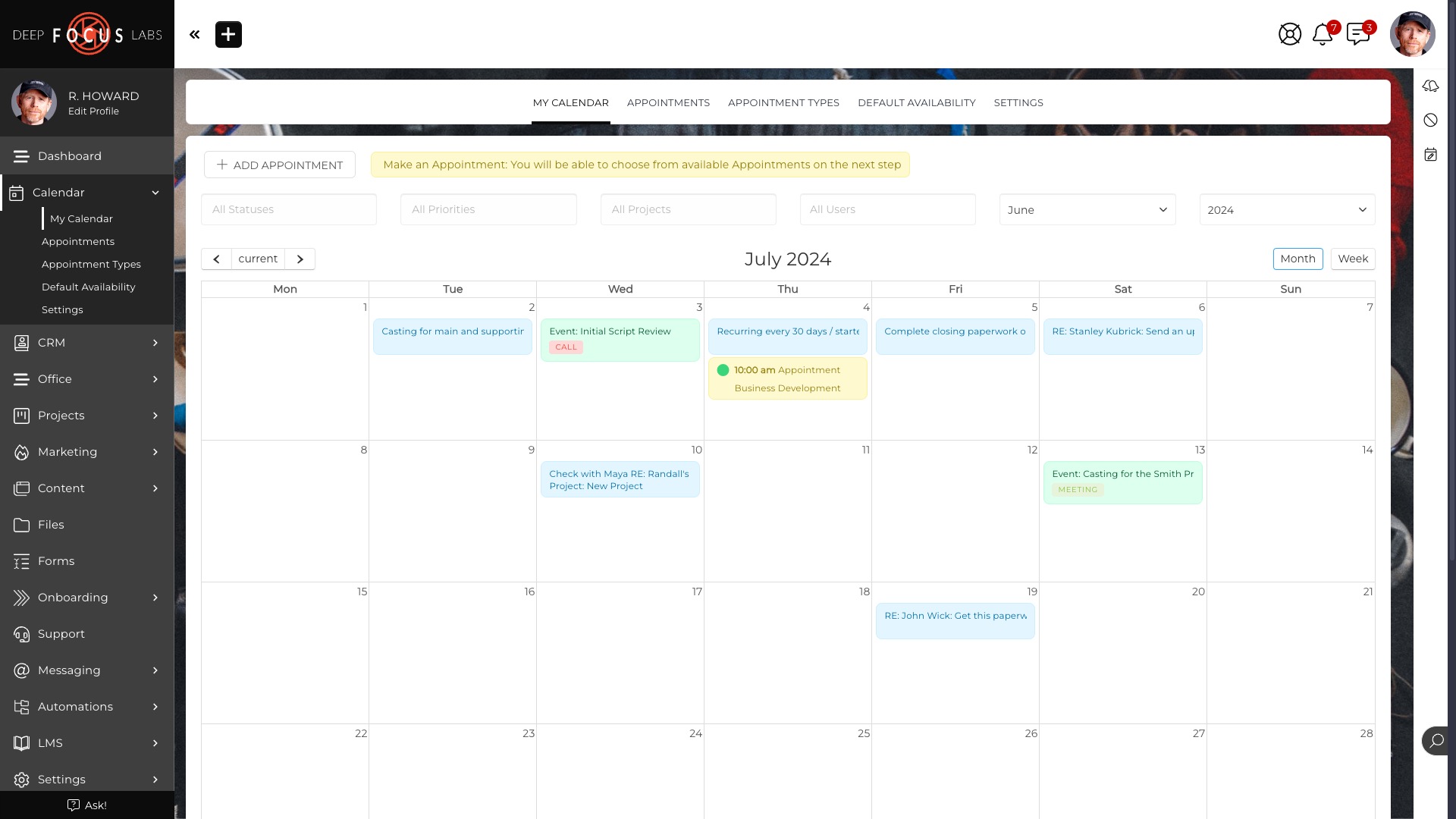
Your CRM is native. It is not a bolt-on, not a third-party integration, not a separate product you connected with a webhook. It is built into the same system as your Projects, your Invoicing, your Client Portal, your scheduling, your email marketing, your file exchange, your Proposals, and your Contracts.
That means when a Contact’s information updates in your CRM, it is updated everywhere – in their Portal, on their Invoices, in their Project history, in your Pipeline view. The native tools work from one shared database, so you do not need connections between separate apps just to keep that information in sync.
Your CRM gives you Pipeline views to track where deals stand. Visual deal stage management so you can drag a Lead from one stage to the next. Dynamic data fields so your records carry exactly the information your business needs. Bulk editing when you need to update records at scale. And all of it flows directly into billing, project management, marketing, and your Client Portal without you touching a single integration.
Unlimited Contacts come included at every tier. You are not paying per seat, per contact, or per record. Your CRM grows with your business and the data stays unified as it grows.
What Changes for You
When your CRM and your project management and your invoicing and your client communications all live in the same system, some things just stop being problems.
You stop reconciling data between tools because there is only one version of the truth. You stop debugging broken integrations because there are no integrations to break. You stop context-switching between eight dashboards because there is one dashboard. You stop paying eight vendors because there is one subscription.
And the time you used to spend on operational maintenance – checking connections, fixing syncs, updating credentials, managing API limits – that time goes back to client work. Back to the thing that actually generates revenue.
Your business context – everything you have built into the system about how you operate, who your Clients are, what stage each deal is in, what each Project requires – is always accurate, always current, and always put to work immediately. Not after a sync delay. Not after a manual export. Right now.
We are not telling you the multi-tool approach cannot work. It can. We have seen people pull it off. But we have seen a lot more people spend months building a fragile harness and then spend every week after that maintaining it.
The question is not whether AI can connect your tools. It can. The question is whether connecting eight separate tools is the right architecture for your business in the first place – or whether starting with one system that already works together saves you from solving a problem you never needed to have.
Related reading
Ready to Run Your Whole Business From One Login?
Start your free 14-day trial on the Pinnacle plan. No credit card required. Every toolkit, nothing held back.