Online Knowledge Management for Client Work
Give clients and staff a clear place to find the answers they need. Start with a few useful articles, choose who should see them and build a routine for keeping them current.
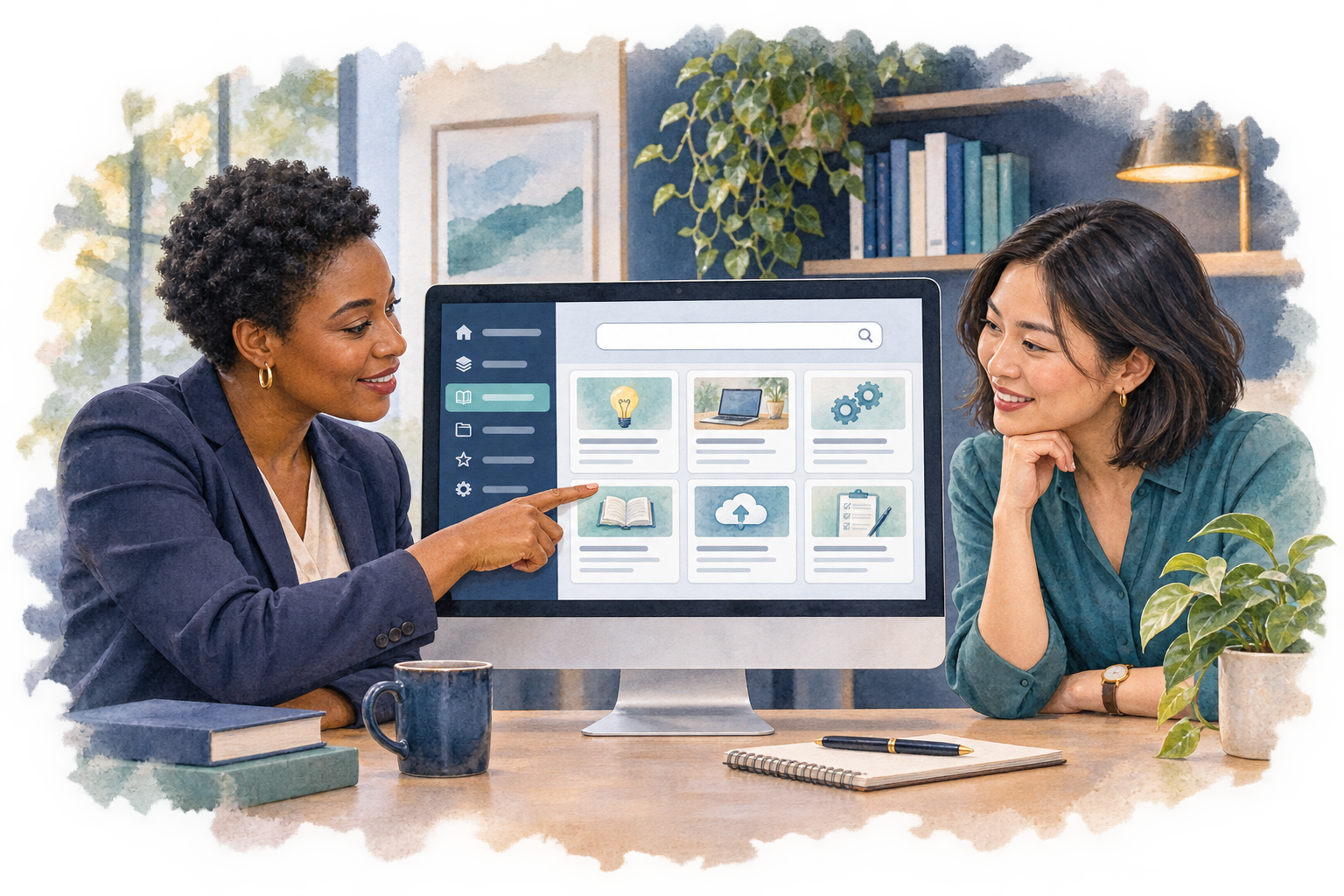
Choose answers people need
Begin with questions your team answers repeatedly: how to provide a document, what happens after a request or where to find an invoice. Give each answer a clear title and a next step. Ask the people who will use it whether the instructions make sense.
Organize articles into a library
SuiteDash lets an account create knowledge bases with categories and articles. An article can be saved as a draft and previewed before publication. A knowledge base becomes visible to readers when its block is placed on a page.
Decide who should read each library
A Knowledge Base block can be placed on a page for its intended readers. A portal page requires readers to sign in and have access to that page; a published public page can provide a public help center. Use separate libraries when audiences need different answers, and test access before sharing anything sensitive.
For a public help center, check the documented domain and search-indexing behavior. A platform-domain copy is marked for search engines not to index until an own domain is ready.
Keep the answers useful
Give each topic an owner and a review date outside the article if needed. When a process changes, update the answer and check its links. Keep a small list of repeated questions that still need an article. These are team practices you can choose for your workflow.
Start with a small library
- Pick one audience and three recurring questions.
- Create a knowledge base, category and draft articles.
- Preview the answers and place the block on an appropriate page.
- Use a test reader to check access, search and navigation.
- Publish when the content and audience are ready, then schedule a review.
Check current SuiteDash pricing and any optional services for your setup. For a cost-focused comparison, see SaaS wiki hosting costs.


