How to Bring Your Own A.I. to SuiteDash (And Why It Matters)
You already use A.I. in your business. Or you want to. The question isn’t whether artificial intelligence will touch your client workflows – it’s who controls it when it does.
Most platforms answer that question for you. They pick the model, set the price, and wrap it behind their own billing. You pay what they charge. You use what they offer. If a better model ships tomorrow, you wait for them to add it. If you want something cheaper for simple tasks, too bad.
That’s the default. SuiteDash does it differently.
What BYOK Actually Means
BYOK stands for Bring Your Own Key. In SuiteDash, the feature is called A.I. Connections, and it works like this: you connect your own API key from the A.I. provider you choose, and that provider powers every A.I. feature across your entire organization.
One key. One provider. Organization-wide.
That means your A.I. isn’t some bolted-on chatbot sitting in a corner of the platform. It runs through your workflows, your Client interactions, your content – everywhere SuiteDash has built A.I. capability. And it runs on the model you picked, not the one we picked for you.
The Providers You Can Connect
A.I. Connections currently supports OpenAI, Anthropic, Google Gemini, xAI Grok, Mistral, DeepSeek, Groq, Ollama, LM Studio, and any Custom OpenAI-compatible endpoint. That last one is worth noting. If your preferred provider exposes an OpenAI-compatible API, you can plug it in.
This covers the frontier models, the mid-range workhorses, and even local options like Ollama and LM Studio for teams that want to keep everything on their own hardware. The range matters because different businesses have different needs, and the right model for a law firm summarizing contracts is probably not the same one a marketing agency needs for creative copy.
How to Set It Up
A.I. Connections lives under Organization Settings. Only a Super Admin or Admin Manager can configure it – this isn’t something every Staff member can toggle, because it affects the whole account.
Here’s the setup in plain terms:
1. Go to Organization Settings and find A.I. Connections. 2. Choose your provider from the list. 3. Enter your API key from that provider’s dashboard. 4. Save. That provider is now active across the platform.
One active provider at a time. When you connect a new one, it replaces the previous one for the entire organization. That’s it. No migration, no reconfiguration of individual features, no waiting for someone on our end to flip a switch.
Why This Is Better Than the Alternative
Think about what most platforms do with A.I. They pick a model – usually one of the big names – bake it into the product, and charge you for access. Sometimes it’s bundled into a higher-priced tier. Sometimes it’s a per-use fee on top of your subscription. Either way, you’re paying the platform for something the platform is buying wholesale. You don’t see the underlying cost. You don’t control the model. And if their pricing changes, yours does too.
With BYOK, the economics are transparent. You pay the model provider directly. The rate is whatever that provider charges. SuiteDash doesn’t sit in the middle of that transaction. There’s no markup, no resale margin, no platform surcharge on your A.I. usage.
If you use OpenAI, you pay OpenAI’s rates. If you switch to Anthropic, you pay Anthropic’s rates. The money goes straight to the provider.
Now, if you don’t want to manage your own key, SuiteDash does offer built-in A.I. Service credits through SuiteAi. That starts with a free allocation of 7.5 million credits, with paid tiers above that. It’s there as a fallback or a starting point. But BYOK is the move when you want full control over what model runs your business and what it costs.
The Real Advantage: You Can Switch
Here’s where it gets practical. Say you connected OpenAI six months ago because GPT was the obvious choice. But now a different provider’s latest model handles your use case better – maybe it’s stronger at long-form content, or it follows instructions more precisely for your workflows. With BYOK, switching is not a migration. It’s a settings change.
Go to A.I. Connections, enter the new key, save. Done. Every A.I. feature on your account now runs on the new provider.
This matters more than it sounds. The A.I. landscape moves fast. Models that were best-in-class six months ago get surpassed. Pricing changes. New providers emerge with better performance at lower cost. If your platform locks you to one model, you’re stuck watching the market move without you. That’s not just an inconvenience. It’s a compounding cost – in dollars and in capability – that grows every month you can’t act on it.
With BYOK, you move with the market.
And the reverse is just as useful. Maybe you’re running a frontier model because you wanted the best output quality, but your actual usage is mostly straightforward – summarizing notes, drafting quick replies, generating Task descriptions. A lighter, cheaper model handles that fine. Switch to it and cut your costs without giving up any SuiteDash functionality. The platform doesn’t care which model is behind the key. It uses whatever you’ve connected.
What This Means for Your Clients
This connects back to why you’re using SuiteDash in the first place. Your Clients move through workflows you’ve already built – onboarding sequences, Project milestones, support flows, automated follow-ups. Those workflows are already structured. The logic is already there. The steps are defined.
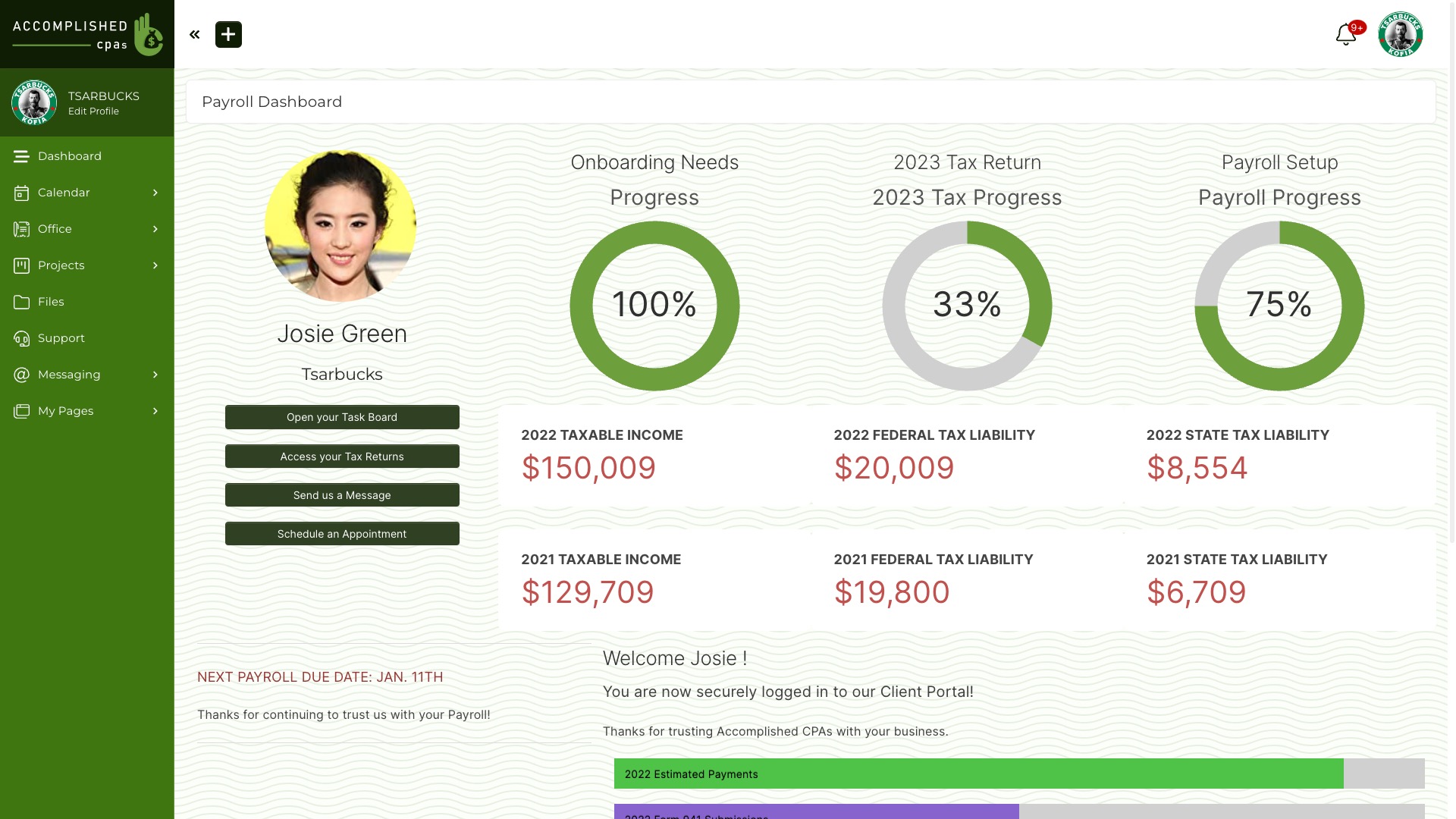
A.I. doesn’t replace that structure. It makes it more capable. It can draft responses, surface the right information, automate the parts that used to require you sitting down and doing them manually. And because it operates inside SuiteDash, it has access to the context it needs – Client data, Project history, the specifics of what’s happening right now in that workflow.
When you bring your own key, you’re choosing the intelligence behind all of that. You’re deciding how capable, how fast, and how expensive that intelligence is. And you can change your mind any time without rebuilding a single workflow, without re-training anything, without filing a support ticket and waiting. It’s your key. It’s your decision.
The Bottom Line
BYOK isn’t a technical feature for power users. It’s a business decision. You’re choosing transparency over opacity. You’re choosing flexibility over lock-in. And you’re choosing to pay for exactly what you use, at the rate the provider actually charges, without a middleman adding margin.
A.I. Connections is live in SuiteDash right now, under Organization Settings. If you’ve been paying for A.I. through another platform and wondering where that money actually goes, this is your answer. Bring your own key. Pay the provider directly. Keep the control where it belongs – with you.
Related reading
Ready to Run Your Whole Business From One Login?
Start your free 14-day trial on the Pinnacle plan. No credit card required. Every toolkit, nothing held back.