Your AI Is Only as Smart as the Context You Give It
You have probably had the experience by now. You open ChatGPT or Claude, type a question about your business, and get back something that sounds smart but is completely generic. It does not know your clients. It does not know your services. It does not know the difference between the project you finished last Tuesday and the one that is three weeks overdue.
So you start copying and pasting. You feed it a client list. You paste in some notes. You give it a spreadsheet. And for about ten minutes, it actually helps – until you close the tab and all of that context disappears.
That is where most service businesses are right now with AI. Not because the technology is bad. Because the context is missing.
The real problem is not the intelligence
The large language models – GPT, Claude, Gemini, whatever comes next – are genuinely capable. They can draft proposals, summarize conversations, write follow-up emails, and answer questions about your business better than most new hires could in their first month. But only if they know what your business actually looks like.
The intelligence is not the bottleneck. Your business context is.
Think about it this way. If you hired a brilliant assistant and sat them in an empty room with no access to your files, your client records, your project history, or your invoices – they would be useless. Not because they are not smart. Because they have nothing to work with.
That is exactly what happens when you use a standalone AI tool. The model is the brilliant assistant. The empty room is your chat window.
Context lives where your work lives
The fix is not a better prompt. It is not a fancier model. It is making sure the AI can actually reach the data it needs to be useful – your Contacts, your Projects, your Tasks, your conversations, your invoices, your files.
And that means the platform where your business data already lives becomes the most important piece of the AI puzzle. Not the model. The harness. The thing that sits between the intelligence and your actual operations and gives it something real to work with.
If your CRM is in one tool, your project management in another, your invoicing in a third, and your client communication in a fourth – no AI integration is going to stitch all of that together cleanly. You will spend more time wrangling exports and formatting data than you will save from the AI’s output.
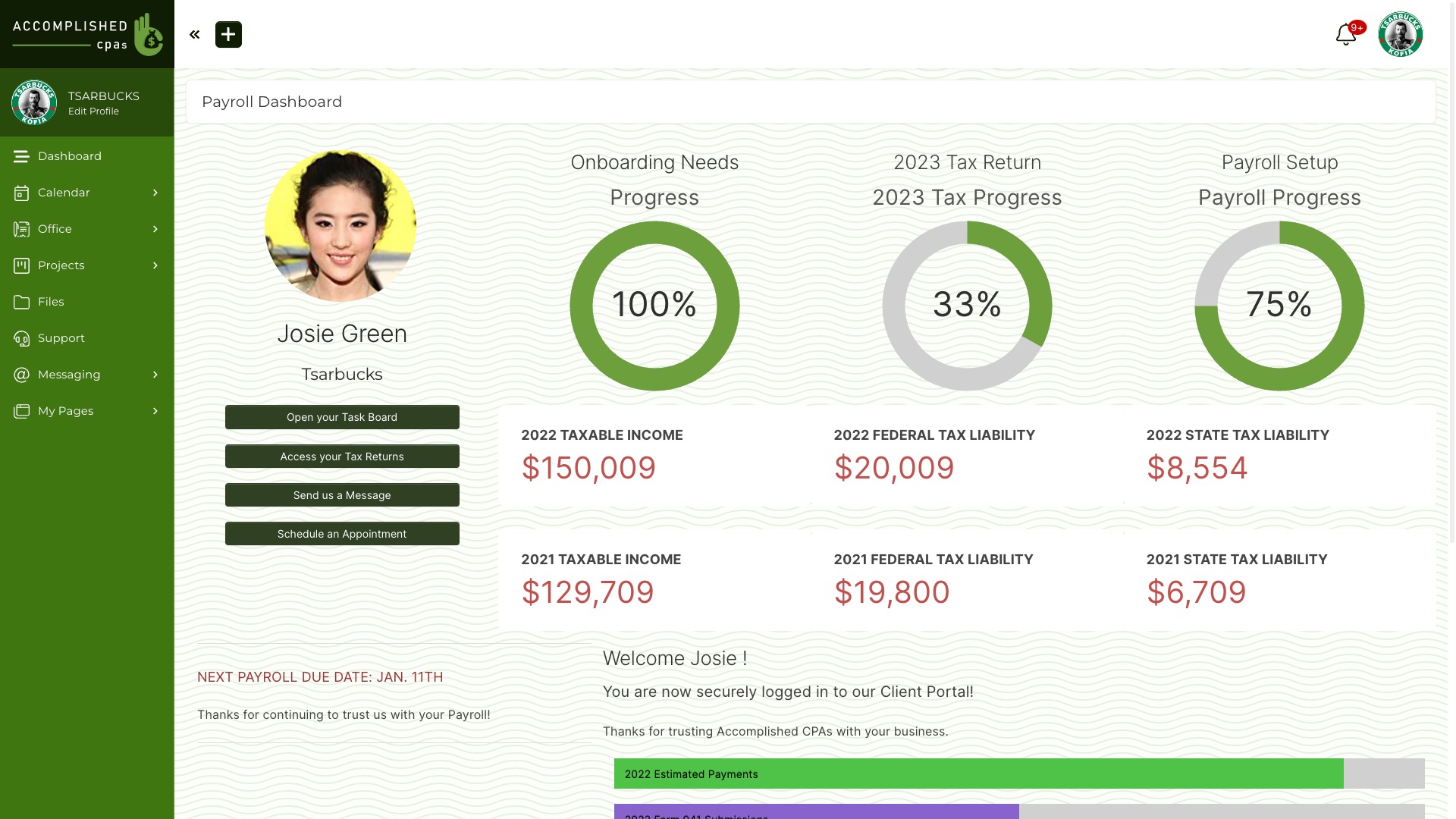
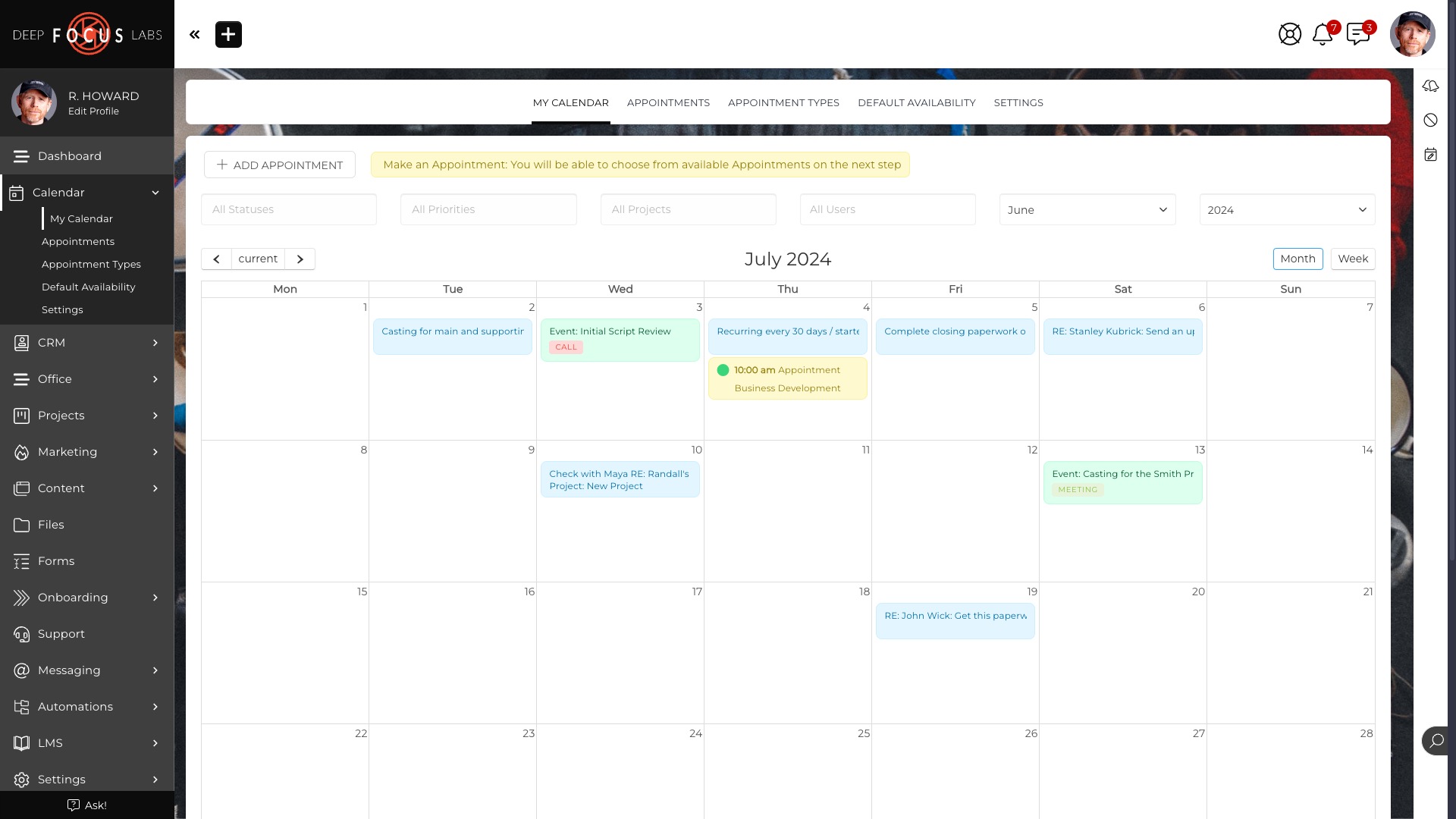
But when everything is already in one place – when a single system already holds your client records, your project history, your billing, your files, your messages – the AI has context from the start. It does not need you to copy and paste. It can work with what is there.
The part nobody talks about: who gets to see what
Here is where it gets more interesting, and where most people stop thinking too early.
Let’s say you get your data into one platform. Great. But now you have a new question. Does every person on your team need access to everything?
Your bookkeeper does not need to see your sales pipeline notes. Your project manager does not need to see what a client is paying. Your new hire does not need to see every financial record in the system.
This is not a hypothetical concern. This is the thing that keeps business owners up at night when they start centralizing data. The more you put in one place, the more you need to control who can see what.
And this is exactly the kind of problem that SuiteDash was built to solve – long before AI entered the conversation.
Permissions that actually mean something
SuiteDash gives you layered access controls that go well beyond “admin or not admin.” There are four distinct Staff role levels – Super Admin, Admin, Office Manager, and Staff – and each one carries different default access scopes. A Super Admin sees everything. A Staff member sees what you decide they should see.
But it goes deeper than roles. Circles act as permission groups that control exactly what Contacts and Staff members can access. You can create a Circle for your finance team that sees billing data and a separate Circle for your operations team that sees project data. Same platform, same login, completely different views of the business.
Visibility Control – the eyeball icon you will see throughout SuiteDash – lets you show or hide any menu or submenu item per role. If your Office Manager does not need to see the reporting dashboard, you turn it off for that role. It is not buried in some settings page three levels deep. It is right there on the menu.
Permission Settings go one step further. Using the key icon or the three-dot menu on individual items, you define which roles can Create, Edit, or Delete. So your project coordinator can create Tasks but cannot delete a Project. Your Staff member can view a File but cannot edit an Invoice.
Why this matters more than you think
The businesses that will get the most from AI over the next few years are not the ones with the fanciest tools. They are the ones whose data is organized, accessible, and properly gated.
Organized means it is in one place, not scattered across six apps. Accessible means the system can actually surface it when it is needed – for a person or for an AI-powered feature. Properly gated means the right people see the right data and nobody sees what they should not.
When you set up Circles and role-based permissions in SuiteDash, you are not just protecting sensitive information today. You are building the foundation for every AI-powered workflow that comes tomorrow. You are making sure that when SuiteAi or any connected intelligence works with your data, the structure is already there. The context is already organized. The boundaries are already drawn.
The move to make right now
You do not need to wait for the perfect AI tool to show up. You can start building this foundation today.
First, get your business data into one platform. Contacts, Projects, Tasks, Invoices, Files, Messages – all of it. Stop paying for six subscriptions that do not talk to each other.
Second, set up your Staff roles and Circles so that every person on your team sees exactly what they need and nothing more. This takes an afternoon, not a month. And it pays off immediately in reduced confusion and better security – before you even think about AI.
Third, use Visibility Control and Permission Settings to fine-tune access at the menu and item level. The more precise your controls are now, the more confidently you can open up data to AI-powered features later.
The businesses that treat permissions as an afterthought will spend the next two years trying to bolt on controls after the fact. The ones that set them up now will be the ones where AI actually works – because the context is there, the structure is there, and the guardrails are already in place.
Context is everything. And controlling who has access to that context is what turns a smart tool into a safe one.
Related reading
Ready to Run Your Whole Business From One Login?
Start your free 30-day trial on the Pinnacle plan. No credit card required. Every toolkit, nothing held back.