Email Management for Client Operations
Updated October 2026
SuiteDash helps a service team manage the emails its Portal sends to Clients and Staff. Customize notification templates and branding, then inspect Email Logs to see what was sent. Email Marketing Campaigns are a separate toolkit for audience messages.
Make platform emails fit your brand
Change the subject and body of many platform email templates, and apply your email logo, colors and other branding settings. This helps a Portal invitation or notification look like part of the experience your Client already recognizes. See Email Templates and Email Branding.
Check what was sent
Email Logs record transactional emails and messages sent by Auto-Templates. Staff can inspect a Contact or Company’s log, including sent date, subject and delivery status, or use the Activity Stream for a broader email record. Authorized Staff can view a message and choose to resend it. See how Email Logs work.
Choose the right email workflow
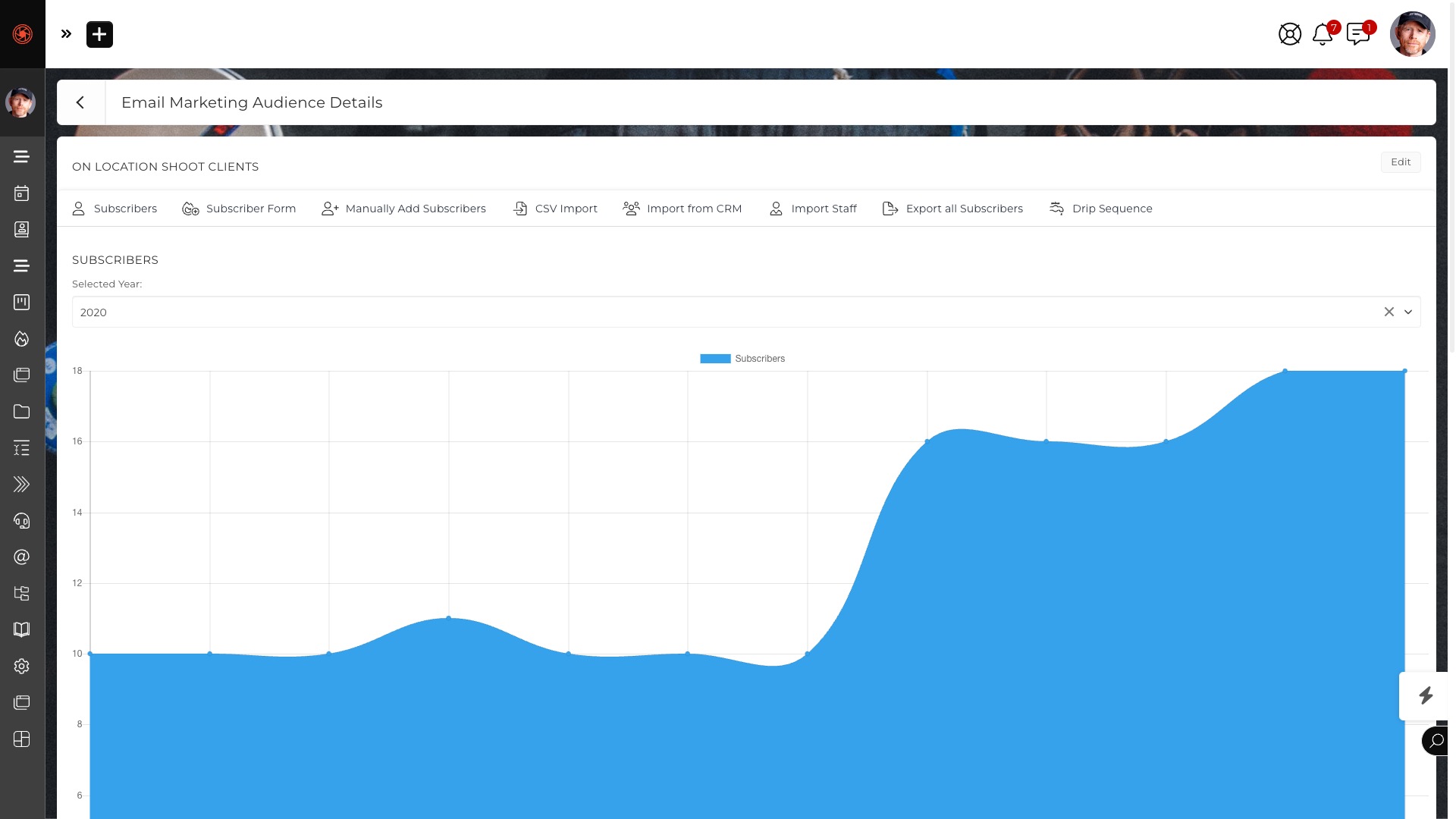
Use platform templates for Portal invitations and notifications. Use the separate Email Marketing toolkit to design and schedule audience Campaigns and follow-up sequences. These are distinct workflows; this page does not describe a shared Gmail or Outlook inbox.
Pricing and fit
SuiteDash platform plans start at a flat $19/month with unlimited Staff and Clients. Available tools vary by plan; check current pricing for the email workflow you need. Every plan starts with a 30-day free trial of Pinnacle with no credit card required.
Email management FAQ
Can I customize SuiteDash notification emails?
Yes. You can change the subject and body of many platform email templates and configure email branding such as your logo and colors.
Can Staff see which emails SuiteDash sent?
Yes. Email Logs show transactional and Auto-Template emails, with date, subject and Sent or Failed status. Authorized Staff can inspect a Contact or Company log and view or resend a message.
Is Email Marketing the same as platform email management?
No. Templates and Logs help manage platform notifications and transactional email. Email Marketing Campaigns and drip sequences are a separate toolkit for audience messaging.