SuiteDash vs Wrike
Updated October 2026
Wrike and SuiteDash both help teams plan and deliver work. Wrike offers detailed project views, Gantt scheduling, resource planning and approvals. SuiteDash brings Projects, Tasks, CRM, a branded Client Portal, Proposals and Invoicing together on one shared database, so these native tools can work together without separate app connections. Compare the project depth your team needs with the Client journey you need to run.

SuiteDash and Wrike at a glance
Swipe sideways to compare all columns.
| Area | SuiteDash | Wrike |
|---|---|---|
| Project views | Projects and Tasks with templates, Kanban views and time tracking | Board, Table, Gantt, Calendar and Chart views, with availability by plan |
| External collaboration | Clients use a branded Portal for selected work, files and billing | External users can work in shared projects; approval links and request forms also collect outside input |
| Resources and budgets | Track Project work and billable time with Client operations connected | Wrike lists resource planning, time tracking and budgeting capabilities, with availability by plan |
| Paid access model | Flat account plans with unlimited Staff and Clients | Paid plans use user seats; regular and external users require a paid seat, while some limited viewers may be free |
Wrike details checked October 28, 2026 against its pricing and license FAQ, features, and external user guide. SuiteDash details checked against current pricing and product documentation. Confirm current plan terms before buying.
Choose the level of project control you need
Wrike has rich planning views, Gantt charts, resource booking, proofing and approvals. It is a strong candidate when detailed schedules and capacity planning drive the team’s work. SuiteDash connects service delivery with CRM, Proposals, the Portal and Invoicing on one shared database, so information is available across the native tools. Test a realistic Project in both systems, including its Tasks, shared files, Client comments and billing handoff. Explore SuiteDash Projects.
Compare the outside collaborator experience
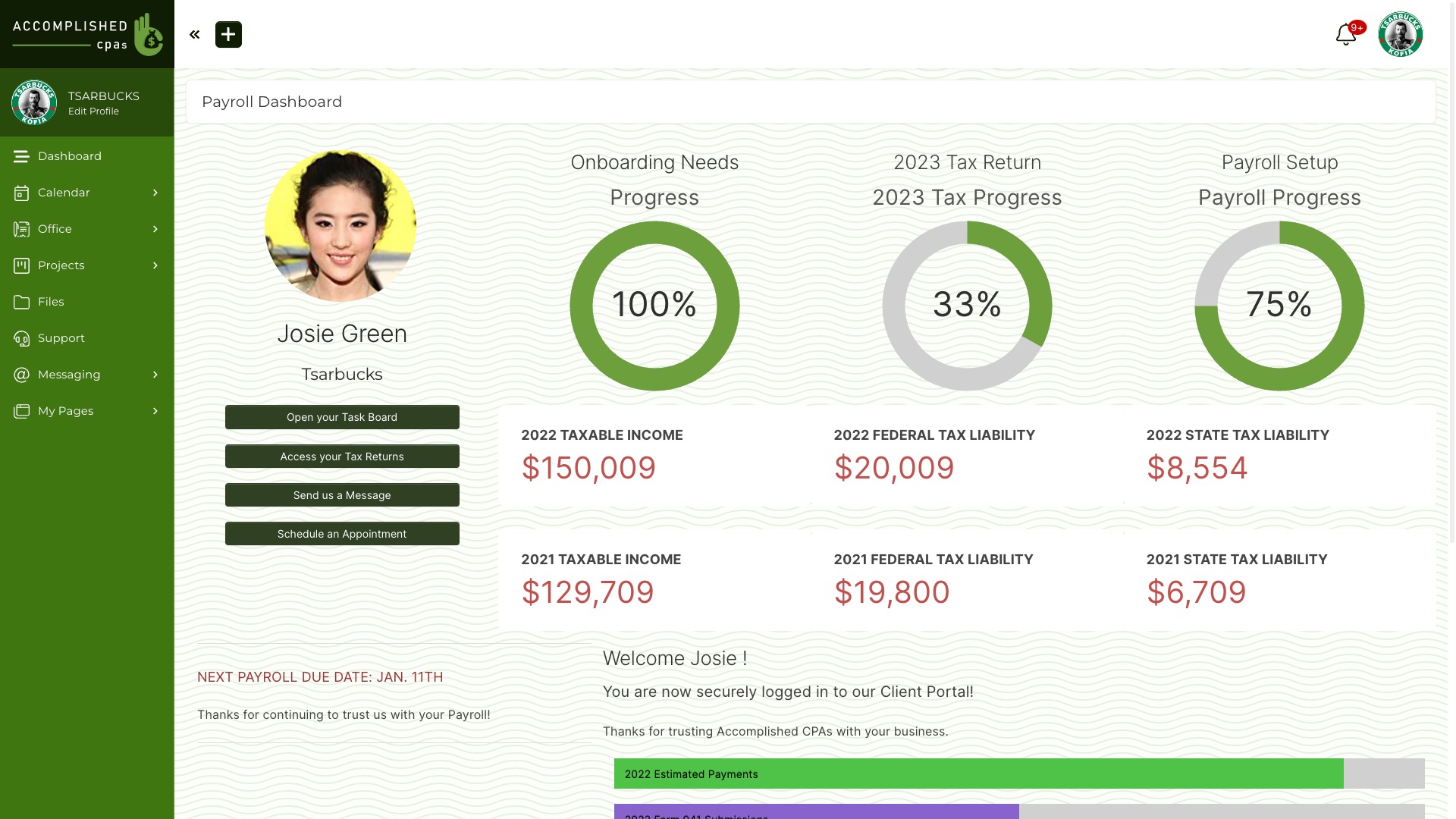
SuiteDash lets Clients log into a branded Portal to follow the work and share selected files. Wrike supports external users with limited access rights and can collect input through approval links and external request forms. Wrike’s pricing FAQ distinguishes paid external users from limited viewers who may be free. Confirm which roles your Client needs and what each sees. Explore the SuiteDash Client Portal.
Follow work through to the Invoice
SuiteDash Staff can track time with Timers, convert completed Timers into billable hours and add Project Tasks to Invoices as Items. Wrike documents time tracking and budgeting, including billable hours on higher tiers. Compare the exact path from approved work to a Client Invoice in your proposed Wrike setup, including any other product your team would use. See SuiteDash Time Tracking.
SuiteDash vs Wrike FAQ
Do both products support project management?
Yes. SuiteDash includes Projects, Tasks, templates, Kanban views and time tracking. Wrike offers multiple project views, Gantt scheduling, resource planning and approvals, with features varying by plan.
Can Clients collaborate in Wrike?
Yes. Wrike supports external users with limited access rights and also offers approval links and external request forms. Confirm the role and license needed for each Client action.
How does user pricing differ?
SuiteDash lists flat account plans with unlimited Staff and Clients. Wrike’s paid plans use user seats. Its pricing FAQ says regular and external users require paid seats, while some limited viewers may be free.
When is SuiteDash a useful Wrike alternative?
Consider SuiteDash when Projects need to connect directly to CRM, a branded Client Portal, Proposals and Invoicing. If detailed Gantt scheduling, resource planning and approvals are central, evaluate Wrike’s project controls and plan terms directly.
Continue Your Research
Best Client Portal Software for 2026 | Compare All SuiteDash Alternatives | View Pricing Plans