HoneyBook Alternatives for Agencies: Four Options to Compare
HoneyBook combines client intake, files, contracts, invoicing and a client portal. An agency may still need a different mix of team access, project work, branding or billing. Compare the whole client journey before moving, including the plan and any add-ons that your team would actually use.

Vendor capabilities and plan rules below are based on each vendor’s official product or Help pages checked in October 2026. Check their current terms before purchasing.
Start with what HoneyBook already does
HoneyBook’s own pricing page lists a client portal, proposals, contracts, invoices and payments. Its plans differ in automation, integrations, team access and branding controls. If these fit your work, staying may be simplest. If they do not, make a short requirements list before comparing alternatives.
Team access
How many staff and contractors need logins, and what should each role see? Check the current seat rules and permission controls.
Delivery work
Do you need project tasks, client review, files and time tracking after the contract is signed?
Client-facing brand
Test the login, portal, emails, documents and phone experience that clients actually see.
Billing
List invoice, payment plan, subscription and accounting needs. Include payment fees and the gateway you can use.
Four HoneyBook alternatives, with different strengths
Dubsado: configurable intake and workflows
Dubsado offers forms, client portals, invoicing and contracts. Its Premier plan adds automated workflows and scheduling. The pricing page separates the plan from extra team-member tiers and brands. Test the form-to-project path and the team roles you need; do not assume every workflow is included on Starter.
Bonsai: projects, time and client billing
Bonsai combines project and time tools with client billing. Its Basic tier focuses on time and tasks; invoicing, proposals and the client portal are listed from Essentials. Bonsai prices seats per user. Compare the tier that includes your required client-facing tools, not the lowest entry price alone.
Plutio: client workspace with capacity tiers
Plutio lists projects, invoices, contracts, forms and a client portal across plans. Its pricing varies by active-client and contributor capacity. White-label access is an add-on on some tiers and included on its highest tier. Test the client workspace and confirm what a contributor can do under the plan you would buy.
SuiteDash: connected client work in one account
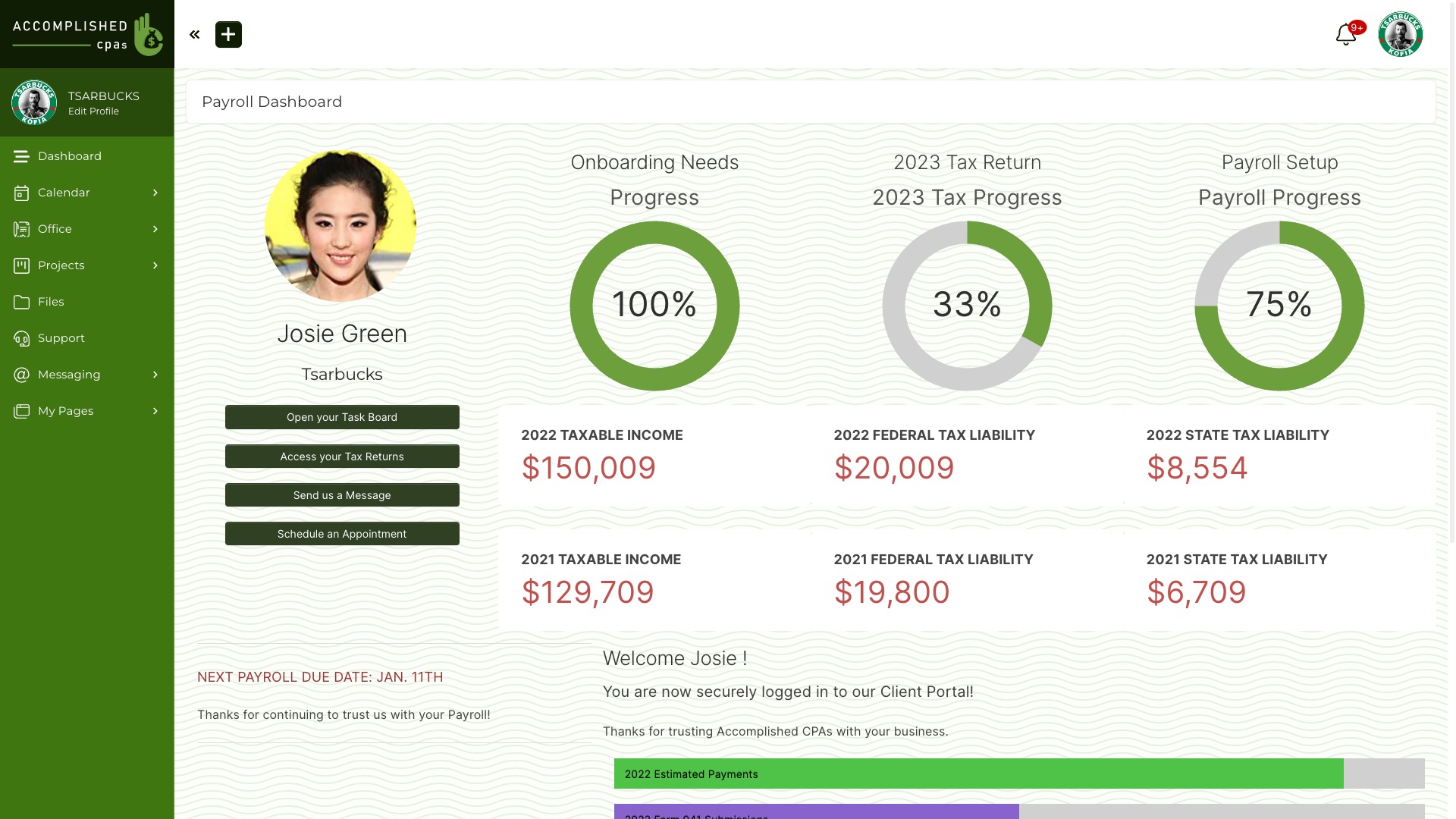
SuiteDash connects CRM records, projects, files, proposals, invoices and a configurable client portal. Its pricing page lists unlimited staff and client access across subscription plans, with different toolkits and storage by tier. White-label controls also have setup and plan details. Check the branding guide and test a real staff and client role before treating the portal as a fit.
Compare the complete cost of your agency workflow
Make one scenario with the number of staff, contractors and active clients you expect. Then price the actual plan, required add-ons, payment processing and any separate tools you would keep. HoneyBook’s team rules and branding controls vary by plan. Dubsado has additional-user tiers, Bonsai charges by seat, Plutio has contributor and client capacities, and SuiteDash uses a flat account price with plan-specific features. These structures matter more than an old ten-seat arithmetic example.
Check the official HoneyBook, Dubsado, Bonsai, Plutio and SuiteDash plan pages on the day you decide. Price alone cannot show whether the client-facing and internal workflows match.
Move one client journey before a full migration
- Inventory active clients, templates, open invoices, scheduled payments, files, workflows and team roles in HoneyBook.
- Use HoneyBook’s contact export to obtain a CSV and inspect its fields. Do not assume contracts, files or payment methods are included in that export.
- Map a small sample of contacts and companies into the new system. For SuiteDash, follow its CSV import guide and check role, company and custom-field mapping.
- Recreate one intake, proposal, delivery and invoice path. Test it as staff and as a client on desktop and phone.
- Confirm how open invoices and recurring payments will be handled before redirecting clients. Keep a clear record of which system owns each charge during the change.
- Only then plan the remaining migration and any cancellation date. The effort depends on data quality, templates, permissions and live billing.
HoneyBook alternative questions
Which option is closest to HoneyBook’s intake workflow?
Dubsado is a useful comparison for forms, contracts, invoices and client portals. Compare its Starter and Premier workflow features against your actual HoneyBook process.
Does every alternative include a client portal on its lowest plan?
No. Check the current plan page for the exact portal and branding controls. For example, Bonsai lists its client portal from Essentials, while Plutio’s white-label access varies by plan or add-on.
Is SuiteDash charged per team member?
SuiteDash lists flat account pricing with unlimited staff and client access across its subscription plans. Toolkits, storage and some configuration options still vary by plan, so compare the plan you would use.
Can I migrate everything from HoneyBook with a CSV?
HoneyBook documents a contact CSV export. Contracts, files, templates, invoices and saved payment arrangements need their own review. Test a small client journey before promising a complete migration.
Test your agency’s real client path
Pick one active workflow and compare it in each shortlisted product. Include staff access, the client view, billing and the plan required to run it.
Try SuiteDash or review its current plans.