The SuiteDash Feature Most People Set Up Wrong (and the Pro Tip That Fixes It)
You’ve got clients who need different things. Some are in onboarding. Some are mid-project. Some finished months ago and just need occasional check-ins. The problem isn’t that your business has variety – it’s that your systems treat everyone the same.
You build one portal, and everyone sees the same menu. You send one campaign, and it hits your entire list. You set permissions once, and they’re either too open or too locked down. So you start making workarounds. Spreadsheets to track who’s in what phase. Manual tags you forget to update. A growing mental list of “don’t send that email to those people.”
It works until it doesn’t. And when it breaks, it breaks quietly. The wrong client sees a page they shouldn’t. A campaign lands in the inbox of someone who already bought. A new client gets the same portal as someone six months in, and neither experience makes sense. Nobody complains out loud – they just start feeling like they’re inside a system instead of inside a relationship.
That’s the real cost. Not a dramatic blowup – just a slow erosion of the trust you worked hard to build. And meanwhile, you’re spending your time managing the mess instead of doing the work you actually get paid for.
What Circles actually are
This is where Circles come in. And we want to clear up the most common misunderstanding right away, because we hear it all the time.
Circles are a group permissioning structure. That’s what they do, that’s what they’re good at, and that’s all they are. If five clients are in the same Circle, they cannot see each other. They don’t know the others exist. In SuiteDash, clients never see other clients’ information, names, or assets. Everyone is completely separate.
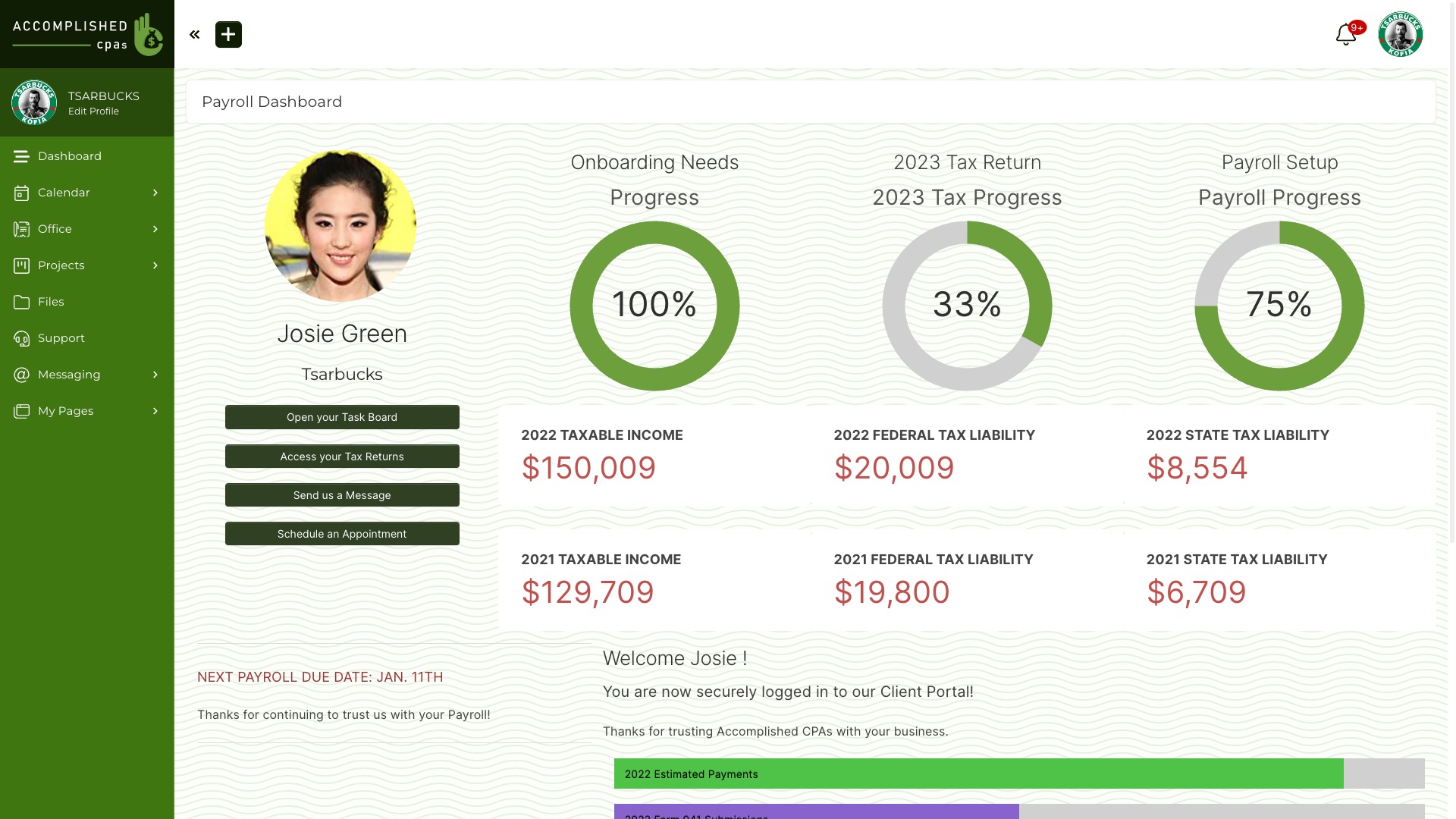
So when you add a Target to a Circle, you’re not creating a community or a shared space. You’re assigning them a set of permissions – what they can see, what they can access, what shows up in their portal. That’s what a Circle controls.
One Target, many Circles
Here’s the part that changes how you think about this: a Target can belong to as many Circles as you need. One, ten, a hundred – there’s no limit that gets in your way.
That means you can use Circles to represent different things at the same time. One Circle might indicate client type – payroll, tax prep, accounting. Another might indicate where they are in your process – onboarding, active, completed. A third might be what we’d call a utility Circle – a temporary flag for one specific purpose, like giving someone access to a particular page for a week, then removing them from that Circle when the moment has passed.
The flexibility is the point. Circles aren’t rigid categories. They’re building blocks you combine however your business actually works. And because they’re wired into the platform’s permission layer so deeply, every Circle membership decision ripples through to what that person actually sees when they log in.
The Pipeline mirror trick
Now here’s a pro tip that we’ve seen earn its keep over and over.
If you’re using Deals and Deal Pipelines – with Stages like qualification, appointment, proposal, assessment, or whatever your version looks like – create a Circle for each Stage with the exact same name. Qualification Circle, Proposal Circle, Assessment Circle. Mirror them one to one.
Then wire up your Automations. When a Deal leaves one Stage and enters the next, use the stage-leave Automation to remove the Target from the old Circle and the stage-enter Automation to add them to the new one.
What does that actually get you? Both worlds. Your Pipeline gives you the sales view – where every Deal stands, what’s moving, what’s stuck. Your Circles give you the permissions and marketing view – what each person can see in their portal, and which audience they belong to for campaigns. The two systems talk to each other through the Automations, and you don’t have to be the translator in the middle.
It’s straightforward to set up, easy to maintain, and it runs itself once the Automations are in place. You’re not manually moving people between groups or updating spreadsheets when a Deal progresses. The system handles the handoff every time a Stage changes.
One thing worth knowing: Trigger/Action Automations are part of the Pinnacle plan. If you’re building this kind of automated setup, that’s the tier where it lives.
Sync your marketing audiences when you create a Circle
There’s one more move that’s easy to miss, and it matters more than you’d think.
When you create a Circle, SuiteDash asks if you want to sync a marketing audience. The answer should almost always be yes – especially for type-based Circles like the ones we just mentioned. Payroll, tax prep, accounting, consulting, whatever your service lines are.
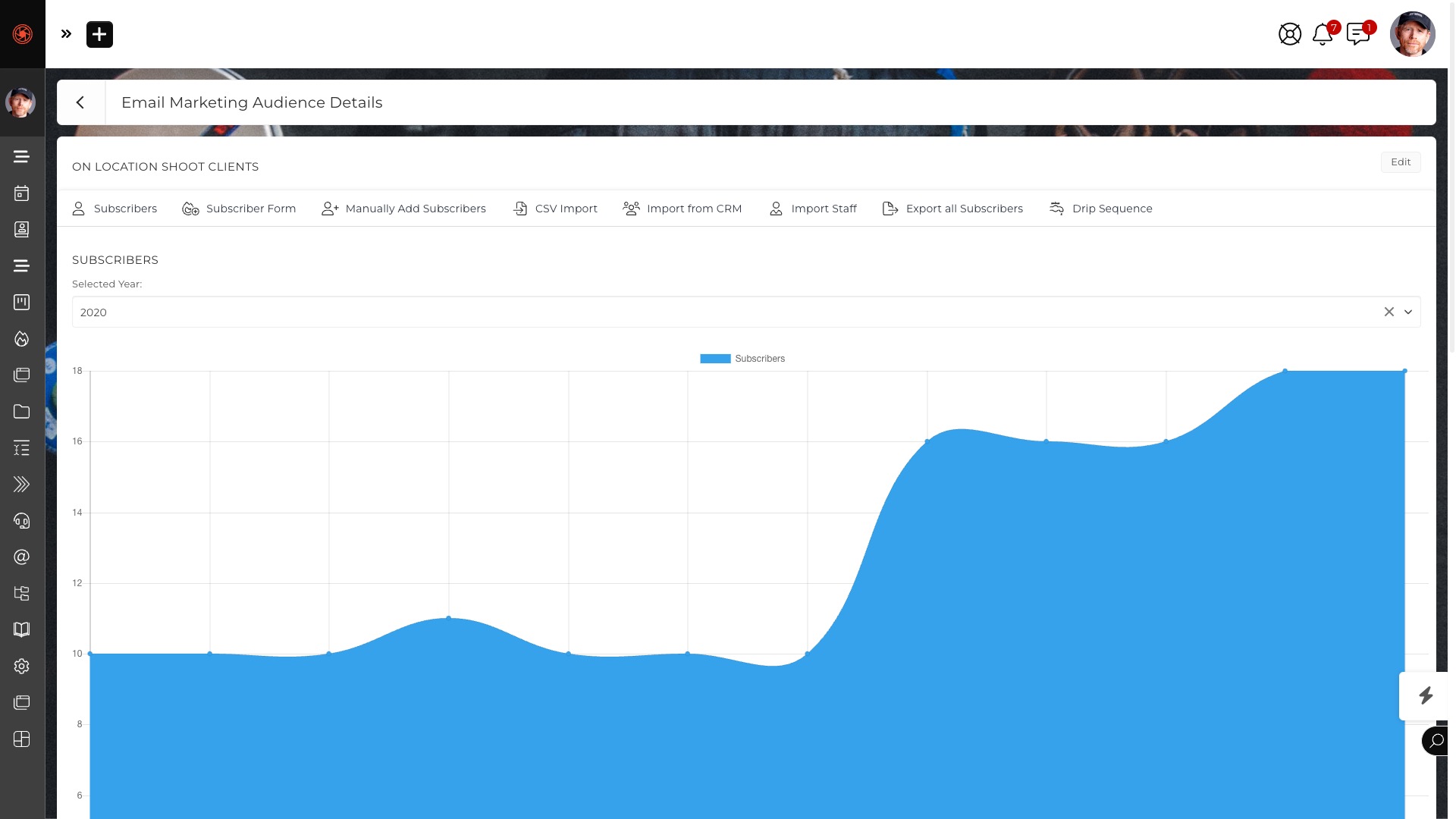
Here’s why: a synced audience stays perfectly matched to the Circle membership. When a Target enters the Circle, they’re in the audience. When they leave, they’re out. No manual list management, no stale segments, no “I forgot to update the campaign list before that send” moments.
That means you can run targeted drip campaigns and email sequences to exactly the right group, and the list maintains itself. You may never use the marketing audience for a particular Circle – but here’s the catch. You can only turn on the sync at the moment you create the Circle. You can’t go back and add it later. So say yes now, and decide later whether you need it. It costs you nothing and gives you an asset you can’t recreate after the fact.
What actually changes
Take a step back and look at what’s different once this is running.
Your clients see a portal that matches where they actually are in your process. Someone in onboarding sees onboarding materials. Someone who just signed a proposal doesn’t land on the same page as someone you closed six months ago. The experience makes sense to them without you having to think about it every time.
Your marketing hits the right people. Tax prep clients get tax prep content. Accounting clients get accounting content. Nobody gets everything, and nobody gets the wrong thing.
Your sales Pipeline and your permission structure stay in sync automatically. A Deal moves forward, the Circles update, the portal adjusts, the marketing audiences follow. You set it up once and it compounds from there.
And you stop being the human router in the middle of all of it. No more mental tracking of who should see what. No more scrambling to clean a list before a campaign goes out. No more hoping you remembered to move someone to the right group last Tuesday.
That’s what Circles are for. Not a feature to learn someday when things calm down. A practical structure that takes real manual work off your plate – with what you already have, starting today.
Ready to Run Your Whole Business From One Login?
Start your free 30-day trial on the Pinnacle plan. No credit card required. Every toolkit, nothing held back.