The Wristband Your Clients Are Missing
You run a service business. You have clients on different packages, at different stages, with different needs. And yet when they log in to your portal, most of them see the same thing.
The retainer client sees the same dashboard as the prospect who signed up ten minutes ago. The premium-tier client gets the same pages as the one-off project buyer. Nothing is wrong, exactly – but nothing feels right, either.
That is the tension most portal setups never resolve. The portal works. It just does not work differently for different people.
The real obstacle is not permissions – it is scale
You could, in theory, configure every client’s experience one at a time. Set up their pages individually. Decide what each person can see, do, and access on a case-by-case basis.
That works when you have four clients. It breaks at forty. And by four hundred, you have stopped trying. Everyone gets the same generic view because customizing per person is not realistic when you are also doing the actual work your clients are paying you for.
The obstacle is not that you do not want a tailored experience for each tier or scenario. The obstacle is that tailoring usually means touching every single account. It means remembering who should see what. It means the portal becomes another thing you have to maintain instead of a thing that maintains itself.
What happens when you do not fix it
The risk is quiet. Nobody sends you an angry email about it. But the premium client who is paying three times as much as the basic client notices that their portal looks identical. The prospect who just completed onboarding sees menu items for services they did not buy. The client who finished their project still has access to scheduling tools they no longer need.
It erodes trust in small ways. The portal feels like a template instead of something built for them. And when a client feels like they are using a generic system, they start wondering whether the service behind it is generic, too.
That is the risk – not a dramatic failure, but a slow leak of perceived value. Your best clients deserve to feel like best clients, and your portal is one of the few places where that feeling is delivered automatically, every time they log in, without you being in the room.
Circles – the wristband your portal is missing
Here is where SuiteDash enters.
We think about Circles the way you think about wristbands at a concert. You show up, you get a wristband. General admission gets one color. VIP gets another. Backstage gets a third. Security does not need to know your name or recognize your face. They look at the wristband. That is how they know where you can go.
Circles work the same way. A Circle is a group – a label you define once and assign to clients. “Premium Retainer.” “Basic Package.” “Onboarding.” “Past Client.” Whatever the scenario calls for in your business.
When a client logs in, SuiteDash reads their Circles – their wristbands – and that determines what they see, what they can do, and what they can access. The platform is not trying to figure out who they are as an individual. It looks at which Circles they belong to and serves up the experience you already built for that group.
The platform reads the wristband, not the name – and that is the whole trick that makes a portal feel personal without being personal to manage.
Assigning the wristband at entry
The first time a client touches your system – usually through a Kickoff Form – is where the initial Circles get assigned. A Kickoff Form is your onboarding entry point, and part of its configuration is deciding which Circles a new contact belongs to.
You can take this further with Choice Actions inside Forms. Say your Kickoff Form has a question: “Which package are you signing up for?” Each choice can trigger a different Circle assignment automatically. The client picks Package A, they get the Package A wristband. Package B, the Package B wristband. You never have to touch it.
This means your workflows are pre-built for unknown people. You do not need to know who is coming before they arrive. You just need to know the scenarios your business serves – the packages, the service tiers, the client types – and build the corresponding experience for each Circle in advance.
Changing wristbands along the way
Here is where Circles become genuinely powerful: they are not static. A client’s Circles can change throughout their entire lifecycle with you.
A prospect completes onboarding and moves from the “Trial” Circle to the “Active Client” Circle. An active client upgrades their package and gets added to the “Premium” Circle. A project wraps up and the client moves to “Past Client,” which changes their visible Portal Pages, hides scheduling tools they no longer need, and shows a feedback form instead.
These changes can happen through Automations – SuiteDash’s trigger-and-action system. An invoice gets paid, a Circle gets assigned. A project status changes, a Circle gets removed. You set the logic once. The wristbands swap themselves.
You can also assign Circles through a CRM import, through manual assignment, or through Automation workflows tied to virtually any event in the system. The point is that you are never stuck with the initial assignment. The client’s experience evolves as their relationship with you evolves.
What this actually controls
Circles are not just a label sitting in a database. They are the access-control layer across the platform. Here is what they touch:
Portal Pages can be assigned to specific Circles, so a page is only visible to clients wearing the right wristband. Your “Premium Resources” page only shows up for premium clients.
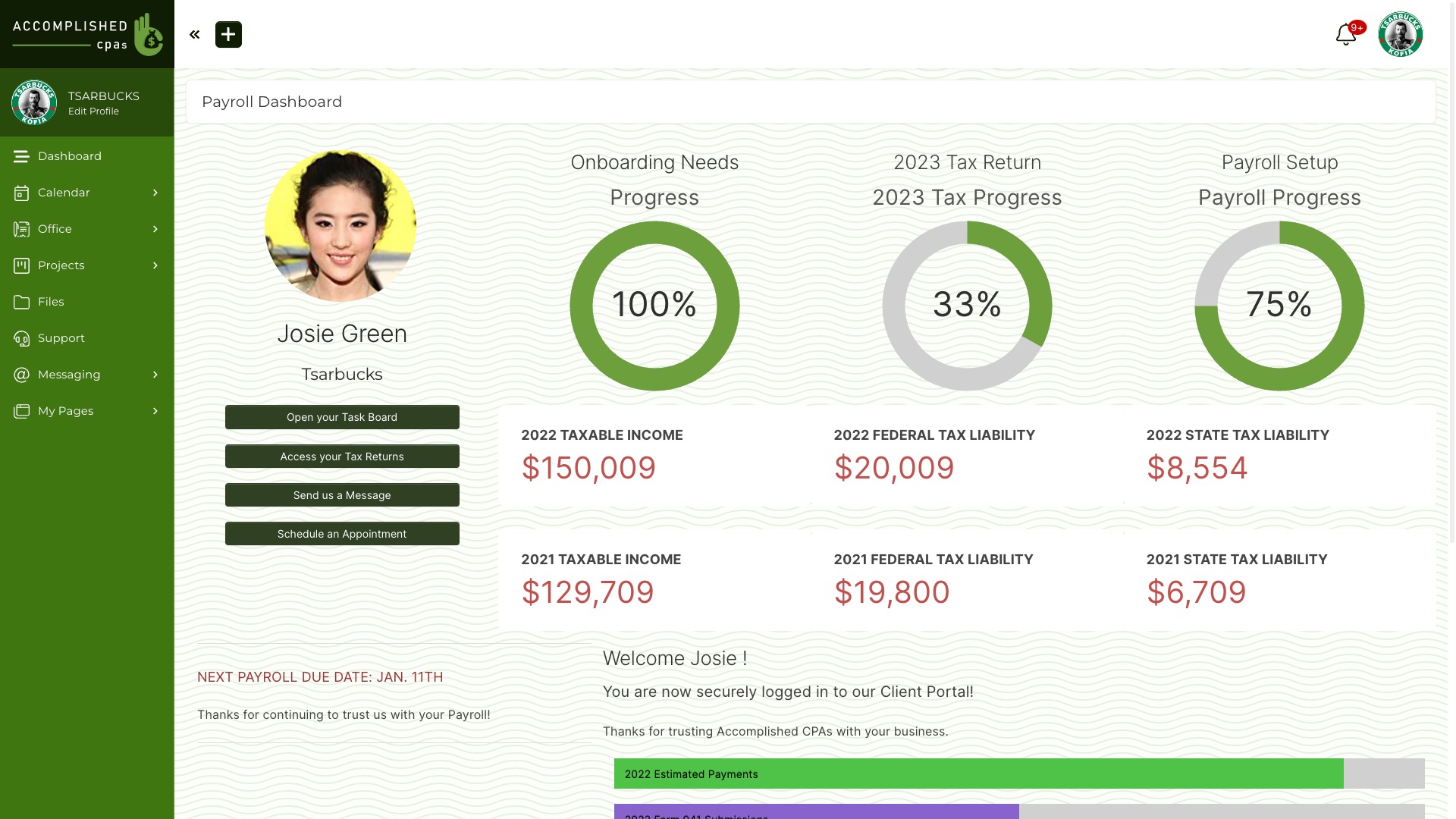
Start Pages can be set by Circle, so different groups land on different dashboards when they log in. Your retainer clients see their project overview. Your prospects see a welcome page.
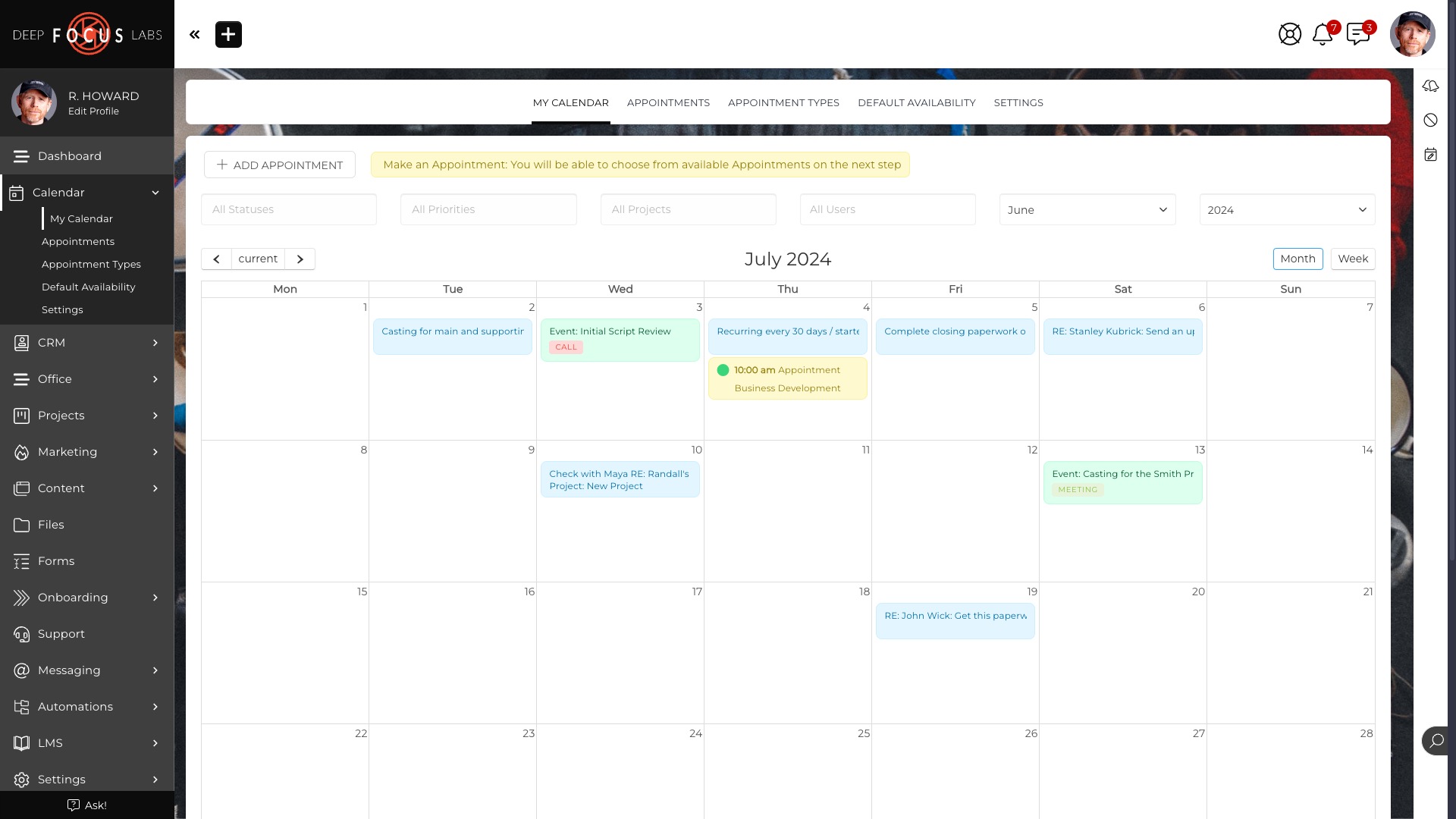
Appointment Generators can be shown or hidden by Circle. Your VIP clients see your priority scheduling calendar. Everyone else sees the standard one.
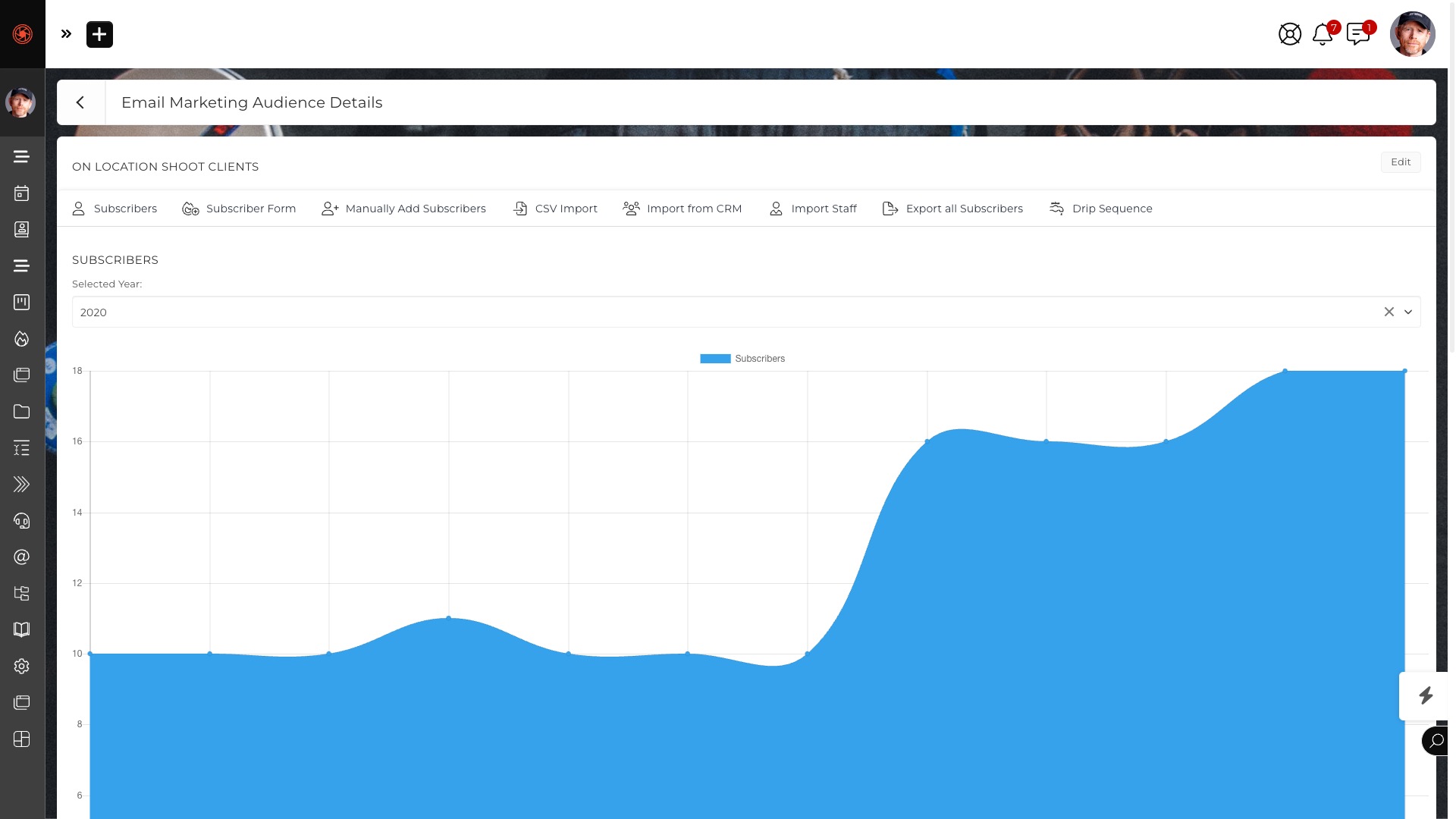
Secure Messaging scope can be filtered by Circle. Proposals and Invoices can be assigned by Circle for bulk operations. Custom Field visibility can be tied to Circles. Even marketing audiences and drip sequences can be segmented this way.
It is not one feature. It is a layer that runs underneath most of what the platform does.
The portal that runs itself
The future on the other side of this is a portal that feels bespoke to every client without requiring bespoke effort from you. You build the experience once per Circle – the pages, the access, the automations, the content – and then you assign the wristband. That is it.
New client shows up, fills out the Kickoff Form, gets their Circles, and lands in an experience that was built before you knew their name. Their package determines their view. Their lifecycle stage determines their access. And as their relationship with you changes, the wristbands change with it – automatically if you set it up that way, manually if you prefer.
You stop managing individual client portals. You start managing scenarios. And scenarios scale in a way that individual configurations never will.
That is what Circles do. They let the platform treat your clients the way a concert treats its attendees – not by memorizing every face, but by reading the wristband and opening the right doors.
Related reading
Ready to Run Your Whole Business From One Login?
Start your free 30-day trial on the Pinnacle plan. No credit card required. Every toolkit, nothing held back.