Best Client Portal for Law Firms (2026)
A client portal can give a law firm and its clients a shared place for messages, documents and billing. The right choice depends on how your firm handles matters, trust funds, deadlines, permissions and client access. Test one real workflow before you commit.

What law firms should test
List the people who need access, the files and messages clients should see, and the information that must remain internal. Test an invitation, a document exchange, a message, an invoice and access removal with a test account. Review the vendor’s security, retention and data-processing terms with the people responsible for your firm’s requirements.
A portal does not by itself determine whether a communication is privileged or whether a firm has met its professional duties. The ABA Model Rule 1.6 describes reasonable efforts to protect client information; check the rules that apply to your jurisdiction and practice.
Eight options to compare
SuiteDash
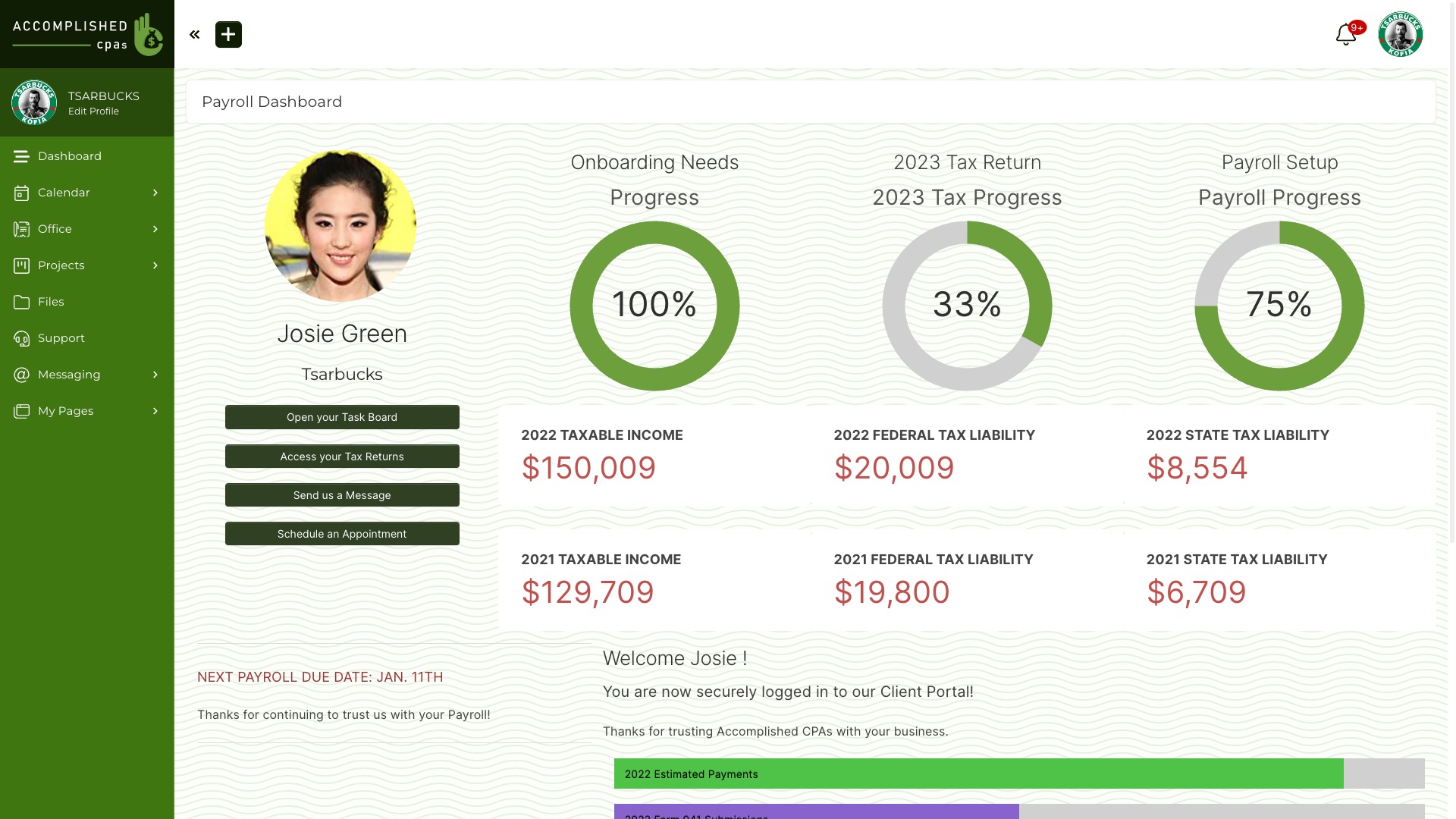
SuiteDash combines a client portal with CRM, files, messaging, projects, invoices and other business tools. It is a general business platform: before relying on it for legal-specific work, confirm how your firm will handle trust accounting, conflicts, court deadlines and required billing formats. Pricing starts at $19 per month; plans include unlimited Staff and Clients, while plan features and optional services vary. The 30-day Pinnacle trial provides nearly all features; Marketing Autoresponders require a paid plan.
Clio
Clio offers legal practice management with matter handling, billing and legal accounting. Check the current plan, client access and add-ons for your firm’s workflow.
MyCase
MyCase combines case management, billing and a client portal. Its published comparison shows that portal availability differs by plan, so test client access on the tier you are considering.
PracticePanther
PracticePanther lists matter management, billing and a client portal, with additional workflow and accounting features on selected plans. Check the tier and payment terms before comparing costs.
Smokeball
Smokeball Communicate provides messaging and file sharing in a client portal. Confirm desktop requirements, the plan and a current quote with the vendor.
Rocket Matter
Rocket Matter offers legal practice management and lists client portal access among its features. Check plan eligibility and current pricing for your team.
CARET Legal
CARET Legal lists legal practice management, accounting, billing and a client portal. Its published plans are priced per user and list a one-time implementation fee; verify the complete quote.
Filevine
Filevine’s client portal supports client messages and case updates. Ask about product access, setup and pricing for the workflow you need.
Compare the full cost
Count the Staff users, client users, required plan, implementation work, storage, payment processing and optional services for each option. A flat plan can make Staff costs easier to predict, while legal-specific features may reduce the need for separate tools. The outcome depends on the actual plans and workflows you choose.
Check access and confidentiality
Use a test Client and a test Staff account to see what each person can read, download, change and share. Review notification settings as well as portal permissions. SuiteDash Secure Messaging Help describes messaging permissions; Organization Settings Help explains privacy and convenience modes.
Choose for your firm’s workflow
If you need jurisdiction-specific deadlines, trust ledgers or legal billing formats, ask each vendor to demonstrate them on the exact plan you would buy. If your priority is a branded client workspace connected to general business operations, test that workflow in SuiteDash and determine where a specialist legal or accounting tool remains necessary.
Law firm client portal: frequently asked questions
What client portal do lawyers use?
Law firms use both legal practice management portals and general client portals. Compare client access, matter requirements, permissions, billing, integrations and the total cost for your firm.
Is Clio worth the cost for a solo attorney?
That depends on the features the attorney needs. Test Clio’s legal workflows and compare its current plan price with the other tools required for your practice.
Can I white-label a client portal with my firm’s branding?
SuiteDash offers branding options including a logo, colors and a custom portal URL. Verify the setup and certificate requirements, then test the invitation and login experience on a real device.
What should I check for IOLTA trust accounting?
Identify the trust-accounting, reconciliation, reporting and jurisdiction requirements that apply to your firm. Ask the vendor to demonstrate the workflow and confirm any specialist software or integration you will need.
Try one client workflow
Start with a test contact, invite a test client, exchange a sample file and message, then create a draft invoice. Record every manual step, optional service and permission decision before comparing plans. See Client Portal, Invoices Help and Pricing.