Mobile CRM Access for Client Work
Updated October 2026
SuiteDash gives your team a CRM for Contacts, Companies and Deals in the same account as your client work. Staff can use SuiteDash from a mobile browser, and an account with a configured Custom URL, Custom Login and app icon can offer an installable Progressive Web App. This is your branded SuiteDash experience on a phone, not a separate mobile CRM database.
Carry client context with your team
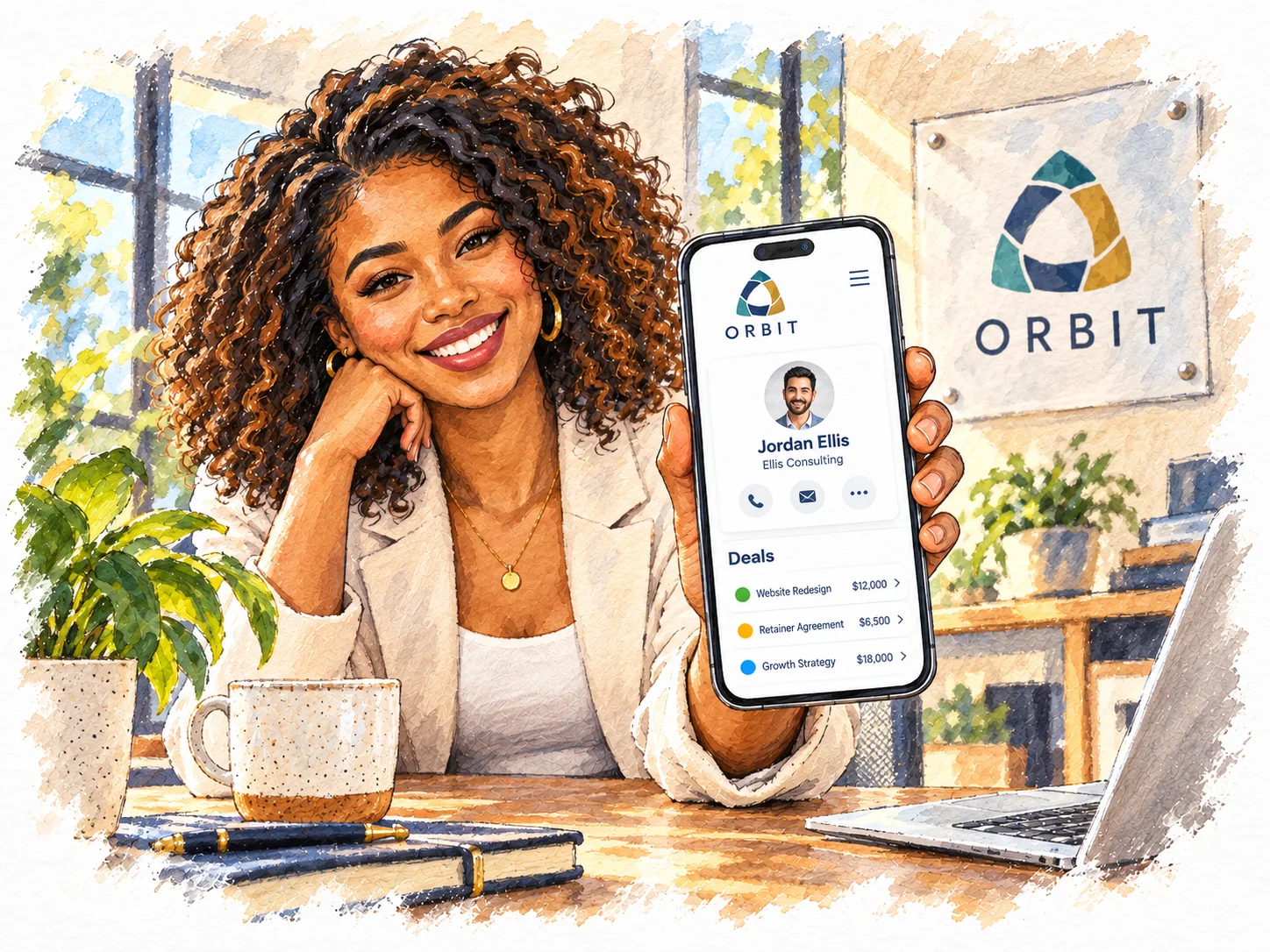
SuiteDash CRM organizes Leads, Prospects and Clients as Contacts, with Company records when you serve an organization. A Contact dashboard brings profile information, notes, Deals, Forms and related work into one place. What a Staff member can see and edit still depends on their role and assignments. Explore CRM basics and the Contact dashboard.
Follow opportunities in Deals
Deals track income opportunities through a Pipeline. A Deal can have an expected close date, expected value, stage and Staff followers. Teams can use List, Card, Stage and Forecast views to review the same Deals. Mobile access should help you check the opportunity before a client conversation, while your CRM remains one shared system. Review CRM Deals.
Install the branded web app when configured
SuiteDash’s White Label Mobile App uses Progressive Web App technology. To offer the installable experience, configure a Custom URL and Custom Login, including an app icon. Android users can use the install option on the Custom Login page; Apple users add it to the Home Screen from Safari. The app opens your branded login experience. See installation steps and requirements.
Keep notifications in reach
SuiteDash supports push notifications through the installable web app on supported devices and browsers. Each person chooses whether to enable notifications on a device in their account settings. This can bring an assigned Task or new Message to their attention even when a SuiteDash tab is closed. It is optional and depends on device support and permission. Review push notification setup.
One CRM across desktop and phone
Use the same SuiteDash account and role permissions wherever your team signs in. The mobile experience keeps the CRM connected to your client Portal, Projects, messaging and billing instead of making staff copy information into a second contact list. For the full toolkit, see SuiteDash CRM.
Mobile CRM FAQ
Does SuiteDash offer an installable mobile app?
Yes. SuiteDash offers an installable Progressive Web App when the account’s Custom URL, Custom Login and app icon are configured.
Is the mobile experience a separate CRM database?
No. The installable web app opens the same SuiteDash account your team uses on desktop, with the same CRM records and role permissions.
How do I install the SuiteDash web app on an iPhone?
Open your configured Custom URL in Safari, use the Share control, then choose Add to Home Screen. Your account must have its Custom URL, Custom Login and app icon configured first.
Can staff receive push notifications on a phone?
Yes, on supported devices and browsers. Each Staff member can enable push notifications for a device in their account settings and grant the required device permission.