November 2023 workshop replay
1040 Tax Prep Workflow Masterclass Replay
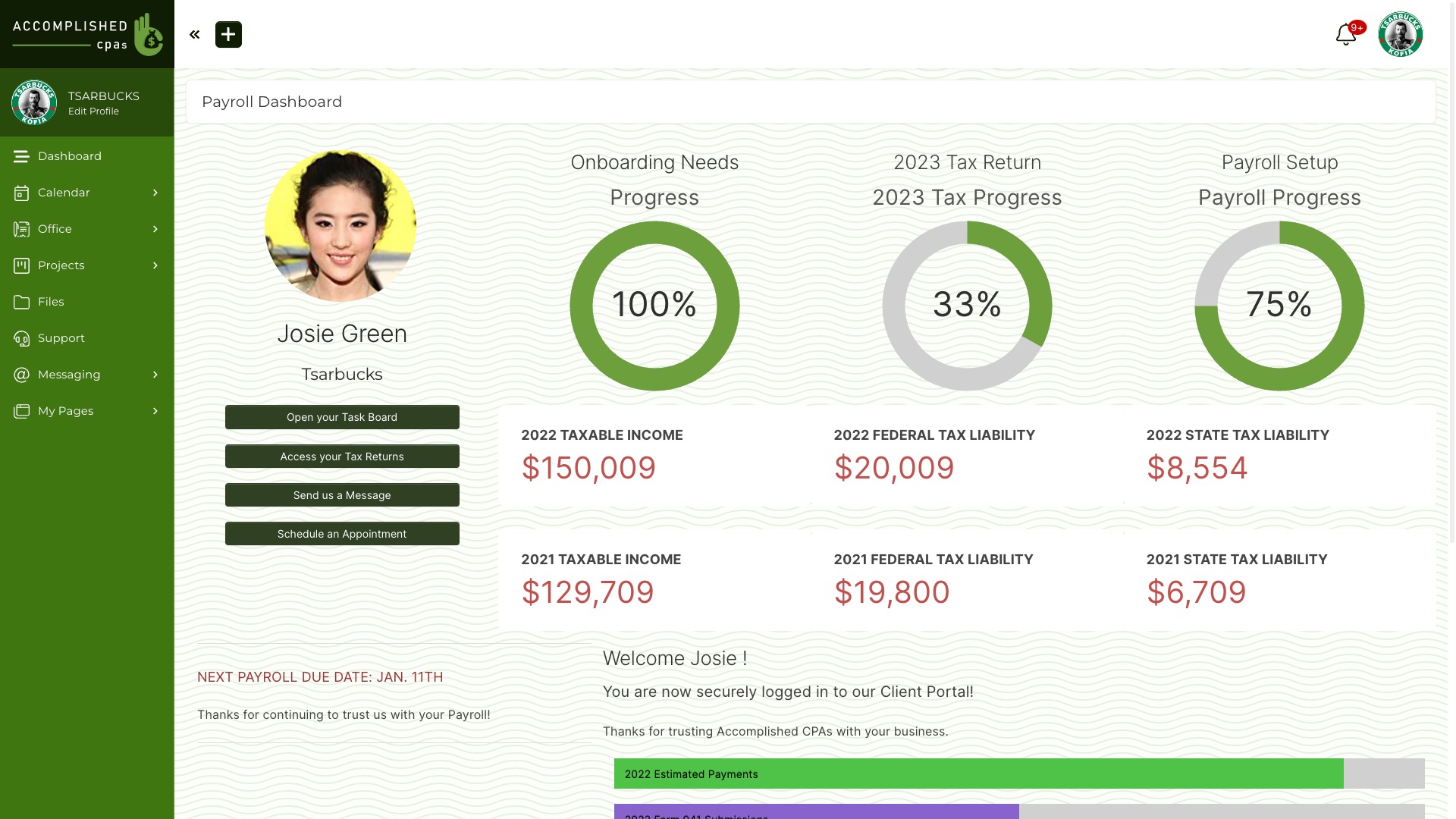
Watch Mark Stovel map a client-involved tax-preparation process in SuiteDash. The session looks at intake, document collection, client tasks and internal follow-up. It is a historical product walkthrough, so check current setup guidance before adapting it for your practice.

Watch the workshop
Mark Stovel of FirmNexus presents an example for CPAs, accountants and bookkeepers. The example is a process design exercise, not tax advice or a promised business result.
Open the replay on Vimeo if the embedded player is unavailable.
Map one client workflow
Start with the actual steps your firm needs: how a client begins, which information and documents you request, who reviews each item, and what you send back. Choose a sample client and test each handoff with the permissions that person will have. The video’s example can guide the exercise, but your own process and professional obligations determine the final setup.
Check current setup and plan access
Current SuiteDash Help describes Forms on Dashboards and Portal Pages, File Requests, and FLOWs for multi-step intake. FLOWs require the Pinnacle plan. Review current Pricing and test roles, access and document handling before rollout.
For the other workshop in this series, visit the Masterclass Workshop Replays hub.