Zendesk Alternatives: Five Options for Support and Client Work
Zendesk is built around customer service: support requests become tickets, and teams can add channels, a help center and other service tools. A useful alternative depends on what the customer needs after asking for help. Some teams need a dedicated help desk; others need support to sit beside projects, files and billing in a client workspace.
This guide compares five different approaches. We checked the linked official product and Help pages in November 2026. Features, channel access and prices can change, so test a real support journey and confirm the current plan before buying. Start with Zendesk’s current plan comparison as your benchmark.
What should you test in a Zendesk alternative?
Write down one support request from start to finish. Ask a customer to submit it, let a staff member assign and answer it, then check what the customer can see afterward. Repeat the same path in each product.
- Channels: Which of email, portal forms, chat, phone and social messages do you actually use? Check each channel in the plan you would buy.
- Ticket work: Test assignment, priorities, internal notes, status changes, escalation and reporting with the staff roles you need.
- Customer access: Can the customer submit and follow a request in a branded space? Decide whether they also need projects, documents, messages or invoices there.
- Cost and setup: Count the staff or agent seats, customer access, channels, AI usage, storage, integrations and configuration work in the actual offer.
Five Zendesk alternatives to evaluate
1. SuiteDash: support alongside the client relationship
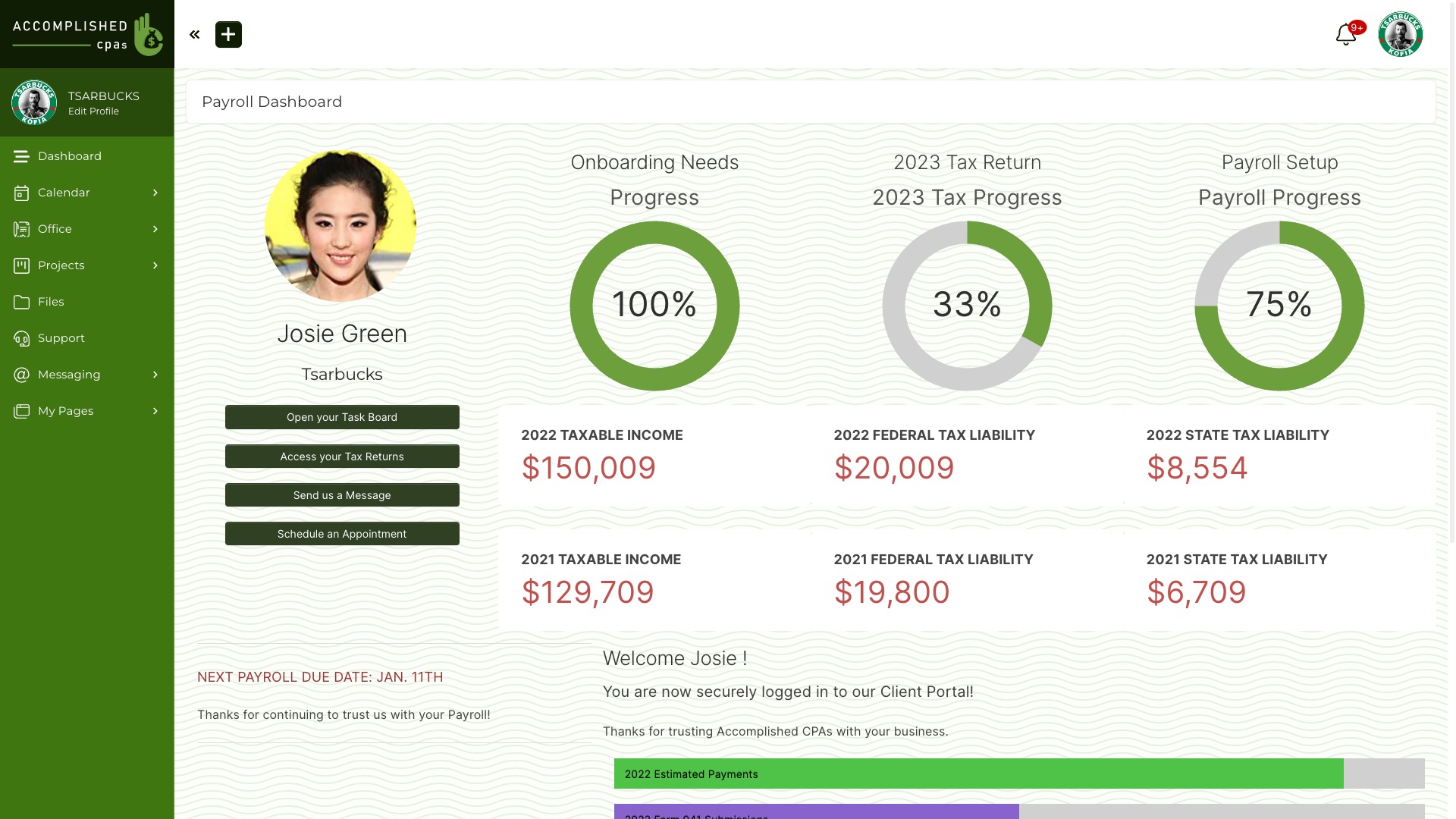
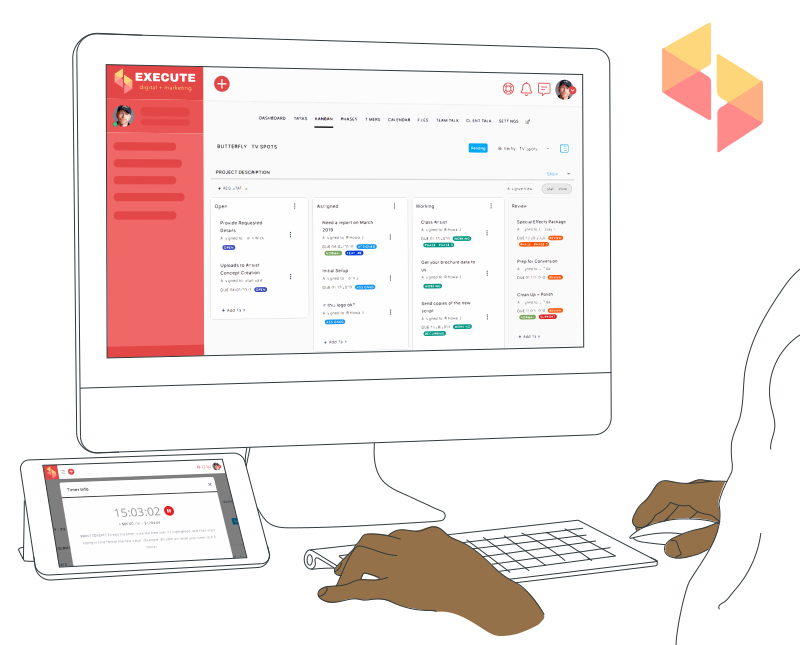
SuiteDash combines a branded Client Portal with CRM records, projects, files and invoices. Its Support Tickets toolkit lets configured staff manage inquiries while Contacts use the portal and email, or email only, depending on your settings. Staff access, inboxes, priorities, statuses and forms need configuration. Current SuiteDash Pricing lists Support Tickets in Pinnacle; do not assume the toolkit is included in Start or Thrive.
Evaluate it when: support requests are one part of ongoing client work. Run a sample ticket, then check whether the same client can reach the right project, file and invoice in the Client Portal. If your team needs a specialized voice, social or AI service operation, compare those requirements separately rather than assuming the products have the same channel set.
2. Freshdesk: ticketing and self-service
Freshdesk offers a ticketing workspace, a customer portal and a knowledge base. Its portal documentation explains how customers can raise and track tickets and use self-service content. Freshworks separates some channel capabilities between Freshdesk and Freshdesk Omni, so check the current plan comparison for the channels and automation you need.
Evaluate it when: a dedicated help desk and support content are the main jobs. Test email-to-ticket handling, customer portal access and any chat or social channel in the specific product and plan you would use.
3. Zoho Desk: support with a configurable help center
Zoho Desk’s administrator guide documents tickets, a self-service Help Center, automation, reports and an integration path to Zoho CRM. Its portal can include a knowledge base and ticket submission and tracking. These are support workflows; a buyer should check which client records and work items, if any, must also appear outside the help desk.
Evaluate it when: your team wants ticket management and self-service, especially if it already uses Zoho products. Confirm edition, staff roles, branding, CRM connection and the customer’s signed-in view.
4. HubSpot Service Hub: support tied to HubSpot CRM
HubSpot documents a help desk and support tickets in its service setup guide. Its support portal guide says the login-protected portal is available with Service Hub Professional or Enterprise and shows tickets, not every conversation or general project work. Check the plan and portal settings before treating it as a broader client workspace.
Evaluate it when: HubSpot CRM already holds your customer context and the customer-facing task is tracking support tickets. Map where deliverables, files and billing will live if clients need those too.
5. Intercom: conversation-led support
Intercom centers its service workflow on a shared Inbox for customer conversations and team assignments. Its current help desk overview describes messaging, tickets, a help center and Fin AI Agent. That emphasis can suit teams that start support in chat and want people and automation in the same service workspace.
Evaluate it when: conversational support is your main channel. Test handoff from automated answers to a person, ticket history, customer identity, channel coverage and the costs of the exact plan and AI usage you expect.
Use one practical comparison journey
Create one sample customer and one realistic issue in every contender. Submit it through your actual channel, assign it, add an internal note, reply, close it and let the customer sign back in. Then ask that customer to find a related project update, file and invoice. Record which steps are native, which need configuration, which need a second product and which are unavailable.
For a service business, the choice is often between a dedicated support system and a workspace that also handles the work around support. Freshdesk, Zoho Desk, HubSpot Service Hub and Intercom each have a different service emphasis; SuiteDash connects Support Tickets with broader client work when Pinnacle and the required configuration fit. Choose from the tested workflow, not a generic ranking.
Try SuiteDash with a sample client and compare its staff and customer views against the other options. The trial starts on Pinnacle, so check the plan you would keep after the trial.