Learning Management System (LMS) Software
A consultant trains clients through weekly video calls, but after the training ends, knowledge is scattered: scattered in email follow-ups, scattered in scattered notes that reside with individual consultants, and scattered in scattered participants’ memory. When a new team member joins, they must re-explain everything to new participants, wasting countless hours.
Learning Management Systems (LMS) platforms solve this by centralizing course content, video materials, and learning progress in one searchable platform. Participants access training whenever they want. Course progress is tracked automatically. Completion certificates are issued on demand. When participants return months later with questions, their entire learning history is visible to support staff.
Consultants use LMS because it scales training without adding staff. Coaches use it to track client progress toward goals. Membership organizations use it to deliver ongoing education and maintain engagement. Professional services firms use it to onboard new clients on their methodology. Education-focused companies use it to distribute courses and certifications at scale.
SuiteDash includes LMS as one module alongside projects, invoicing, automation, proposals, and portals. All sharing the same participant database. When a course graduate becomes a consulting client, their record is unified. When project work requires training, enroll them in a course instantly. One interface. One participant database. Complete history.
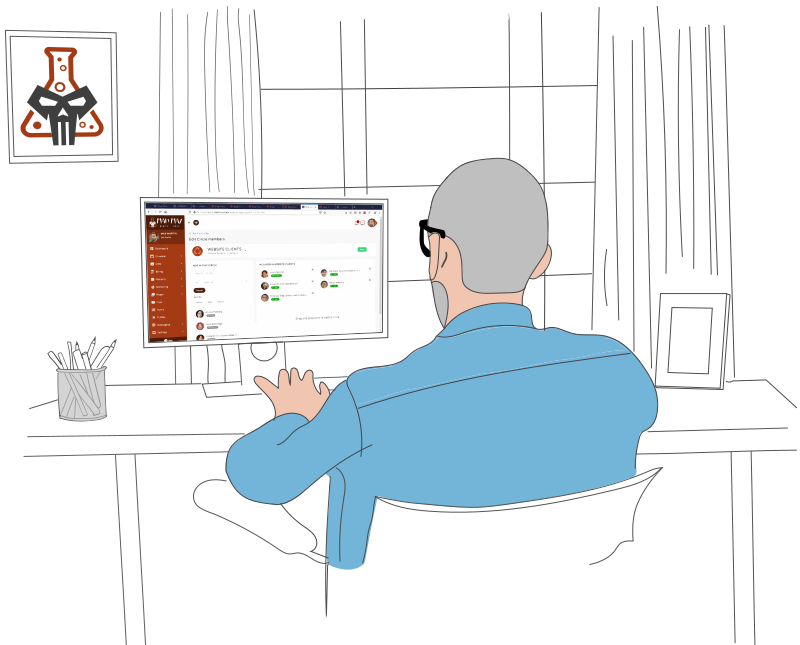
What Does LMS Software Do?
Most LMS platforms handle seven core functions. Understanding what each does helps you evaluate whether LMS makes sense for your business.
1. Course Creation & Management
The foundation of any LMS is the ability to build and organize courses. Create course structure with modules, lessons, and sections. Add course descriptions, learning objectives, and prerequisites. Organize content hierarchically so participants understand the learning path. Upload materials, embed videos, and set course visibility (public, private, or enrollment-only).
Why it matters: A well-organized course structure makes learning intuitive. Participants know what to expect, what comes next, and how their progress contributes to completing the course.
2. Video & Content Hosting
Host video content directly in your LMS or embed from YouTube, Vimeo, or other providers. Video lessons auto-play, support timestamps, and track completion. Learners can speed up playback, enable captions, and revisit videos. Supplement videos with downloadable materials, PDFs, and resources. Some LMS platforms support live streaming for instructor-led sessions.
Why it matters: Video increases engagement and retention compared to text-only courses. Participants learn at their own pace and can rewatch complex concepts. Hosting on your platform (not YouTube only) maintains participant data and prevents distraction from recommendations.
3. Quizzes & Assessments
Build quizzes and assessments to test knowledge and gauge understanding. Create multiple-choice, short-answer, true/false, and matching questions. Set passing scores and require minimum performance before allowing advancement to the next lesson. Display immediate feedback so participants understand incorrect answers. Some LMS platforms support timed exams and randomized question pools.
Why it matters: Assessments verify that participants actually learned the material instead of just clicking through. Passing grades prove competence, which is critical for compliance training, certifications, and professional development.
4. Progress Tracking
Track which lessons each participant has completed, how much time they’ve spent, and which assessments they’ve passed. Show participants a visual progress bar so they can see how far through the course they’ve come. Instructors see dashboards showing which participants are behind or at risk of not completing. Send automated reminders to inactive learners.
Why it matters: Progress tracking ensures accountability. Instructors can identify struggling learners early and provide intervention. Learners stay motivated when they see progress accumulating. Organizations need documented evidence that training was completed.
5. Certification Management
Issue digital certificates upon course completion. Set certificate requirements (minimum quiz score, completion of all lessons). Certificates include the participant’s name, course title, completion date, and unique verification ID. Participants can download certificates as PDFs or display in digital wallets. Some LMS platforms support recurring certifications that expire and require renewal.
Why it matters: Certificates prove completion to employers, clients, and regulatory bodies. Digital certificates reduce fraud compared to paper certificates. Automated issuance scales certification to thousands of learners without manual work.
6. Learner Reporting
Generate reports showing course enrollment, completion rates, assessment scores, and time-to-completion. See which learners are at risk and which are excelling. Track course effectiveness by analyzing assessment scores and feedback. Export reports for compliance audits and stakeholder reviews.
Why it matters: Reports prove ROI of training to leadership. You can identify which courses are effective, which need improvement, and where learners struggle most. Compliance-sensitive industries require documented proof of training completion.
7. Automated Reminders
Send automatic reminder emails to participants who haven’t started a course, fall behind on deadlines, or have incomplete lessons. Trigger reminders based on time (daily, weekly) or events (course enrollment, upcoming deadline). Customize reminder text to feel personal, not robotic. Some LMS platforms support SMS and in-app notifications alongside email.
Why it matters: Reminders significantly boost completion rates. Without them, participants intend to finish but forget. A single reminder often re-engages learners who went inactive.
Why This Integration Matters
Most standalone LMS tools do these seven things well. SuiteDash’s advantage: all seven capabilities plus invoicing, project management, email marketing, CRM, and automations in one platform. Your instructors and participants have complete learning context without switching tools. When a participant completes a course and becomes a client, their record is unified. When onboarding a new client, enroll them in a course from within the CRM instantly. One interface. One shared data layer. Complete participant context.
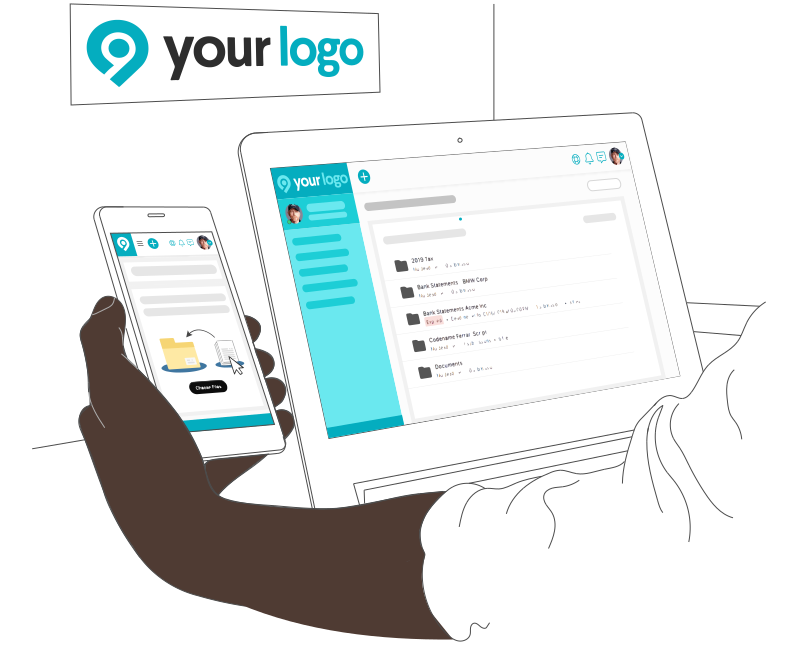
Who Uses LMS Software?
LMS software is valuable wherever training needs to be scaled, tracked, or kept accessible long-term. Certain industries and business models benefit dramatically.
Consulting & Professional Services (consultants, agencies, coaches) use LMS to scale training beyond one-on-one sessions. Deliver methodology training, onboarding courses, and certification programs to clients at scale. Participants access training on their schedule instead of attending scheduled sessions.
Corporate Training & HR use LMS for mandatory compliance training (harassment, safety, GDPR), skills development, and employee onboarding. Automate training delivery to new hires, track completion, and maintain audit trails for regulatory compliance.
Educational Institutions (schools, universities, training centers) use LMS to deliver online or hybrid courses. Manage enrollment, track student progress, deliver assessments, and issue grades and credentials from one platform.
Membership & Community Organizations use LMS to deliver exclusive content to members, maintain engagement, and build community. Monthly courses, webinars, and resources keep members subscribed longer and increase lifetime value.
Certification & Credentialing Bodies use LMS to deliver certification exams, manage candidate progress, issue digital credentials, and maintain records. Automate renewal reminders and track continuing education requirements.
Product Companies deliver customer education, user onboarding courses, and advanced feature training. Reduce support burden by enabling customer self-service and improving product adoption.
Audience Size Matters
Small training programs (5-50 participants) can use a simple LMS or even a spreadsheet to track progress. The convenience threshold is low.
Medium programs (50-500 participants) see immediate value from automated progress tracking, certificate generation, and reminder emails. Manual tracking becomes unscalable.
Large programs (500+ participants) need advanced features like automated workflows, bulk enrollment, API integrations, and comprehensive reporting. Scaling without automation is impossible.
If your training reaches more than one cohort per year, or if participants access content asynchronously, you benefit from LMS. The more participants or the longer the content is available, the more valuable LMS becomes.
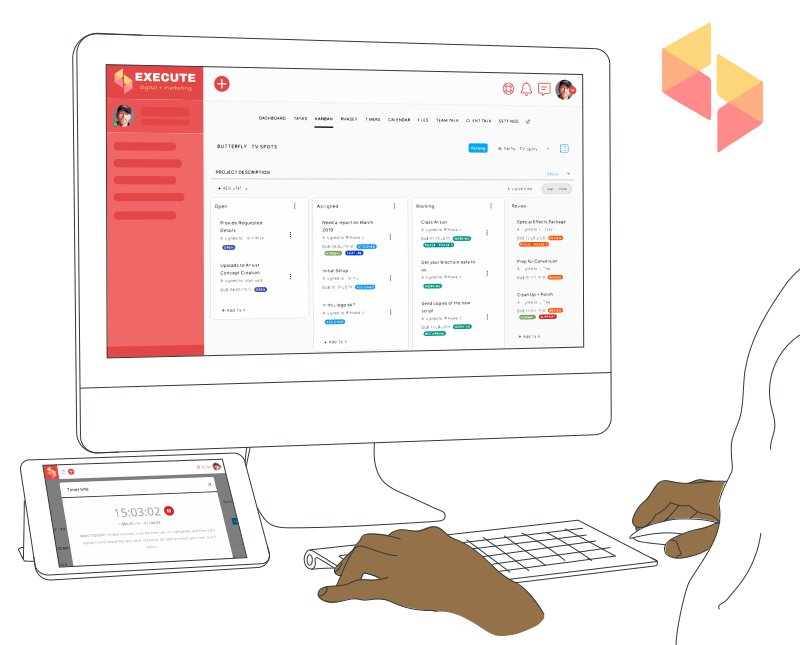
LMS vs. Standalone Tools: The Integration Advantage
Standalone LMS tools like Moodle, Blackboard, and Teachable are powerful for delivering courses. They also create friction for service businesses that need to coordinate training with operations.
The Problem
A consulting firm onboards new clients and needs to deliver training. Here’s what happens when a deal closes:
- Manage client enrollment in Teachable (or similar LMS)
- Switch to another tool to track who’s completed training
- Switch to another tool to generate completion certificates
- Switch to another tool to send reminder emails to inactive learners
- Switch to another tool to invoice the client for professional services (separate from training)
Result: Multiple context switches per client. Manual data syncing between tools. Different interfaces. Different learning curves. Support team spends hours per week managing these disconnected systems instead of serving clients.
The SuiteDash Approach
LMS plus CRM plus projects plus invoicing plus email marketing, all in one interface, all sharing the same participant database.
When a client enrolls in a course, enrollment is automatic based on CRM rules. Course completion triggers automatic certificate generation. Email reminders automatically send to inactive learners. When a course graduate becomes a billing client, the CRM record is unified. Nobody switches tools or re-enters information.
One interface. One shared data layer. Complete participant context from enrollment through certification through ongoing engagement.
Why This Matters
Standalone LMS specialization is powerful for education-first companies delivering courses as the primary product. Teachable excels when your company is “a course company first, other things second.”
For small-to-mid-market service businesses, consulting agencies, and membership organizations, the integration advantage often outweighs LMS specialization. You’re not optimizing one function (training delivery). You’re optimizing the entire business (client onboarding through training through ongoing engagement through billing).

What to Look For in LMS Software
When evaluating LMS software, look for these capabilities:
Course Management
Build and organize courses with modules, lessons, sections, and materials. Set prerequisites, learning objectives, and completion requirements. Organize content logically so learners understand the progression. Support multiple content formats (video, text, documents, links).
Participant Management
Manage participant enrollment, track status (active, completed, dropped), and organize learners by cohort or segment. Bulk enroll participants from CSV. Assign participants to courses, groups, and instructors. View participant list and filter by course, completion status, or enrollment date.
Progress Tracking & Dashboards
Track completion percentage for each participant in each course. Show progress bars, quiz scores, and lesson completion status. Dashboards highlight at-risk learners (inactive, failing quizzes). Instructors see real-time progress and can intervene before dropout.
Assessment & Grading
Create quizzes and assessments with automatic grading. Support multiple question types (multiple choice, essay, true/false). Set passing scores and conditional advancement (learners must score 80% to proceed). Provide immediate feedback to learners.
Certificates & Credentials
Issue digital certificates automatically upon course completion. Customize certificate design with course name, participant name, and completion date. Participants download as PDF or share in digital wallets. Support recurring certifications that expire and require renewal training.
Automated Reminders & Notifications
Send automatic reminders to participants who haven’t started a course, fall behind on deadlines, or fail an assessment. Trigger reminders based on time (daily, weekly) or events (enrollment, failed quiz). Customize reminder messages. Some platforms support SMS and push notifications.
Reporting & Analytics
Generate reports on course enrollment, completion rates, assessment scores, and time-to-completion. Track learner engagement and identify courses that need improvement. Export reports for compliance and stakeholder review. Create dashboards showing key metrics.
Mobile Learning (mLearning)
Deliver course content optimized for mobile devices. Learners access courses on phones and tablets, take quizzes on-the-go, and download materials for offline viewing. Mobile apps improve completion rates for busy learners.
User Roles & Instructor Management
Create roles for admins, instructors, and learners with appropriate permissions. Instructors manage their assigned courses, view participant progress, and grade assignments. Learners access courses they’re enrolled in. Restrict sensitive data to authorized users.
Video Hosting & Media Management
Host video content directly in the LMS or embed from YouTube, Vimeo, Zoom, or other providers. Support video progress tracking (know which learners watched which videos). Control video playback (speed, captions, rewind). Protect videos from unauthorized sharing.
Integration with Business Tools
Integrate with payment processors for course sales. Sync with CRM for automatic enrollment and client records. Connect to email marketing for post-course nurturing. Support Zapier and webhooks for connecting to other business tools.
Compliance & Security Features
Support SCORM and xAPI standards for compliance and interoperability. Maintain audit logs of participant activity for regulatory compliance. Encrypt data in transit and at rest. Support single sign-on (SSO) for enterprise security.
SuiteDash includes all 12 of these capabilities. Additionally, the same platform provides CRM, projects, invoicing, email marketing, automation, support tickets, and file sharing. You’re not building a tool stack. You’re using one integrated system.
How to Choose the Right LMS
1. Determine Your Audience Size
Small programs (under 100 learners): A spreadsheet or simple LMS works fine.
Medium programs (100-1,000 learners): An LMS becomes essential for automated tracking, certificate generation, and reporting.
Large programs (1,000+ learners): Enterprise LMS with advanced automation, API integrations, and scalability become critical.
2. Assess Your Content Delivery Method
Synchronous (instructor-led, scheduled sessions): Simple tracking may suffice. Focus is on attendance and real-time engagement.
Hybrid (scheduled + asynchronous): LMS features matter more. You need to track who watched recorded sessions and completed self-paced modules.
Fully asynchronous (on-demand courses): LMS features are critical. Your LMS is the platform for scaling training to unlimited participants across timezones.
3. Evaluate Your Budget
Standalone CRM: If CRM is your only tool, a specialized solution makes sense. You’re optimizing one function deeply.
Integrated CRM: If you also need invoicing, projects, email marketing, or proposals, an all-in-one platform reduces tool sprawl.
API-heavy integration: If you use 10+ different tools and need real-time syncing, a modular platform with strong APIs might be necessary.
4. Compare Total Cost of Ownership
Standalone CRM: Salesforce ($165-330/month per user), HubSpot ($50-3,200/month depending on tier), Pipedrive ($29-99/month per user). Most teams need 3-5 users.
Integrated platform: SuiteDash ($14-69/month per user) includes CRM plus 7+ other tools. No invoicing tool needed. No project management tool needed. No email marketing tool needed.
ROI calculation: Most teams spend $200-500/month on 5-10 separate tools. SuiteDash ($14-69/month) replaces most of those.
5. Evaluate Implementation and Training Time
Complex CRM (Salesforce): 3-6 months to full rollout, often requiring certified consultants and significant customization.
Mid-market CRM (HubSpot): 4-8 weeks. Learning curve is moderate. Most teams are productive after 2-3 weeks.
Easy CRM (SuiteDash): 1-2 weeks. Learning curve is low. Productivity starts immediately.
Faster implementation means faster ROI and higher adoption rates.
SuiteDash’s Approach to LMS
SuiteDash’s LMS isn’t positioned as best-in-class for education institutions delivering thousands of courses. Blackboard is designed for that. SuiteDash’s LMS has a different philosophy: integration for service businesses, consultants, and membership organizations.
1. All-in-One Participant Database
Every module in SuiteDash uses the same participant data. Add a participant in LMS, and that participant is instantly available for CRM, projects, invoicing, email marketing, and automation.
This eliminates the duplicate participant problem. You never have three versions of a “John Smith” across LMS, CRM, and email marketing tools with conflicting information. One participant. One email. One history.
2. Participants Can Have Multiple Roles
In SuiteDash, a participant can be a prospect (in your CRM pipeline), a course participant (learning in your LMS), a client (with active projects), and a vendor (you invoice from) simultaneously. Same person, multiple roles, no duplicate records.
Contrast this with tools where each role creates a new entry. A prospect completes your online course, becomes a client, and you suddenly have three records to maintain. This eliminates that chaos.
3. Automation Across Modules
When a prospect enrolls in a course in your LMS, trigger actions across your entire business simultaneously. Add them to a CRM contact record. Enroll them in a follow-up email sequence. Create a project for their onboarding. Set up an invoice schedule. All from one automation.
No integration required. No middleware. One workflow across multiple modules.
Real Example
A consulting firm wants to deliver online onboarding training to new clients. In traditional systems, the training team manually: creates contact in CRM, enrolls in LMS in separate tool, sends welcome email in another tool, creates project for delivery, and sets up invoicing schedule in yet another tool.
In SuiteDash, one automation handles all of this. New client enrollment triggers workflow. Workflow creates contact in CRM automatically. Enrolls in onboarding course in LMS. Sends welcome email. Creates project for delivery. Sets up invoicing schedule.
All happen instantly. No manual switching. No data re-entry.
This is what integration means. It’s not just “all your tools in one tab.” It’s your tools speaking the same language and working together automatically.
LMS Software: Frequently Asked Questions
What is learning management system software?
LMS software hosts and delivers online courses. Learners enroll, access content (videos, documents, quizzes), and track progress. Completion triggers certificates. Designed for scaling training from dozens to thousands without additional work.
Why do organizations need an LMS?
Manual training doesn’t scale. LMS automates enrollment, tracking, and certification. Allows one instructor to train hundreds simultaneously. Enables asynchronous learning. Provides data on completion and effectiveness., activity logging (calls, emails, meetings), task and reminder management, opportunity/deal tracking, and reporting/forecasting. Advanced CRM tools add lead scoring, workflow automation, email integration, mobile access, and custom field creation. Most modern CRM platforms offer API access for third-party integrations and mobile apps for team members working remotely. The right feature set depends on your team size, sales cycle length, and integration requirements with other business tools.
What should I look for in LMS software?
Essential features include video hosting, quiz capability, progress tracking, certification, mobile access, and reporting. Look for ease of course creation. Avoid tools requiring technical skills.
How does SuiteDash handle course creation?
Upload videos. Write lessons. Add quizzes. Set completion requirements. Publish. Learners enroll. Progress tracked automatically.
Can I host videos in the SuiteDash LMS?
Yes. Upload videos directly. SuiteDash hosts and streams. Track video engagement.
How do learners access courses?
Learners log in. Enroll in courses they’re assigned. Complete at their own pace. Access available 24/7./7. $165-330/month per user, HubSpot ranges $50-3,200/month depending on tier, and Pipedrive costs $29-99/month per user. All-in-one platforms like SuiteDash cost $14-69/month per user and include CRM plus projects, invoicing, LMS, and other tools. ROI is typically calculated by comparing implementation cost against revenue acceleration (faster sales cycle, fewer lost deals, better customer retention). For most teams, CRM pays for itself within 3-6 months.
Can I track course completion and progress?
Yes. Dashboard shows which learners completed which courses. Time spent. Quiz scores. Completion percentage.
How does SuiteDash handle quizzes and assessments?
Create quizzes with multiple choice, short answer. Automatic grading for multiple choice. Review essays manually. Track scores.
Can I issue certificates in SuiteDash?
Yes. Upon completion, certificate automatically generated. Digital or downloadable. Professional appearance.
What reporting is available for training data?
Reports show: completion rates, average time to completion, quiz performance, completion trends, learner engagement, certificate issuance.
See How LMS Connects with SuiteDash
LMS is one piece of the integrated SuiteDash platform. Explore how it works with other modules:
CRM + Invoicing — Close deals and generate invoices from the same contact record.
CRM + Projects — Transition won deals to active projects without re-entering data.
CRM + Automation — Trigger workflows across modules when deals close, contacts are created, or tasks complete.
CRM + Email Marketing — Nurture prospects and retain clients using the same contact database.