Let Clients Book Their Own Appointments
Appointment scheduling software solves one critical problem: the endless back-and-forth of email booking. Without scheduling software, clients email requests, you check your calendar, send availability options, they pick a time, you confirm, and 3-5 emails later the appointment finally exists—in your calendar but not necessarily theirs.
Scheduling software eliminates this friction. Clients visit your booking page, see your real-time availability, select a time that works, and the appointment is instantly confirmed—both of you. Calendar conflicts vanish. Timezone confusion disappears. No-shows drop because clients have the appointment on their calendar immediately.
Service businesses use scheduling software because it reduces appointment-related admin by 80%. Consultants use it to eliminate back-and-forth with clients before meetings start. Professionals use it to reclaim 5-10 hours per week previously spent on scheduling emails. Sales teams use it to remove friction from demo requests.
SuiteDash includes scheduling software as one module alongside CRM, invoicing, projects, automation, and proposals. All sharing the same customer database. This integration means when a client books an appointment through your scheduling page, they’re automatically added to CRM, project timelines adjust, and invoicing can be pre-populated. One booking. Full business context.
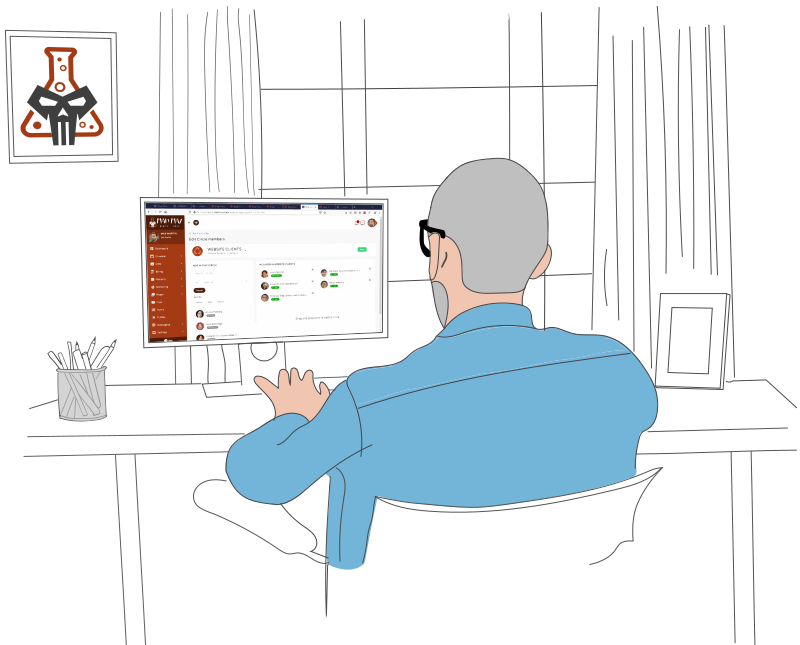
Core Appointment Scheduling Capabilities
Professional appointment scheduling software provides seven core capabilities that eliminate scheduling friction and boost team productivity.
1. Calendar Integration
Real-time calendar synchronization with Google Calendar, Outlook, or other calendar providers ensures scheduling conflicts never happen. Block off meetings, vacations, and prep time automatically. When someone books an appointment, your calendar updates instantly. Your team can’t accidentally double-book because the system pulls your actual availability, not assumptions.
Why it matters: Calendar conflicts are the #1 source of scheduling friction. Real-time integration means the calendar clients see is always accurate.
2. Client Booking Page
Create a custom booking page where clients see your real-time availability, select their preferred time, and self-service book appointments. No more “What times work for you?” emails. Clients see slots that actually work and complete booking in 30 seconds. You can customize the page to match your brand, ask screening questions, and collect payment if needed.
Why it matters: A booking page cuts appointment confirmation time from 3-5 emails to zero manual work. Clients don’t have to wait for your response to know if a time works. They see it, they book it, it’s confirmed.
3. Automated Reminders and Notifications
Send automated appointment reminders to clients 24 hours (or any interval) before their appointment. Reduce no-shows from 20-30% to near zero. Your team gets reminders too so they’re prepared. SMS, email, or in-app notifications keep both parties aligned.
Why it matters: Appointment reminders are the simplest way to reduce no-shows and confirm that clients haven’t forgotten. No-shows cause cascading scheduling problems for your entire day.
4. Timezone Handling
If your clients are across different timezones, manual scheduling is a nightmare. Scheduling software automatically detects your client’s timezone and displays availability in their local time. No more “Did they mean 2 PM EST or PST?” confusion. Both parties see the exact same time.
Why it matters: Timezone confusion causes wrong meeting times and missed appointments. Automatic timezone conversion is non-negotiable for any distributed team.
5. Appointment Types and Service Categories
Create different appointment types for different services. A 30-minute consultation is booked differently than a 2-hour strategy session. Different team members might handle different service types. Scheduling software lets clients see which services are available and only books them with the right person for that service type.
Why it matters: Service variety requires appointment flexibility. Scheduling software keeps everything organized by service type and team member.
6. Payment Collection and Deposits
Require upfront payment or deposit at booking time to reduce no-shows and ensure clients are committed. Process payments securely through Stripe, PayPal, or other providers. Some businesses make the deposit refundable if they cancel 48 hours in advance. Others keep it as a commitment fee.
Why it matters: Payment collection reduces flaky clients and funds your business. No-show rates drop when clients have skin in the game.
7. Team Member Scheduling and Availability
If you have multiple team members, each person can have their own availability. Clients only see slots that are actually available—when both the service and the person are free. When someone is on vacation, their calendar blocks automatically. When another team member picks up an appointment, the system knows who’s booked where.
Why it matters: Multi-person scheduling without central software creates chaos. Scheduling software prevents booking the same person twice or forgetting someone’s availability.
Why This Integration Matters
Professional appointment scheduling requires all seven capabilities working together. SuiteDash’s advantage: all six capabilities plus invoicing, proposals, project management, email marketing, and automations in one platform. Your sales team has complete customer context without leaving the app. When a deal closes, the team transitions to project management without re-entering customer data. When projects complete, invoices pull directly from tracked time. One interface. One shared data layer. Complete context.
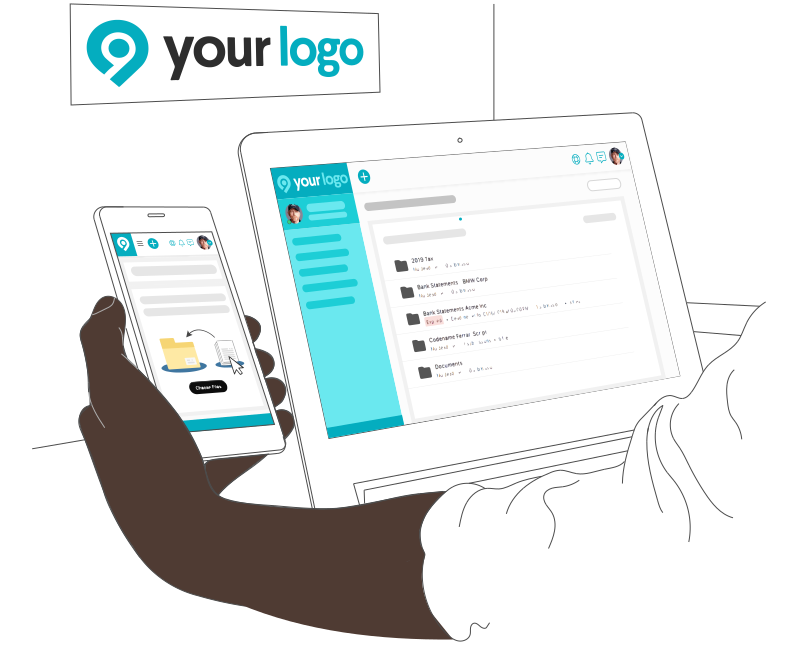
Who Uses Appointment Scheduling?
Appointment scheduling software is essential wherever clients book time with you. Almost every service business benefits from scheduling automation.
Consulting Firms and Agencies (strategy, marketing, design, HR consulting) book discovery calls, strategy sessions, and ongoing client meetings. Scheduling software replaces the “let me check my calendar and get back to you” email chain. Clients self-serve booking their consultation.
Sales Teams use scheduling software to eliminate friction from demo requests. Instead of “Do you have time for a demo?” emails, prospects book directly. Sales reps see confirmed meetings, not “maybes.” Demo attendance increases because prospects have it on their calendar immediately.
Professional Services (therapists, coaches, photographers, stylists, fitness trainers) manage recurring appointments and private sessions. Scheduling software sends reminders, prevents double-booking, and handles cancellation policies automatically. Clients can reschedule themselves instead of calling to change a time.
SMB Service Companies (lawn care, cleaning, plumbing, HVAC) use scheduling software to coordinate field team appointments. Clients book online, get confirmation instantly, and receive reminders so they’re home when the team arrives. Technicians know exactly which appointments are scheduled and can plan their routes efficiently.
Education and Training (tutoring, online courses, corporate training) schedule classes, private lessons, and office hours. Scheduling software handles group sessions, individual appointments, and recurring classes. Students book available slots; instructors manage capacity and availability.
Healthcare and Wellness (dental offices, medical practices, mental health clinics) need HIPAA-compliant scheduling. Scheduling software handles patient bookings, appointment reminders, and cancellations while protecting privacy. Reduces no-shows and administrative overhead.
What Size Business Benefits Most?
Solo consultants or coaches with 5+ regular clients benefit immediately. Scheduling software eliminates email back-and-forth. Clients can book recurring appointments without asking permission each time.
Small teams (2-5 people) see ROI immediately. Instead of one person being the “master calendar keeper” who everyone emails, each team member can have their own availability. Scheduling software coordinates across the team automatically.
Growing teams (5-50+ people) need system-wide scheduling coordination. Multiple locations, multiple team members, and varying availability require centralized scheduling. Scheduling software scales from simple to complex without adding overhead.
Any business where clients book time with team members benefits from scheduling software. The more clients you have, the more critical it becomes.
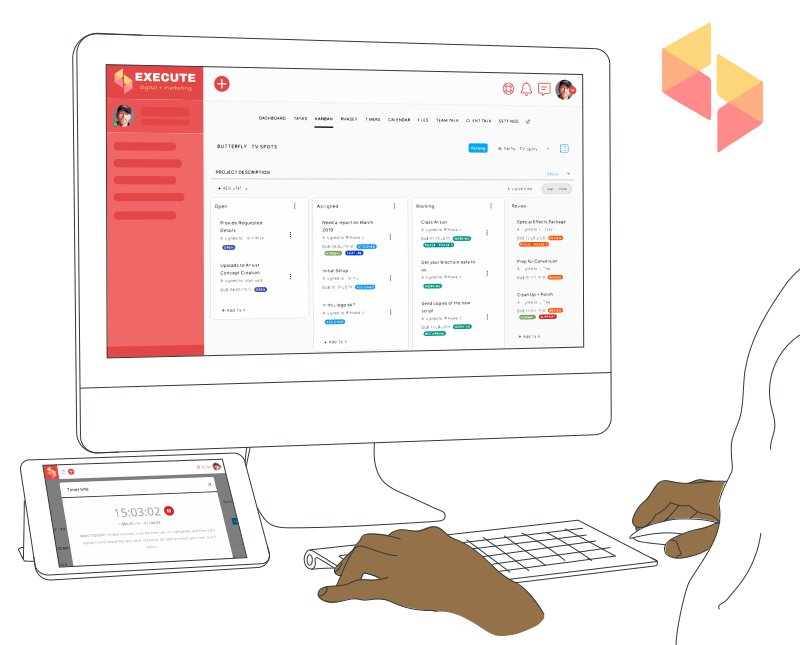
Scheduling vs. Manual Coordination
Manual appointment coordination using email, spreadsheets, or calendar invites is the default for many small businesses. It works—barely—until the volume scales.
The Problem
Here’s what happens without scheduling software:
- Client emails: “When can we schedule a call?”
- You check your calendar
- You reply with 3 time options
- Client picks one (then sometimes forgets to confirm)
- You send another email confirming
- You manually add it to their calendar or hope they do
- Appointment day: “Did they get the confirmation? Will they show up?”
Result: 5-7 emails per appointment. Clients who don’t show up. You checking your calendar 20+ times per day wondering who’s confirmed. Team members booking overlapping times. Timezone confusion. Wasted admin time that could be spent serving clients.
The SuiteDash Approach
Scheduling software plus CRM plus invoicing plus projects plus email marketing, all in one interface, all sharing the same customer database.
When a client books an appointment through your scheduling page, they’re in CRM. Appointment reminders go out automatically. When the appointment happens, it creates a project. When the project completes, invoicing is pre-populated. Clients can reschedule themselves through their portal. The entire customer journey is one integrated experience.
One interface. One shared data layer. From first booking to final invoice. No email. No spreadsheets. No manual coordination.
Why This Matters
Standalone scheduling tools are single-function. SuiteDash’s scheduling integrates with your entire business.
When clients book, they’re automatically in CRM. Appointment reminders reduce no-shows. When work is done, invoices are ready. Your entire service business works together, not as separate tools.

Key Features Checklist
When evaluating appointment scheduling software, look for these 12 essential features:
1. Calendar Integration
Sync with Google Calendar, Outlook, or Apple Calendar so available slots automatically update when you add meetings, vacations, or blocks. Prevents double-booking across all platforms.
2. Customizable Booking Page
Create a branded booking page that matches your website. Clients see real-time availability and can book in seconds. Customize colors, text, and add your logo so it feels integrated with your brand.
3. Automated Reminders
Send clients email or SMS reminders 24 hours (or any interval) before their appointment. Your team gets reminders too. Reduces no-shows dramatically—typically from 20-30% down to 5% or less.
4. Timezone Detection and Conversion
Automatically detect your client’s timezone and display availability in their local time. Both parties see the same appointment time without confusion. Critical for distributed teams or global clients.
5. Multiple Appointment Types
Create different services with different durations, pricing, and prep time. A 30-minute discovery call is booked differently than a 2-hour strategy session. Clients see all options and choose what fits their need.
6. Payment Collection at Booking
Require payment or deposit at booking time to reduce no-shows. Integrate Stripe, PayPal, or other payment processors. Some businesses keep deposits; others refund if cancellation happens 48+ hours in advance.
7. Team Member Calendars
Multiple team members each have their own availability. Clients book with the right person for their need. When a team member is on vacation, their calendar blocks automatically. No more double-booking or missed coordination.
8. Client Portal with Self-Service Rescheduling
Clients see their upcoming appointments in a personal portal and can reschedule themselves without emailing you. They pick a new time, the system confirms, and both parties get notifications. Zero admin work.
9. Screening Questions and Custom Fields
Ask clients custom questions during booking (budget, project scope, goals). Capture the information you need upfront so you’re prepared for the appointment. Responses auto-populate your CRM record.
10. Appointment Analytics and Reporting
See which services are most popular, which team members book fastest, which time slots fill first, and what your no-show rate is. Track which appointment types convert to revenue. Data helps you optimize your scheduling and pricing.
11. Video Call Integration
Generate Zoom, Google Meet, or Microsoft Teams links automatically with each appointment. Virtual meetings are confirmed with a single click—no “send me the link” emails. Works for both in-person and video appointments.
12. Cancellation and No-Show Policies
Set automatic cancellation policies (clients can cancel up to 48 hours in advance), define no-show policies (charge for missed appointments), and automate penalties. Some businesses require 2 cancellations before blocking a client. Configuration is flexible.
SuiteDash includes all 12 of these capabilities. Additionally, the same platform provides CRM, invoicing, projects, email marketing, automation, proposals, and client portals. Appointment booking, CRM, project management, and invoicing all work together. You’re not building a tool stack. You’re using one integrated system.
How to Choose Scheduling Software
1. Count Your Appointment Types and Team Size
Solo consultant: One service type. One calendar. Simple scheduling is sufficient.
Small team (2-5 people): Multiple service types, multiple team members with different availability. Need calendar coordination to prevent double-booking.
Larger team (5-50+ people): Complex scheduling with different service categories, locations, and team members. Need robust reporting and team coordination.
2. Determine Your Primary Customer Channel
Website booking: Embed a booking widget on your website. Clients self-serve book without leaving your site. This is the primary growth driver for most service businesses.
Social media and email booking: Share your scheduling link on Instagram, Facebook, or email campaigns. Scheduling software generates shareable links so prospects can book directly from your marketing channels.
CRM-generated booking links: Generate personalized booking links in your CRM. After a sales call, send the prospect your calendar link. They self-serve book without emailing back and forth.
3. Evaluate No-Show Risk
High no-show rate: If more than 10% of appointments don’t happen, prioritize scheduling software with reminders, deposits, and cancellation policies. This is your biggest ROI driver.
Low no-show rate: If your no-show rate is under 5%, basic scheduling features are sufficient. Focus on other optimization opportunities.
Distributed clients: If your clients are across multiple timezones, timezone handling is critical. Without it, scheduling becomes a nightmare.
4. Calculate ROI by Eliminating Email
Time savings calculation: Each appointment normally takes 5-7 scheduling emails. If you average 10 appointments per week, that’s 50-70 emails per week. At 3 minutes per email (read, write, send), that’s 150-210 minutes per week. Scheduling software saves 2-3 hours per week for one person. Multiply by your team size for full ROI.
No-show recovery: If scheduling software reduces no-shows from 25% to 5%, that’s huge. Assuming 20 appointments per month at $200 per appointment, reducing no-shows by 20% = $4,000 per month recovered revenue.
Implementation ROI: Scheduling software typically pays for itself within 1 month through time savings and no-show reduction. If your team spends even 5 hours per week on scheduling coordination, scheduling software is a no-brainer investment.
5. Assess Integration with Existing Tools
Standalone scheduling tool: Requires separate payment processing, email notifications, CRM integration (if needed). Data lives in yet another platform.
Integrated scheduling (SuiteDash): Scheduling, CRM, invoicing, projects all connected. Client books appointment → enters CRM → creates project → enables invoicing. One platform, one data source, zero integration headaches.
Implementation advantage: Integrated scheduling is faster to implement because data doesn’t need to sync between multiple systems.
One seamless workflow. Zero data silos. Maximum efficiency.
SuiteDash’s Approach to Appointment Scheduling
SuiteDash’s scheduling isn’t positioned as best-in-class for complex enterprise needs. Calendly and Acuity handle advanced features. SuiteDash’s scheduling has a different philosophy: integration for service businesses that also need CRM, invoicing, and projects.
1. Scheduling Drives CRM
When a client books an appointment through your scheduling page, they’re automatically created in CRM with full context. Name, email, phone, timezone, appointment type, and screening question responses all captured automatically.
No manual contact entry. No duplicate records. No copy-paste from one system to another. One booking creates one contact that feeds the entire business.
2. Appointment Data Flows to Projects and Invoicing
When an appointment happens, it automatically creates a project in SuiteDash with the client pre-populated, the appointment date set as the start, and the service type assigned. Your team doesn’t manually create projects—they’re generated from appointments.
When project work completes, invoicing is pre-populated with the correct client, service type, and timeline. No re-entry. No manual data transfer.
3. Clients Control Their Own Rescheduling
Clients access their account portal and see upcoming appointments. If they need to reschedule, they pick a new time slot immediately. Both parties get notified. Your team spends zero time on “Can you move my appointment to Thursday?” emails.
No integration required. No middleware. One workflow across multiple modules.
Real Example: Consultant’s Day Transformation
A marketing consultant without scheduling software spends 2-3 hours per day managing appointment emails. “When are you available?” “Here are 3 times.” “I’ll take 2 PM.” “Can you do 2:15 instead?” Back and forth, back and forth. Calendar conflicts happen. Clients don’t show up because the confirmation got buried in email.
With SuiteDash scheduling, the consultant adds 5 open consultation slots to their booking page. Prospect clicks the booking link. They see available times in their timezone. They pick 2:00 PM on Wednesday. Boom. Appointment confirmed. Automatically in the consultant’s calendar. Automatically in CRM. Automatically generates a project placeholder. Reminder goes out 24 hours before.
No emails. No back-and-forth. No calendar conflicts. One booking takes 60 seconds instead of 6 emails. The consultant reclaims 10+ hours per week.
This is what integration means. It’s not just “all your tools in one tab.” It’s your scheduling, CRM, projects, and invoicing working together automatically. One client. One record. One integrated journey.
Appointment Scheduling: Frequently Asked Questions
What is appointment scheduling software?
Appointment scheduling software automates the booking process, displaying your real-time availability so clients can self-serve book appointments without email. It syncs with your calendar (Google Calendar, Outlook, etc.), sends automated reminders, prevents double-booking, and handles timezone conversions. Scheduling software eliminates the “when are you available?” email chain entirely. Clients see open slots, pick a time, and the appointment is instantly confirmed for both parties. It’s the solution to appointment-related admin overhead.
What are the core features of appointment scheduling software?
Core scheduling features include calendar integration (sync with Google Calendar, Outlook, Apple Calendar), a client-facing booking page, automated reminder notifications (email/SMS), timezone detection, multiple appointment types, team member availability management, payment collection at booking, and cancellation policies. Advanced scheduling software adds screening questions, custom intake forms, video call link generation (Zoom/Teams/Google Meet), client self-service rescheduling, and appointment analytics. The right feature set depends on your team size, geography, and how many appointment types you offer.
Why do businesses need appointment scheduling software?
Scheduling software eliminates the time drain of appointment coordination. Without it, someone spends 2-3 hours per day managing “when are you free?” emails. Scheduling software cuts this to zero. It also reduces no-shows (typically from 20-25% down to 5%), prevents calendar conflicts, handles timezone confusion automatically, and lets clients reschedule themselves without bothering your team. The ROI is immediate: reclaim 10+ hours per week per team member, reduce no-shows by 50%+.
What’s the difference between scheduling software and a calendar?
A calendar is a one-way view of your schedule. You know when you’re free, but clients have to email to ask. Scheduling software is bidirectional: clients see your real-time availability, select a time, and the appointment is immediately confirmed for both parties. A calendar shows appointments after they’re booked; scheduling software prevents the 5-7 booking emails that normally happen. It also handles reminders, cancellations, rescheduling, timezone conversions, and often payment collection—all automatically. Scheduling software = calendar + coordination + automation.
How does scheduling software improve team productivity?
Scheduling software eliminates the time spent on appointment coordination emails, calendar checking, and “did they get the confirmation?” follow-ups. One booking page replaces 5-7 emails per appointment. For a team of 5 people averaging 10 appointments per week each (50 total), that’s 250-350 emails eliminated per week. At 3 minutes per email, that’s 12-17 hours per week reclaimed. Productivity doesn’t just improve—team members can focus on actual client work instead of scheduling administration.
What’s the typical cost of scheduling software?
Standalone CRM tools like Salesforce cost $165-330/month per user, HubSpot ranges $50-3,200/month depending on tier, and Pipedrive costs $29-99/month per user. All-in-one platforms like SuiteDash cost $14-69/month per user and include CRM plus projects, invoicing, LMS, and other tools. ROI is typically calculated by comparing implementation cost against revenue acceleration (faster sales cycle, fewer lost deals, better customer retention). For most teams, CRM pays for itself within 3-6 months.
How long does it take to implement CRM software?
Complex CRM systems like Salesforce take 3-6 months for full implementation, including setup, customization, data migration, team training, and workflow design. Mid-market CRM tools like HubSpot take 4-8 weeks. Simpler CRM platforms can be set up and running in 1-2 weeks. Implementation timeline depends on data migration complexity (especially from spreadsheets), the number of custom workflows required, and team size. Faster implementation CRM systems are generally easier to learn, which reduces training time and accelerates adoption.
What industries benefit most from CRM software?
Any business with a sales team benefits from CRM. High-value industries include B2B services (consulting, agencies), direct sales (insurance, real estate, cars), service businesses (construction, HVAC, plumbing), professional services (law, accounting), nonprofits (donor management), and high-ticket e-commerce (jewelry, boats). Industries with longer sales cycles (6+ weeks) see more dramatic CRM value than quick-close businesses. Businesses where customer retention matters (subscription services, membership organizations) also highly value CRM’s ability to track and automate customer activities.
Can CRM work for small teams or solo freelancers?
Yes, but the value scales with team size. A solo freelancer with a handful of clients may not need CRM features like pipeline visualization or permission levels. Once you have 5+ clients with staggered projects or active sales pipeline, CRM becomes valuable for tracking follow-ups and remembering history. Small teams (2-5 people) see immediate value from pipeline visibility and activity logging preventing miscommunication. The key question: Do you have prospects and clients you need to track, and do multiple people need access? If yes, CRM adds value regardless of size.
How does CRM integrate with other business software?
Most modern CRM platforms integrate with email providers (Gmail, Outlook), calendar tools (Google Calendar), payment processors, and accounting software (QuickBooks). They also offer Zapier integration (connecting to 6,000+ other apps) and API access for custom integrations. Integration depth varies by CRM tool; some synchronize data in real-time, while others are one-way. All-in-one platforms like SuiteDash reduce integration need because invoicing, projects, email marketing, and other tools are all in one system. No syncing required between modules.
See How CRM Connects with SuiteDash
CRM is one piece of the integrated SuiteDash platform. Explore how it works with other modules:
CRM + Invoicing — Close deals and generate invoices from the same contact record.
CRM + Projects — Transition won deals to active projects without re-entering data.
CRM + Automation — Trigger workflows across modules when deals close, contacts are created, or tasks complete.
CRM + Email Marketing — Nurture prospects and retain clients using the same contact database.